
Question
Drop shadows change in appearance when rasterizing
If you look at the images below, the first image is how the drop shadows look before rasterizing. This is how I intend for them to look. The second image is how they look after rasterizing (Layer-Flatten Image). The drop shadow is thinner than intended. 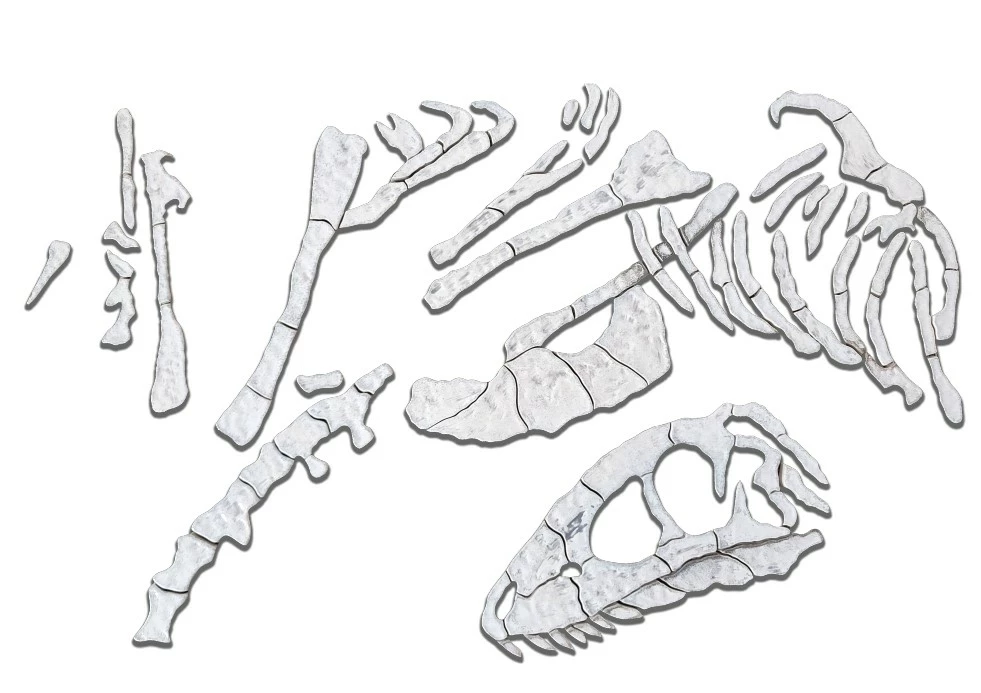
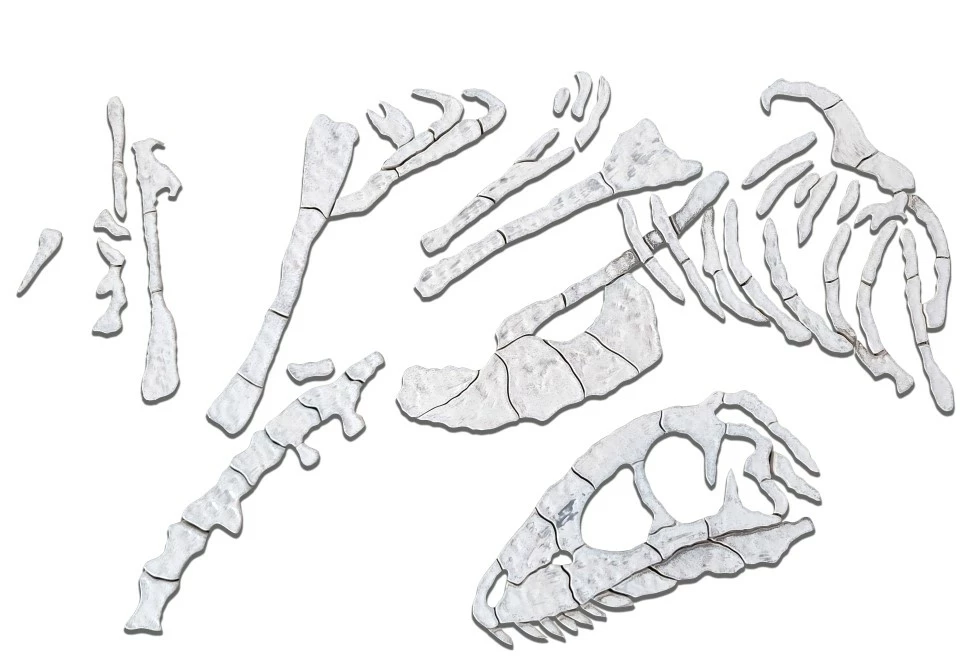
I have tried making the drop shadow a layer but it still changes in appearance when I do that.
I have to export this image as a JPG and I want it to look the same as it does when it's a PSD.
I am using Windows 10, version 24.7 Photoshop.
Help would be appreciated!
 AdChoices