
Nooner911
Known Participant
July 21, 2018
Question

Dual monitor now too big on one

  • July 21, 2018
  • 3 replies
  • 1416 views

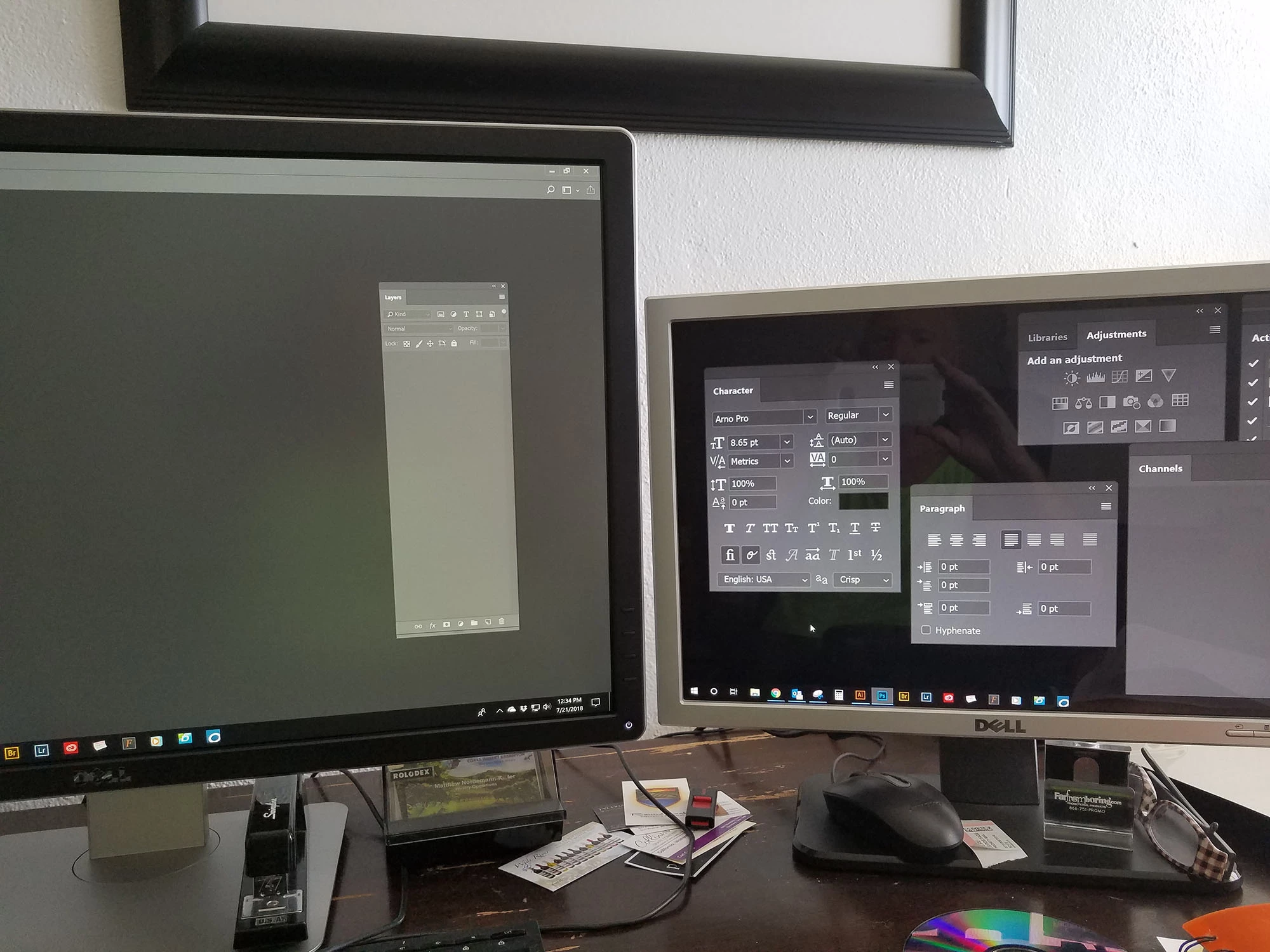
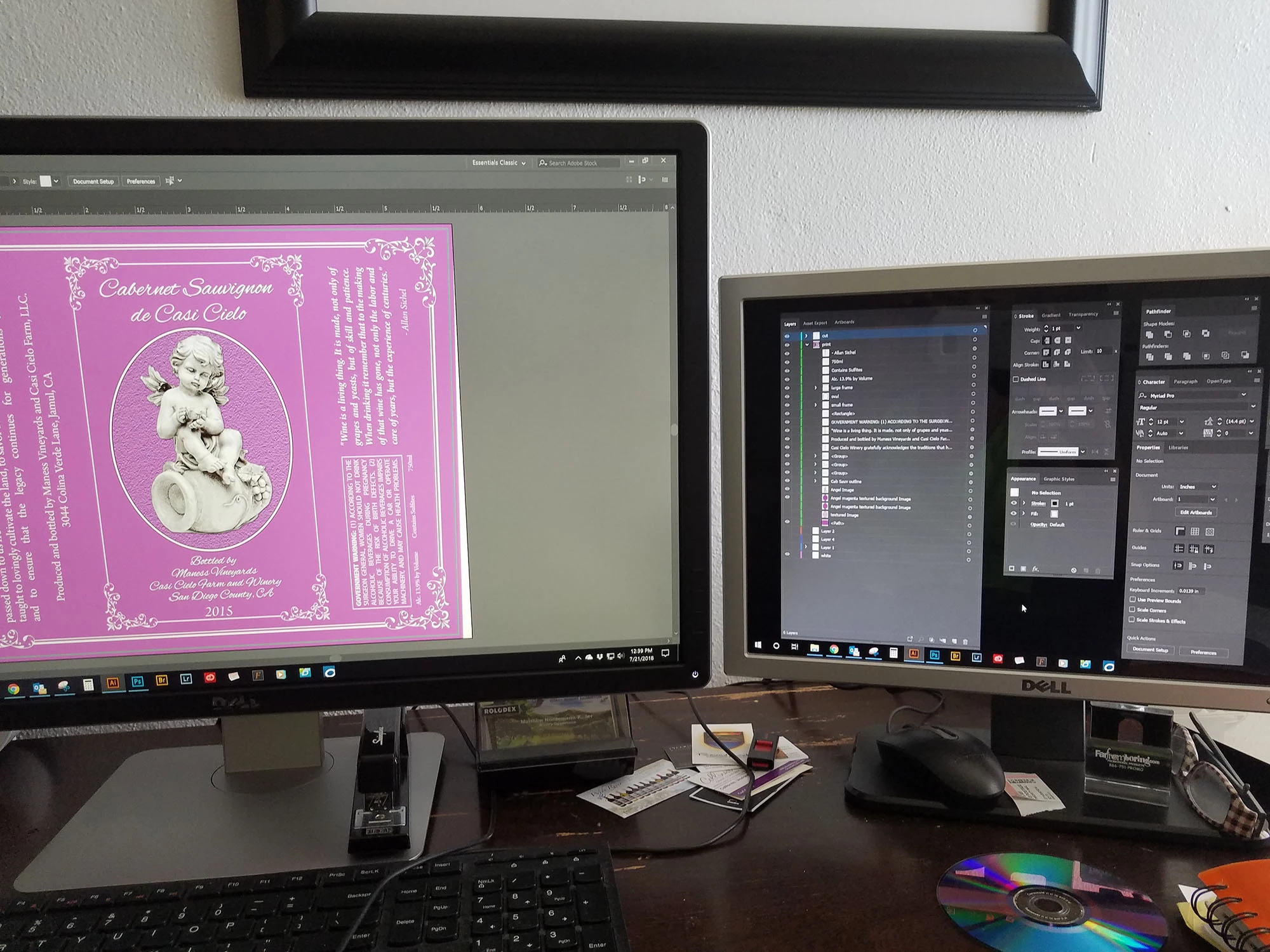
I just got a new 4K monitor, and also have an older lower resolution monitor that I use for the photoshop windows (layers, etc). The new monitor looks great, but the smaller monitor now shows the windows HUGE. This only happens in Photoshop and not Illustrator, which makes me think it is not a windows issue. Everything else I bring from one screen to the other looks fine in other programs, but Photoshop no. I've googled a bit and tried different setting in the photoshop properties but nothing has worked. Any suggestions?

Photoshop
Illustrator
    This topic has been closed for replies.

    3 replies

    July 22, 2018

    It looks like you're running Photoshop on the 4K with the UI scaling set to 200%. Won't that be having the same effect on the other monitor if they're both running off the same instance of PS?

    Have you tried setting the scaling in PS to 100% to see if the menus on the smaller monitor shrink?

    Trevor.Dennis
    Community Expert
    Community Expert
    July 22, 2018

    Check the Windows Display settings.  You can use different settings for each monitor

    Nooner911
    Nooner911Author
    Known Participant
    July 22, 2018

    Thanks.  I did try that first with no change.

    kglad
    Community Expert
    Community Expert
    July 21, 2018