
Edit text in picture
There is only one word in the image, the files are very small, some letters are a little faded, the text does not have a font, it is written with a drawing, how can I go over this text and create a higher quality version?
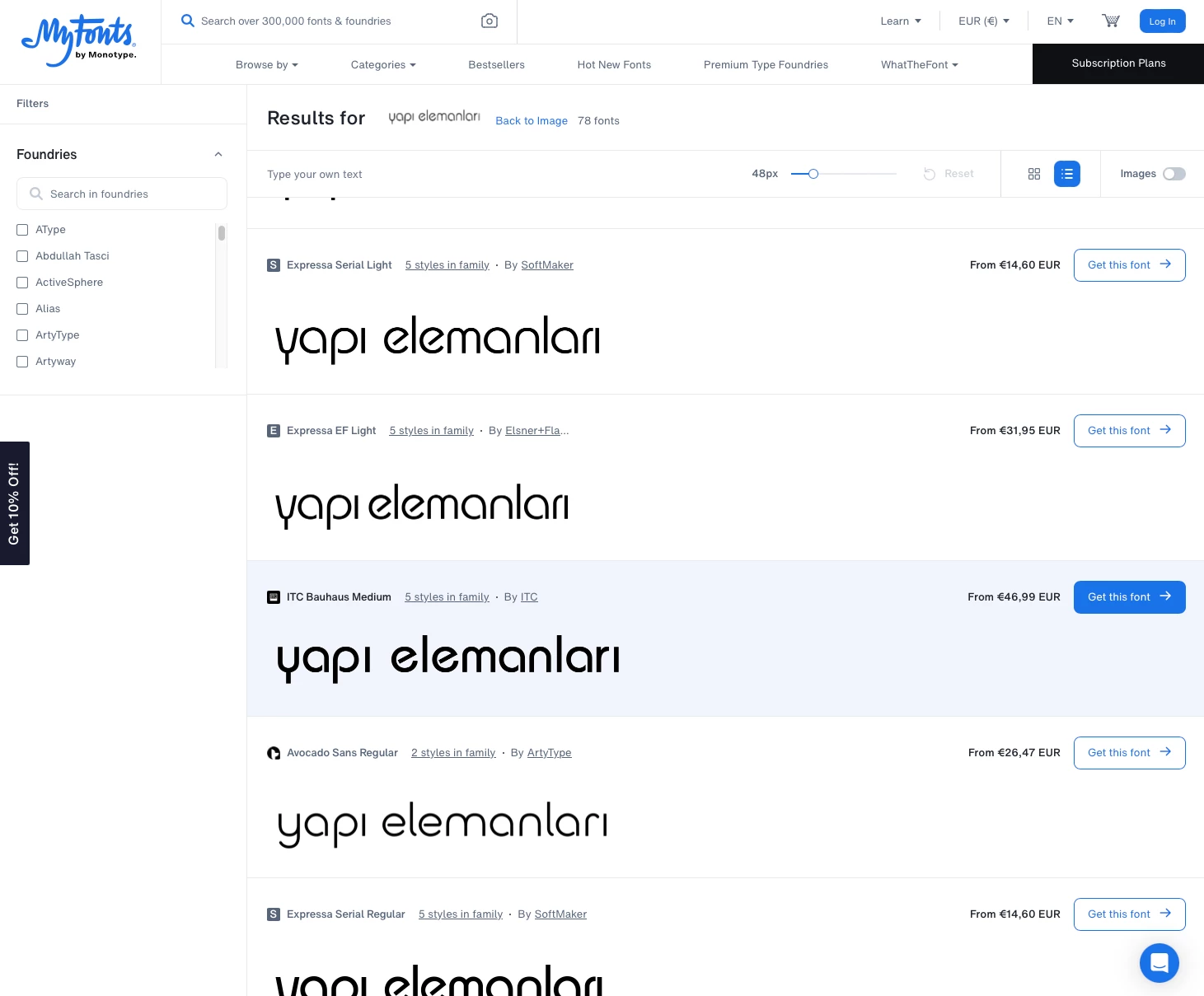
I suppose you can either build the letters yourself or use whatthefont (or some other font identification help, Photoshop’s »Match Font« didn’t do too well) to identify the font.
Might be ITC Bauhaus (see screenshot).

Already have an account? Login
Enter your E-mail address. We'll send you an e-mail with instructions to reset your password.