
Inspiring
February 13, 2025
Question

EDIT TYPE IN PNG?

  • February 13, 2025
  • 2 replies
  • 316 views

Is this possible.  I try to follow the help direction for editing typ but I can't select the type.  When I go to the type tool and then to where I want to change the type, it instead puts what looks like script Lorem Ipsum.


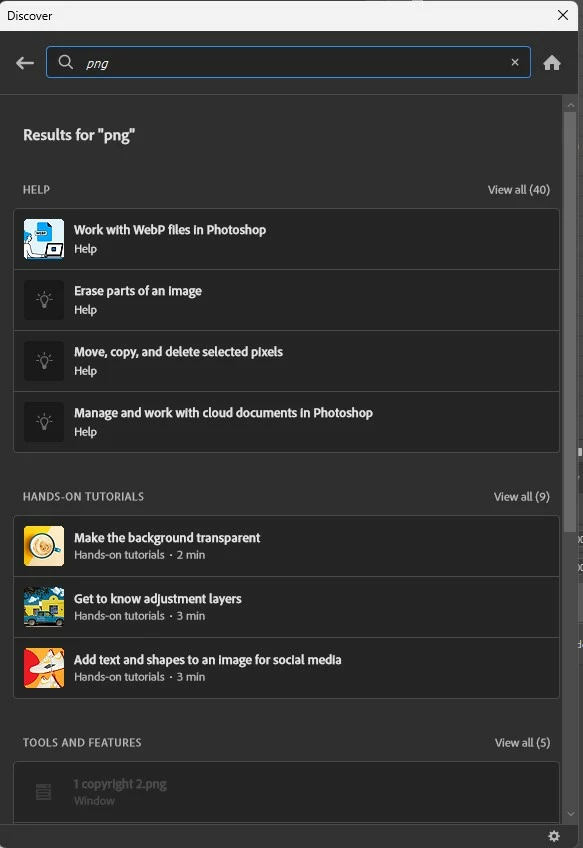
I don't remember how I created the png, and I have a PSD with the right type I could replace it with but in help it doesn't give a choice to do so.  Seems like this should all be so simple.  Unbelievable how useless the help is.  I search for creat png, and nothing relevant so then just png.  and stell get a whole list of generalized things to spend hours reading it seems.
2 replies

Stephen Marsh
Community Expert
Community Expert
February 13, 2025

Just adding to the reply from @Semaphoric, If you have a layered PSD/TIFF/PDF version edit that.


If you only have the PNG, then the text and other layers have been merged to a single layer, so you will need to retouch out the existing text and add new text. Keep a PSD version for editing, and save out another PNG.

Inspiring
February 14, 2025

I have a corrected PSD version, but when I want to save 'as', png isn't a choice.  I don't remember how I did before and didn't find png in search of manual.

Stephen Marsh
Community Expert
Community Expert
February 14, 2025

@robirdman1 wrote:

I have a corrected PSD version, but when I want to save 'as', png isn't a choice.  I don't remember how I did before and didn't find png in search of manual.


For PNG, you can:


1)  Save a Copy


2) Enable Legacy Save As in your Preferences/Settings in File Handling


3) Export As


4) Export Save for Web (Legacy)

Semaphoric
Community Expert
Community Expert
February 13, 2025

Once a file is saved as anything other than a .PSD any type is no longer editable. You can add new type, though. The Lorem Ipsum is placeholder text, and is replaced once you start typing. You can turn that off in the preferences if you don't like it.