bartonlew
Legend
August 4, 2021
Answered

editing an Action not working

  • August 4, 2021
  • 3 replies
  • 375 views

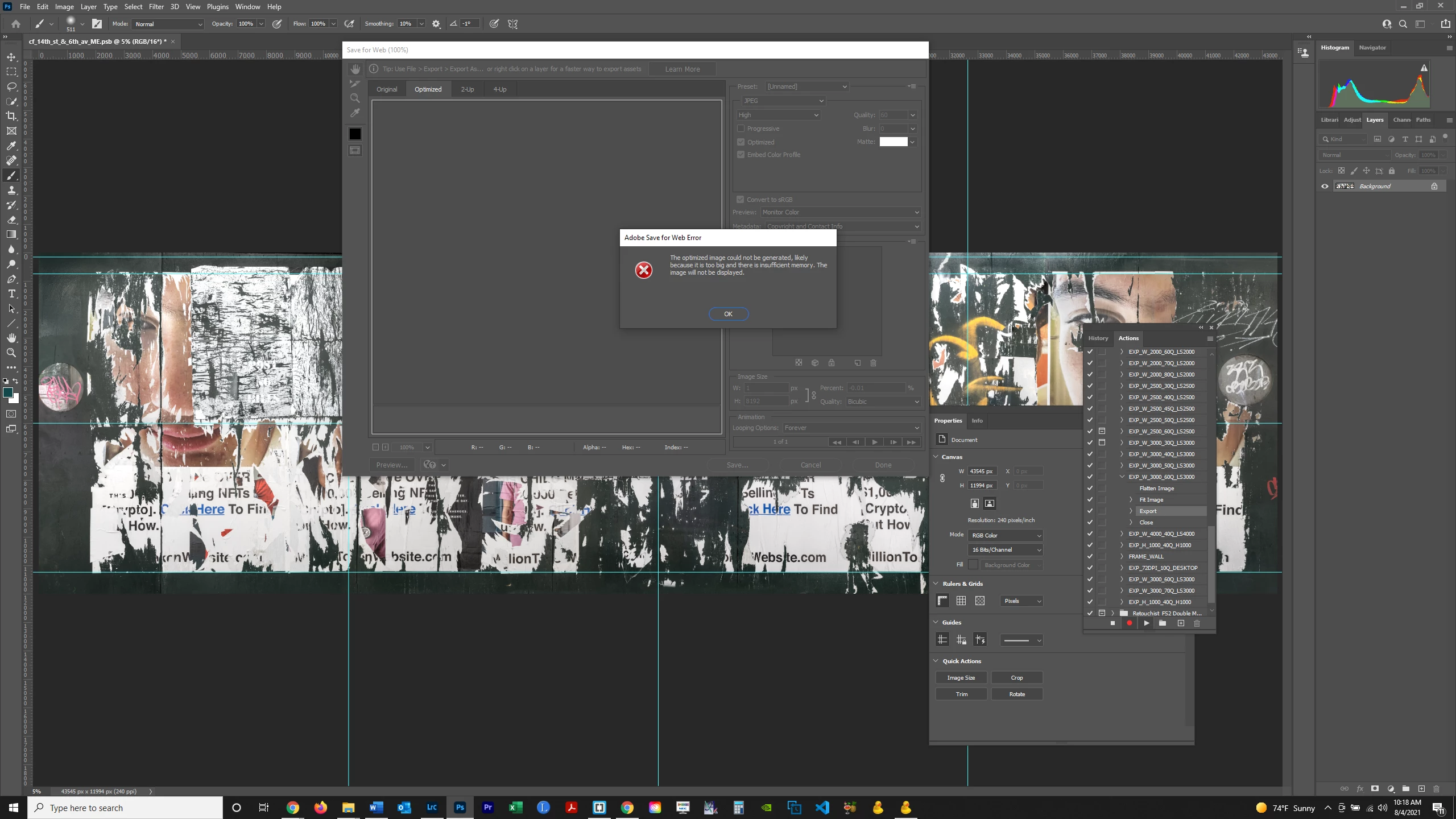
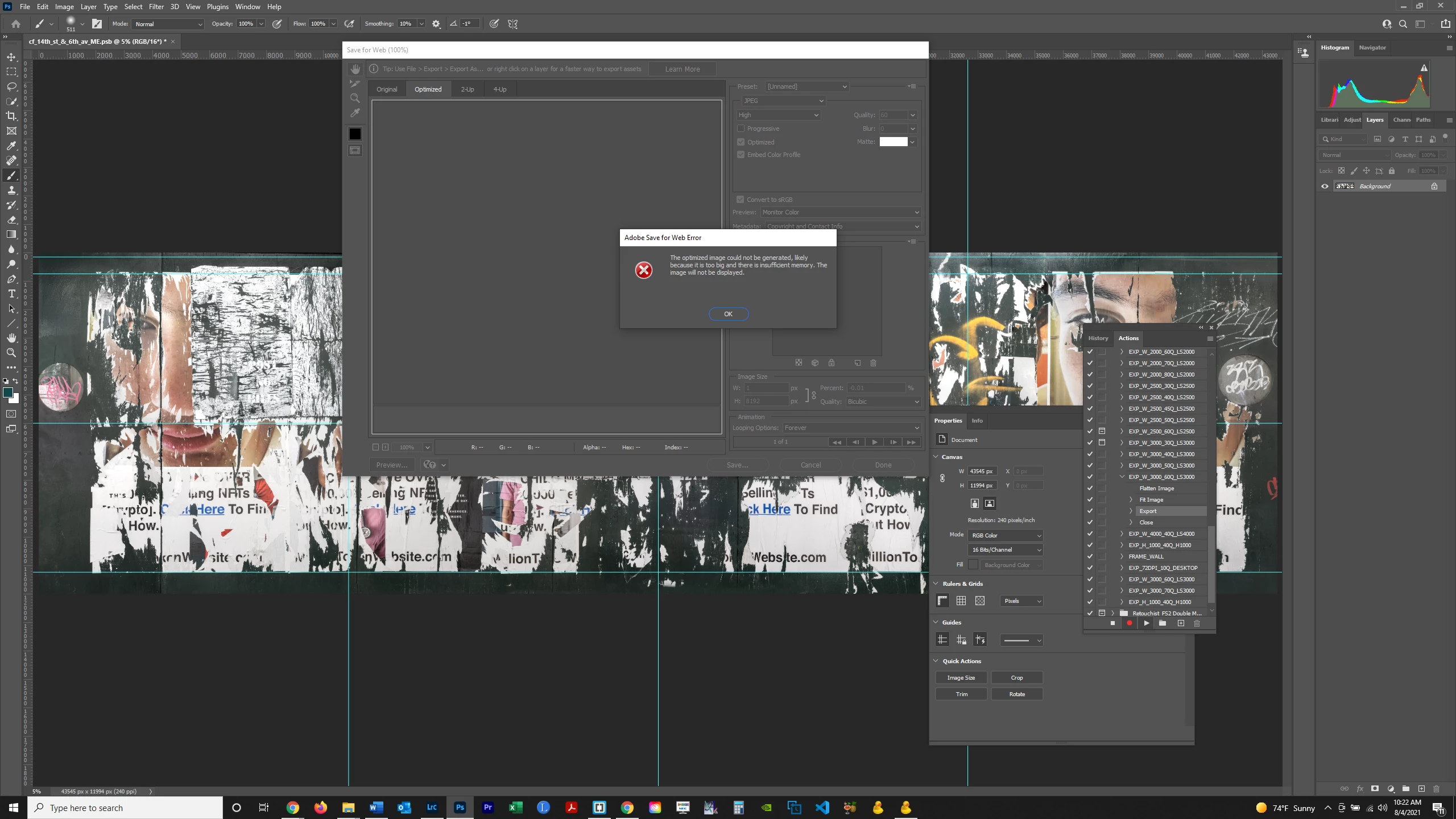
I need to rerecord an Action step, exporting the file to a different folder.  I highlighted the step, then clicked on the Action flyout menu and selected Record Again.  For some reason, the width of the image is given as 1 (see screenshot 1 below) adn an error message is generated, although a Fit Image value of 3000 px was entered in the previous step in the Action.  When I try to change the value of 1 to 3000, I get the message show in screenshot 2 below.  Can anyone help?  Thanks.  


This topic has been closed for replies.
Correct answer Bojan Živković11378569

Your image is tooo large. You must run Fit Image step before exporting. From what I can see your image is 43000 pixels so Fit Image did nothing, you must play that step. 


By the way, you can record step in action using any image, not image that you want to process, simply trash step and record it again. If you have steps to reduce file dimensions, for example, ensure that steps are invoked while testing action.

3 replies

JJMack
Community Expert
Community Expert
August 4, 2021

You state that Fit Image step width was set to 3000px clearly fit image is broken  in you install.  The ruler units look like its set to pixels and show canvas widths far greater then 3000 like 43000px   far larger then  export save for web supports.

Try clearing the Fits image dialog width field and make sure 3000 is entered not 43000. 


JJMack
Bojan Živković11378569
Community Expert
Community Expert
August 4, 2021

Your image is tooo large. You must run Fit Image step before exporting. From what I can see your image is 43000 pixels so Fit Image did nothing, you must play that step. 


By the way, you can record step in action using any image, not image that you want to process, simply trash step and record it again. If you have steps to reduce file dimensions, for example, ensure that steps are invoked while testing action.

Legend
August 4, 2021

Don't you think that the reason for the error is clearly indicated in the window?


 For some reason, the width of the image is given as 1 (see screenshot 1 below)


By @bartonlew


*sawe for web cannot process an image larger than 8192 px on either side. When this size is reached, it will decrease the scaling percentage until the size on one of the sides reaches this value. Try before exporting to reduce the size of the original image to acceptable values or use another way to save jpg

bartonlew
bartonlewAuthor
Legend
August 4, 2021

As I stated in my post, when I try to change the value from 1 to 3000 px, I get the error message shown in the screenshot attached to the post.