Participant
November 24, 2018
Answered

Editing an image to make the outline more bold

  • November 24, 2018
  • 2 replies
  • 20014 views

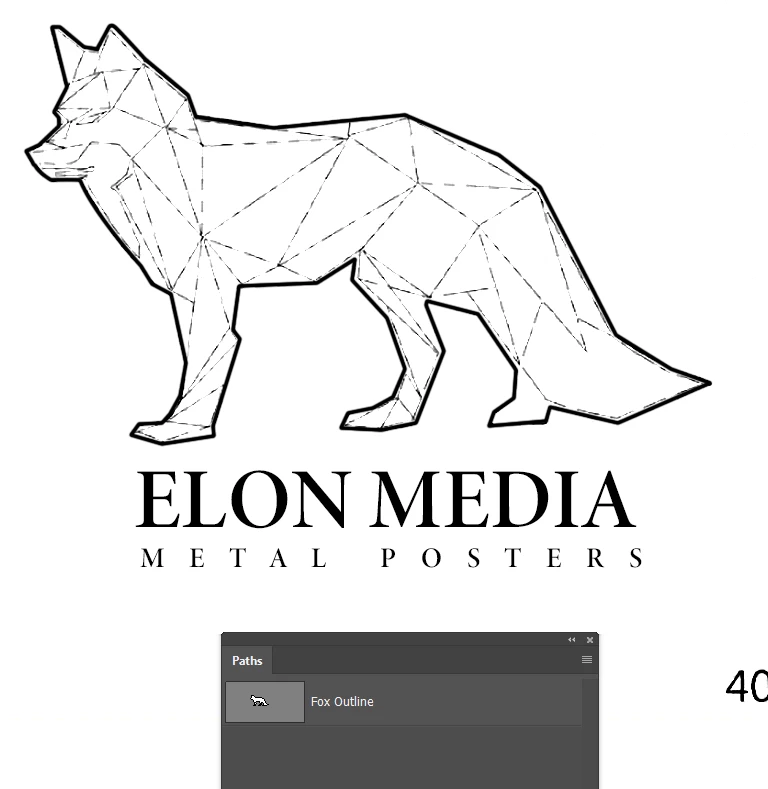
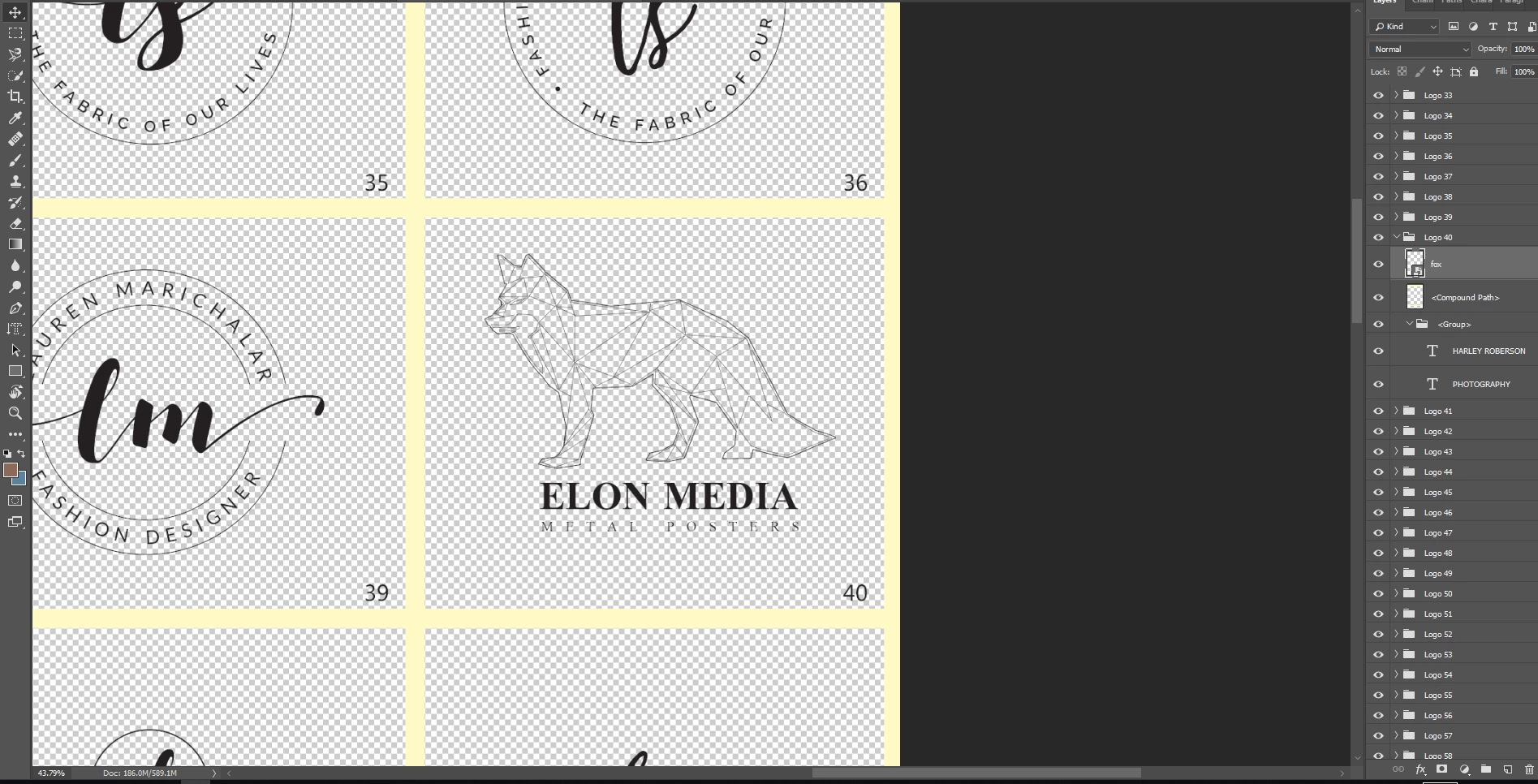
I'm in the process of making a new logo for my brand. I have everything I need, but I would like the image of the fox to be slightly thicker i.e. the lines to be slightly thicker. The fox image is a PNG file. Is there any way to do this?
Thank you

    This topic has been closed for replies.
    Correct answer Trevor.Dennis

    There you go. The outline and text,  in whatever the time between these two posts has been.

    2 replies

    Semaphoric
    Community Expert
    Community Expert
    November 25, 2018

    You could scale it up to 200%, run the Minimum filter, and scale it back down to 50%. You could skip the scaling, but I think it makes the results look nicer.

    Trevor.Dennis
    Community Expert
    Community Expert
    November 25, 2018

    Semaphoric  wrote

    You could scale it up to 200%, run the Minimum filter, and scale it back down to 50%. You could skip the scaling, but I think it makes the results look nicer.

    Hey, I just learned a new trick. Nice one.

    It still looks a bit ragged, and is crying out a rebuild as a vector object

    Semaphoric
    Community Expert
    Community Expert
    November 25, 2018

    > rebuild as a vector object

    Given all the straight line, I couldn't agree more.

    Trevor.Dennis
    Community Expert
    Community Expert
    November 24, 2018

    You have several options:

    1. Copy the fox layer and set its blend mode to Multiply.  This will move any pixels not already full black, towards full black, but it won't  make the lines thicker
    2. Paint over the fox with a brush set to Overlay.  This will have a similar result to #1
    3. There is only one truly viable approach to take, and that is to rebuild it as a Vector Object.  It's your brand for goodness sake, and it says a lot about your company.  As a vector graphic you will have total control over line thickness, colour etc.  You can use it any size and it will remain totally clean and smooth.  Combine the fox graphic with the text, and make  it a Smart Object, and drag it to a Library. It will be instantly available going forward.  It's an hours work for any half proficient graphic artist.
    Trevor.Dennis
    Community Expert
    Trevor.DennisCommunity ExpertCorrect answer
    Community Expert
    November 24, 2018

    There you go. The outline and text,  in whatever the time between these two posts has been.