
Known Participant
October 9, 2021
Answered

Editing Shape Properties after Masking

  • October 9, 2021
  • 3 replies
  • 4091 views

Hello,

I'm created a simple shape and applied a clipping mask to it. However, I am unhappy with the line thickness of the outside stroke. I selected the shape and went to the properties panel, but now it only shows the properties for a shape mask. Even when I switch the clipping masks back to regular layers the ellipse is still only showing shape mask properties. Is there a way around this?
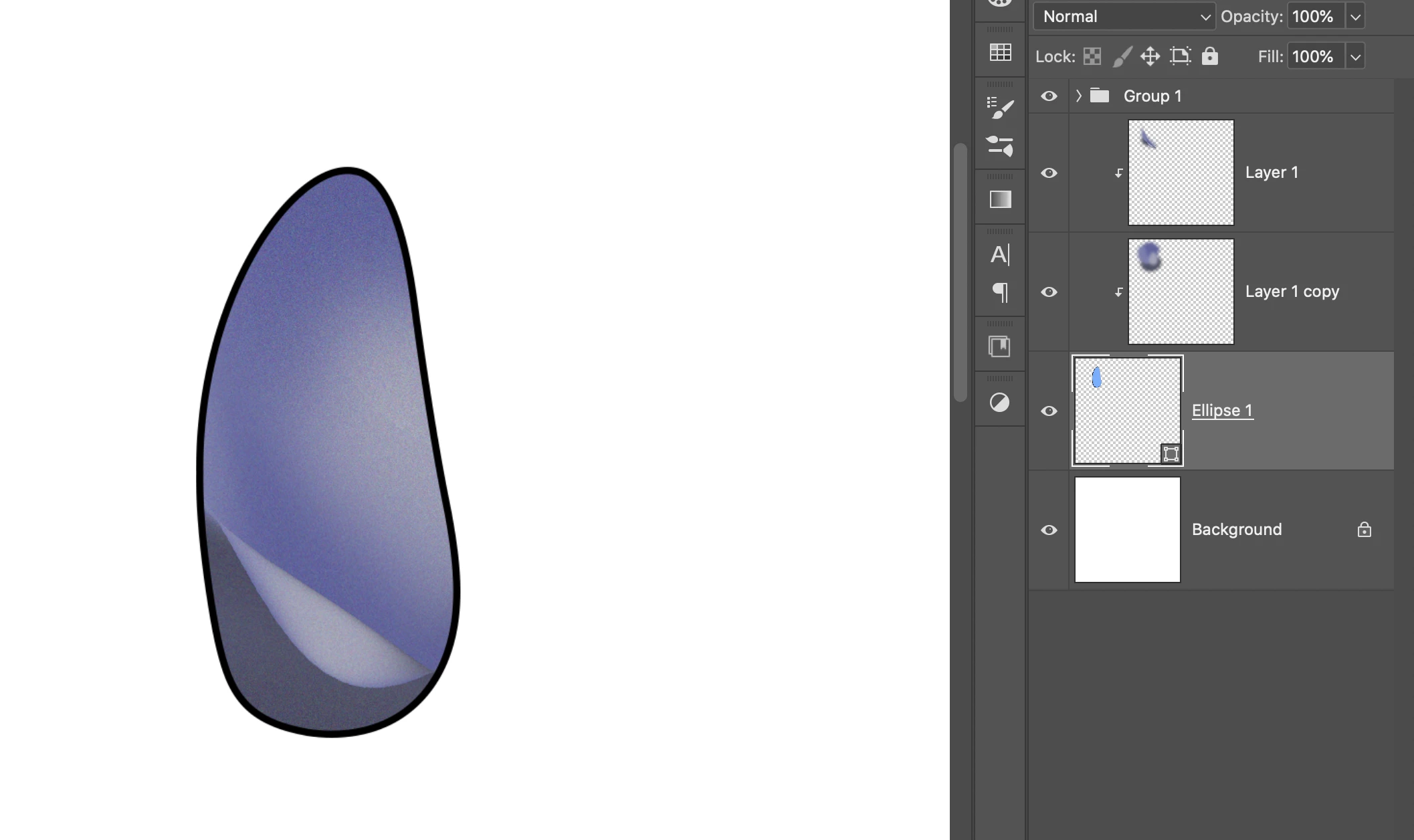
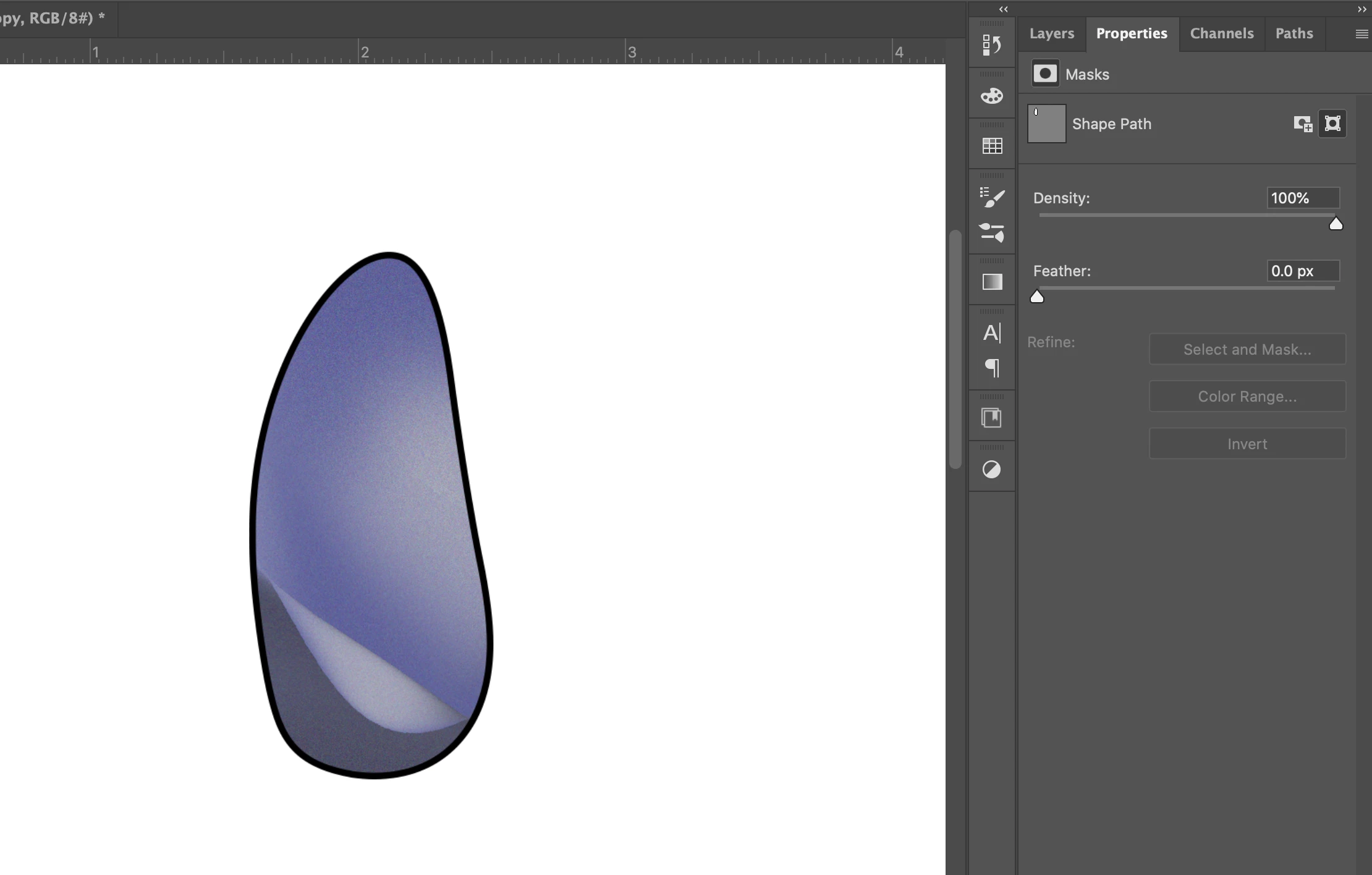


Thank you in advance!
 

Correct answer Jeff Arola

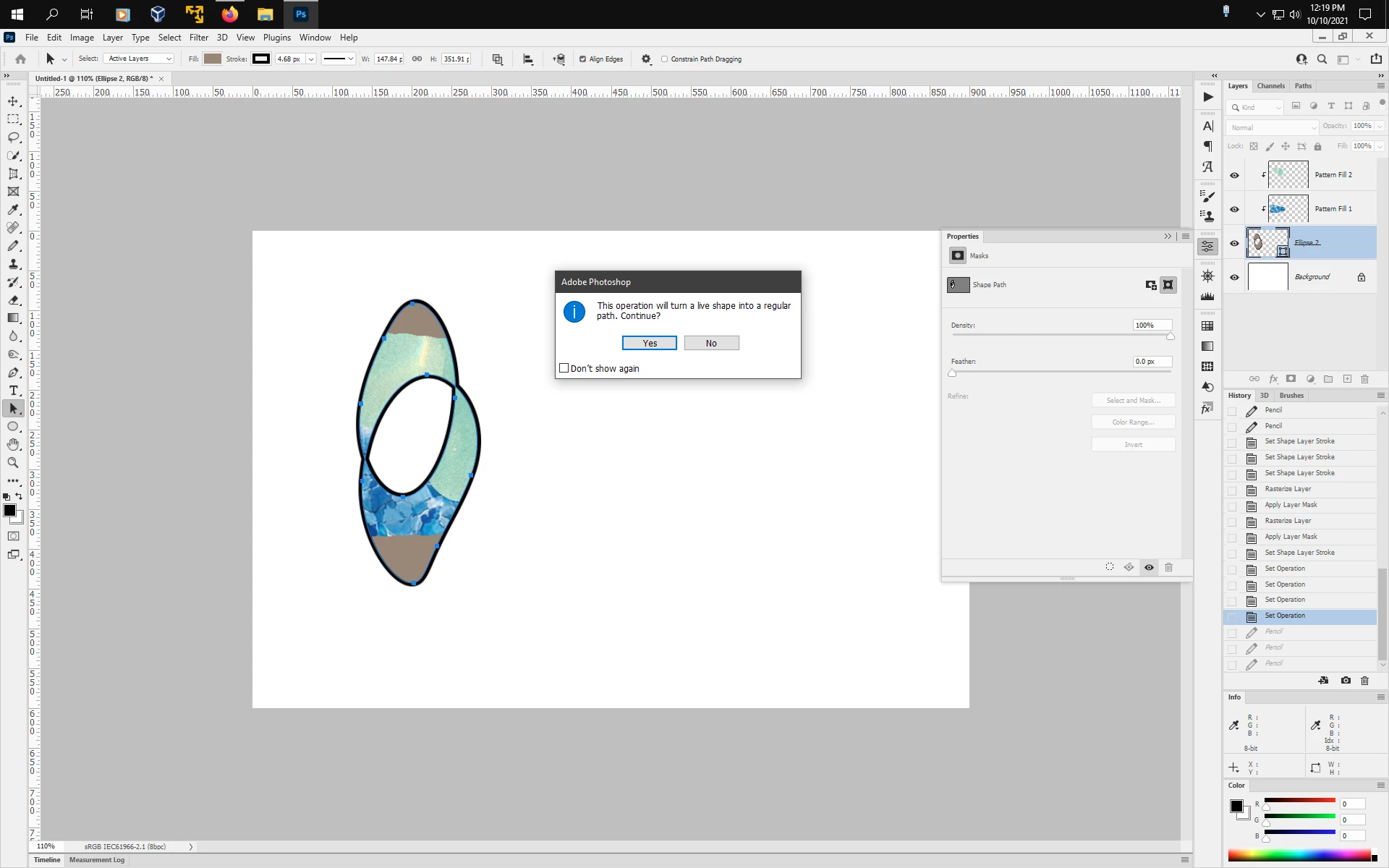
If you did any transform operations not available in the Shape Properties Panel, then that will turn the Shape into a regular path or a non live shape layer and then the Shape Properties will nor display any more.


3 replies

Jeff Arola
Community Expert
Jeff ArolaCommunity ExpertCorrect answer
Community Expert
October 10, 2021

If you did any transform operations not available in the Shape Properties Panel, then that will turn the Shape into a regular path or a non live shape layer and then the Shape Properties will nor display any more.


Meg CookAuthor
Known Participant
October 10, 2021

I see - thank you for that clarification! I did not get that pop up window when I applied the warp, so I had no idea!

JJMack
Community Expert
Community Expert
October 10, 2021

You can still change the stroke with the shape layer targeted and you have a vector tool active. You change the shape's stroke properties in the Tools Option Bar. It is still a shape that you can edit it is not dead.,

JJMack
Jeff Arola
Community Expert
Community Expert
October 10, 2021

As far as i can tell, only shapes created with one of the Shape Tools displays the Shapes Properties when clicking on the Shape layer thumbnail. Creating shapes using the pen tool or converting selections, paths or text to shapes does not display the Shape Properties when clicking on the Shape layer thumbnail in the layers panel.


Whether that's an oversight, bug or as intended, one can only speculate until an adobe employee comments on such.

Earth Oliver
Legend
October 10, 2021

good call. I had assumed they made the shape with the shape tool, but they probably used something else.

Earth Oliver
Legend
October 9, 2021

When asking about a potential bug, always include your OS and the exact version of Ps you're using.
I think the mods here need to make an effort to add a prompt for this info when creating new posts.

Meg CookAuthor
Known Participant
October 9, 2021

Sorry - I didn't think I was reporting a potential bug, I thought I was just not understanding a feature. 

PS: 2021

OS: Catalina - 10.15.7


However, I have found a way around the issue I reported. I can use the Path Selection Tool to select the shape and then edit the properties in the control bar.

Earth Oliver
Legend
October 10, 2021

the Properties should have fill and outline available, so there might be a bug if they're not visible. Was the issue just that shape or all shapes?