

Question
Editing under a 50% Soft Light Grain Layer bug
Hello,
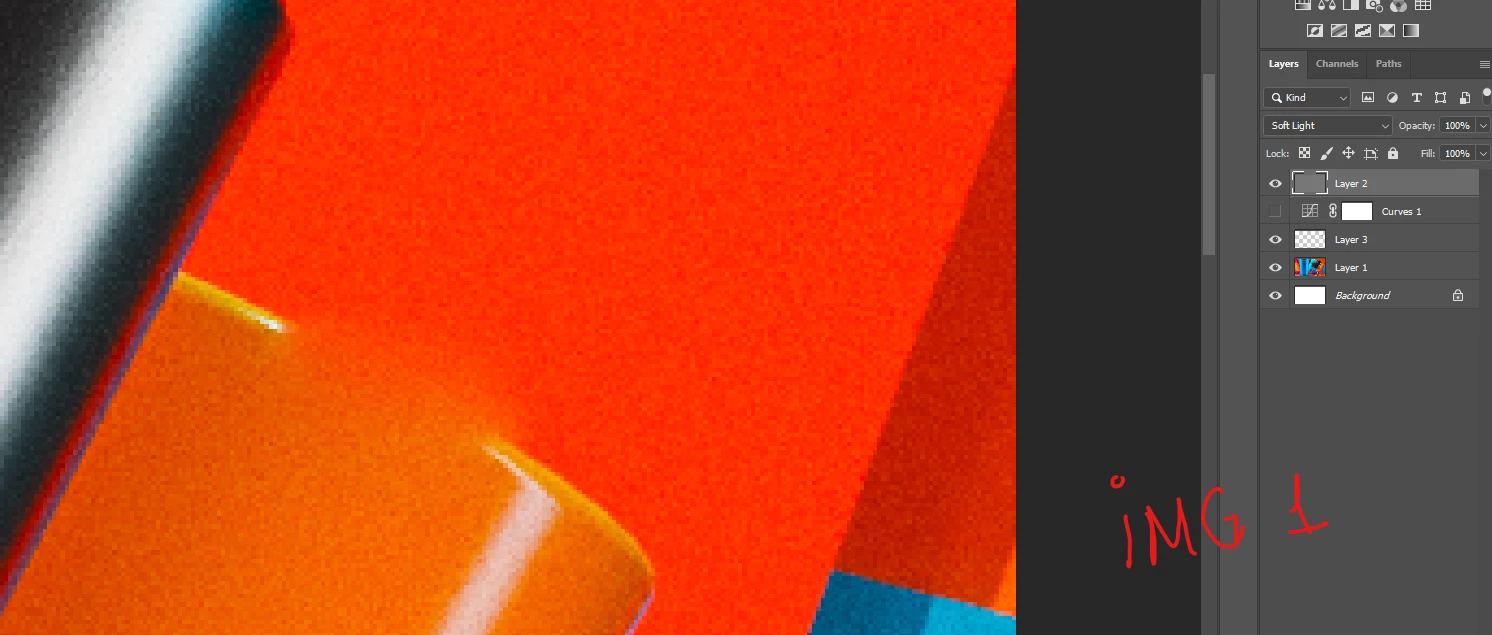
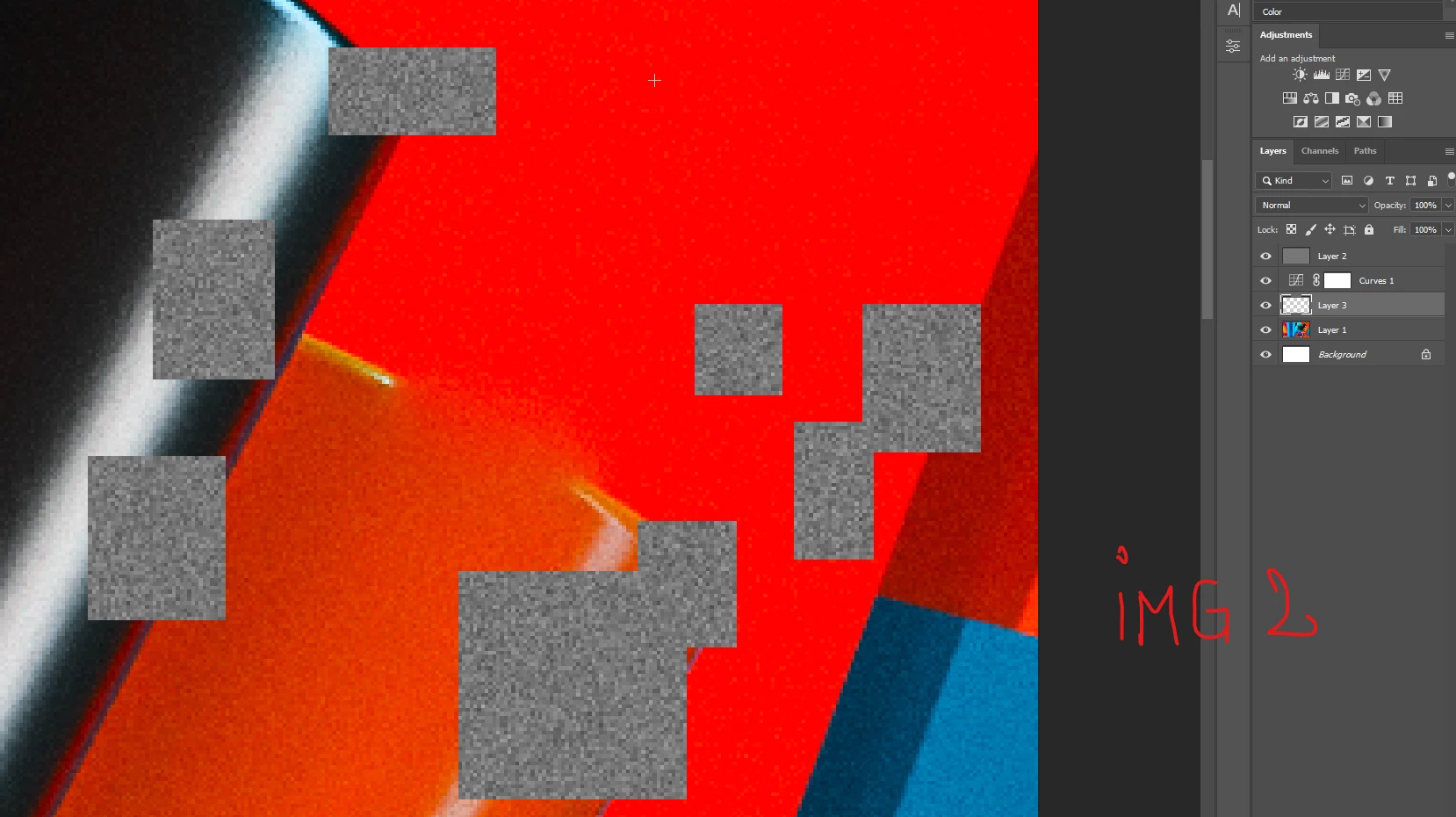
The problem is that if I have a 50% grain layer on any blending mode on top and under it some color correction, any changes I make with any brush under these layers I get the artifacts in the Image 2. This problem occured recently and if I zoom in and out or enable/disable the layer after I see the artiacts, it dissapears.
The layer order from to to bottom is:
50% gray layer with grain on it on soft light blending mode
curves layer with a random curve
empty layer where I use healing or cloning (the brushes are set to 'current & bellow')
background image
The version of PS is the last one 24.4.1 / Windows 11
 AdChoices