Participating Frequently
January 30, 2024
Question

elliptical marquee tool
  • January 30, 2024
  • 2 replies
  • 1016 views

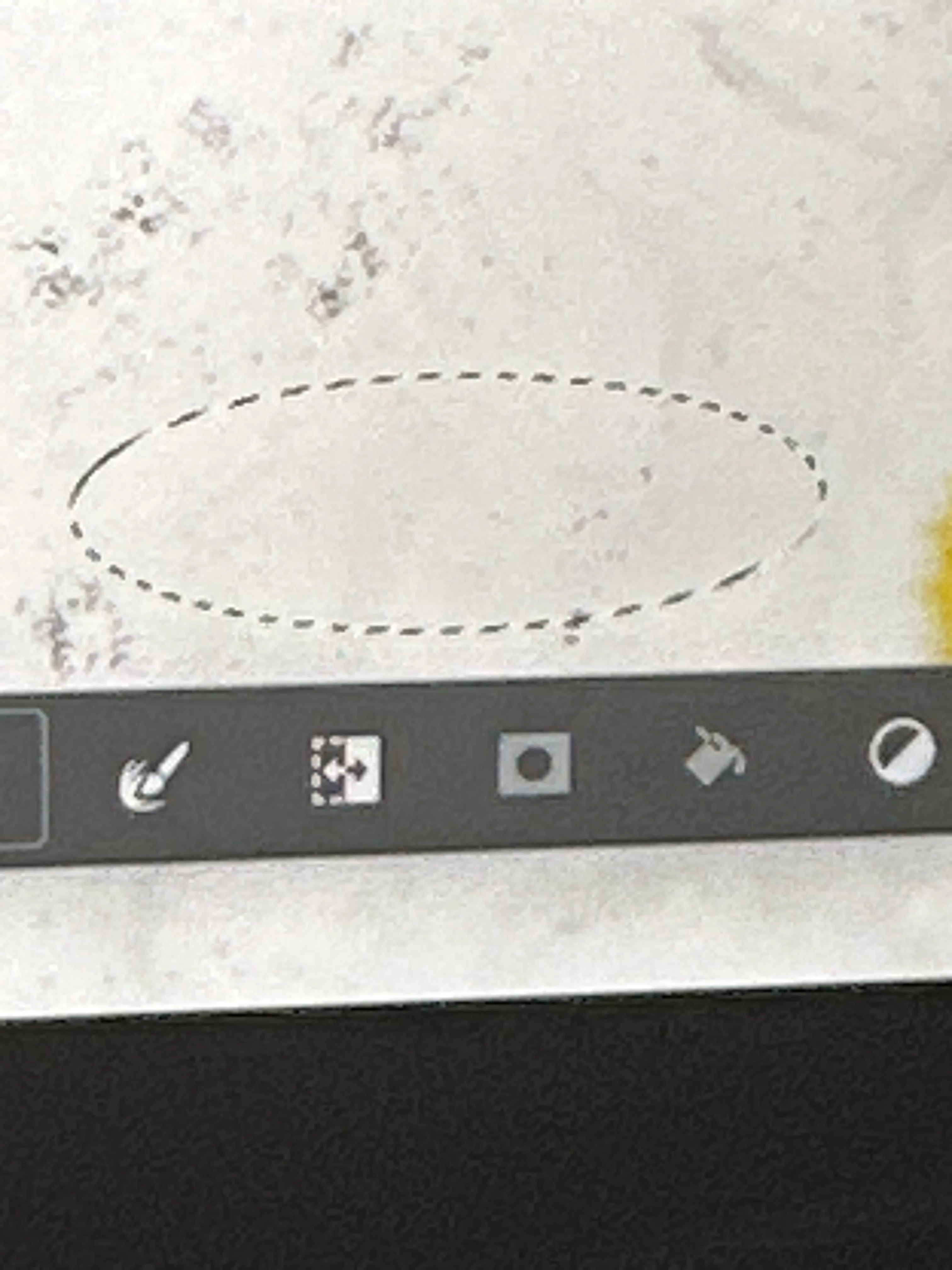
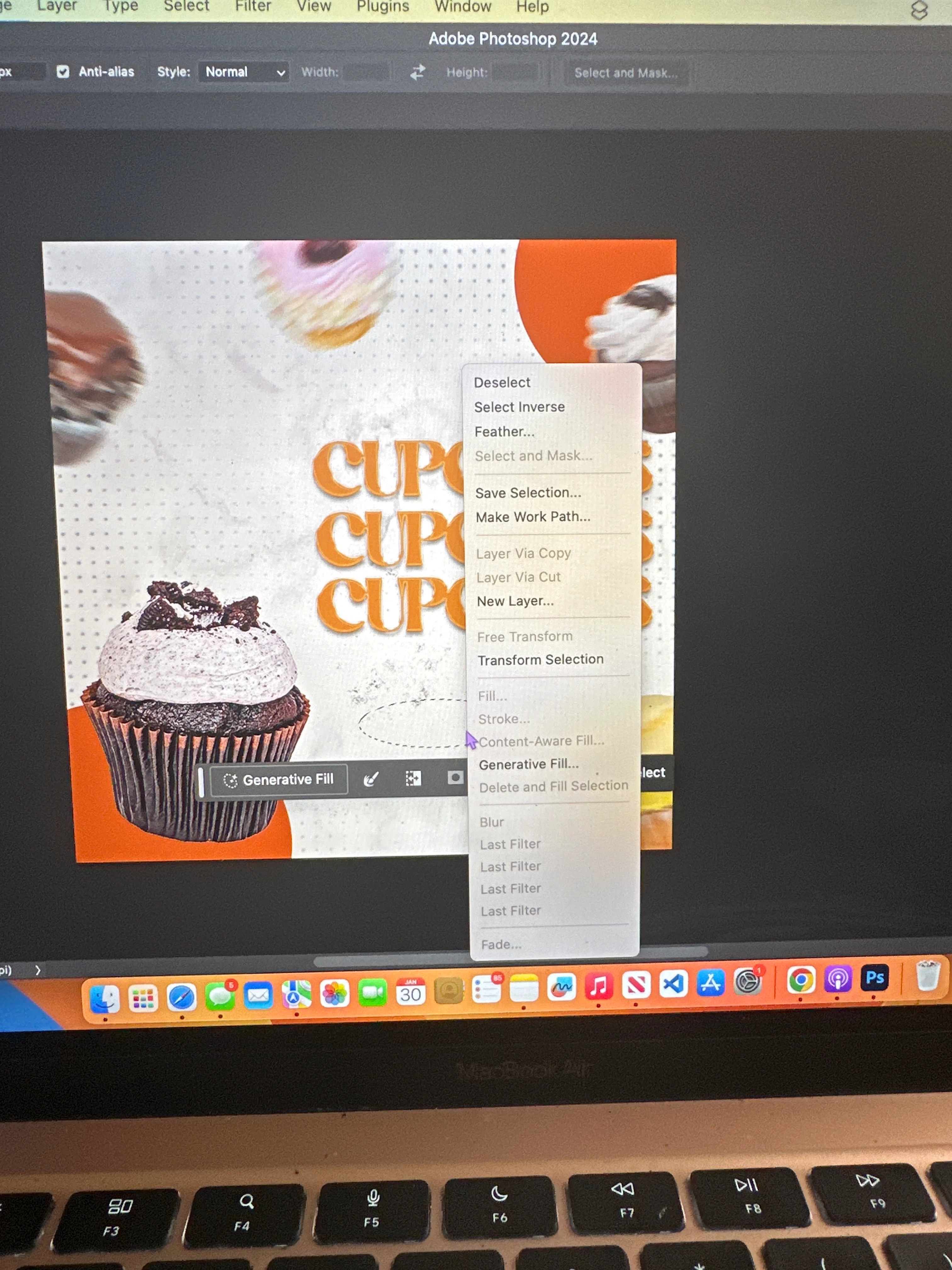
i need help! does anyone know why i can't fill this circle? the fill option isn't available. plssss help
This topic has been closed for replies.

2 replies

Myra Ferguson
Community Expert
Community Expert
January 30, 2024

Your screenshots don't show your Layers panel, but I suspect either you don't have a layer selected or you have a layer selected that isn't a raster layer such as a shape layer or a Smart Object.


Click the + button at the bottom of the Layers panel to make a new layer. Then you should be able to fill your selection.

Kevin Stohlmeyer
Community Expert
Community Expert
January 30, 2024

@Cari35140126ha2w is the layer locked or a smart object? Take a screenshot (Shift+Cmd+3 on Mac) with the layers panel showing and post it.

Participating Frequently
January 30, 2024

ok it's working for some reason now? i used the regular ellipse tool instead of the marquee ellipse tool. i'm just gonna start using that instead of the marquee one. but what did i do wrong in the beginning? (i used ellipse 1 gaussian blur)

Kevin Stohlmeyer
Community Expert
Community Expert
January 30, 2024

@Cari35140126ha2w What happens if you go to Edit>Fill or use the paint bucket icon directly below in the Contextual Task Bar?