
Answered
Embroidery effect
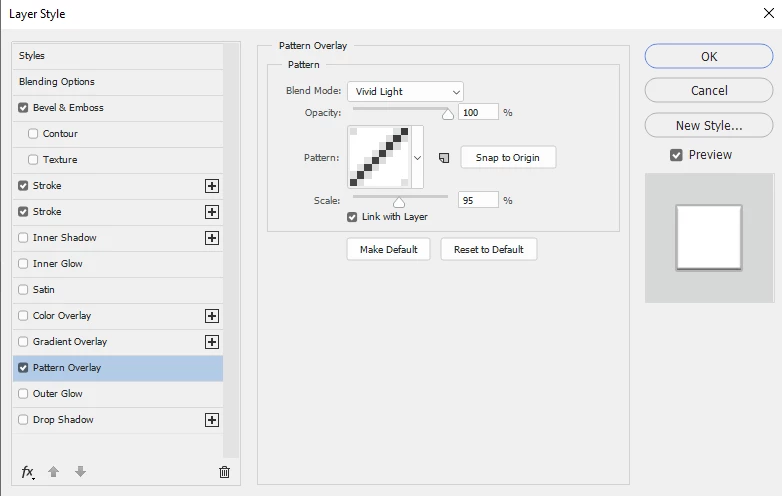
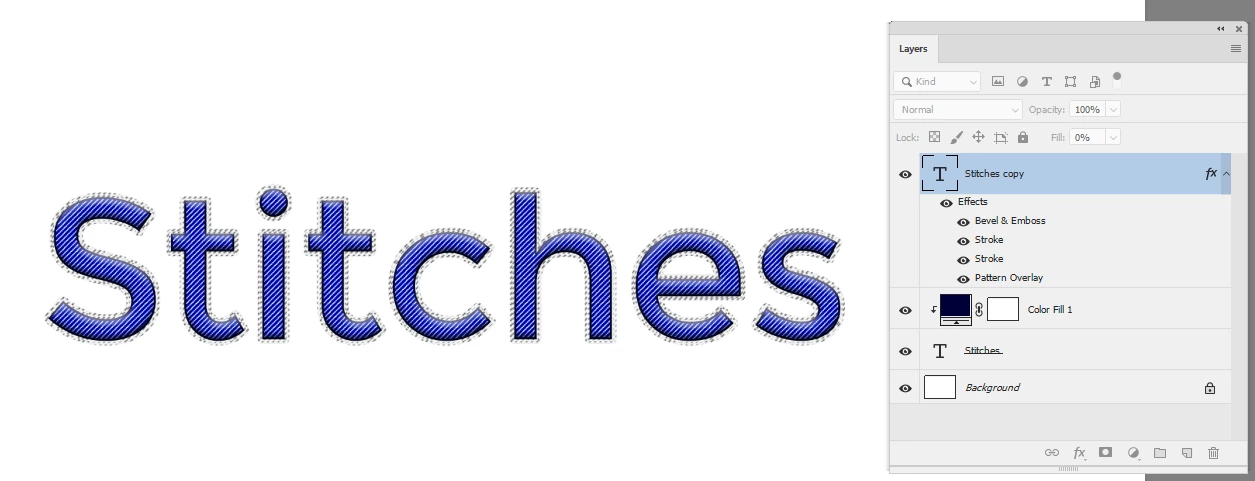
I'm trying to create embroidery text on a collar, I would ideally make the text as a smart object and manipulate the shape so it follows the curve of the collar. I would also like to be able to go into the smart object, change the color, font and text at any given time. I've played around with layer style with no success. I would like the embroidery effect to look as close as possible to the picture below. Thanks in advance.

 AdChoices