Participant
June 5, 2018
Answered

Enhancing a photo of a rainbow?

  • June 5, 2018
  • 2 replies
  • 13892 views

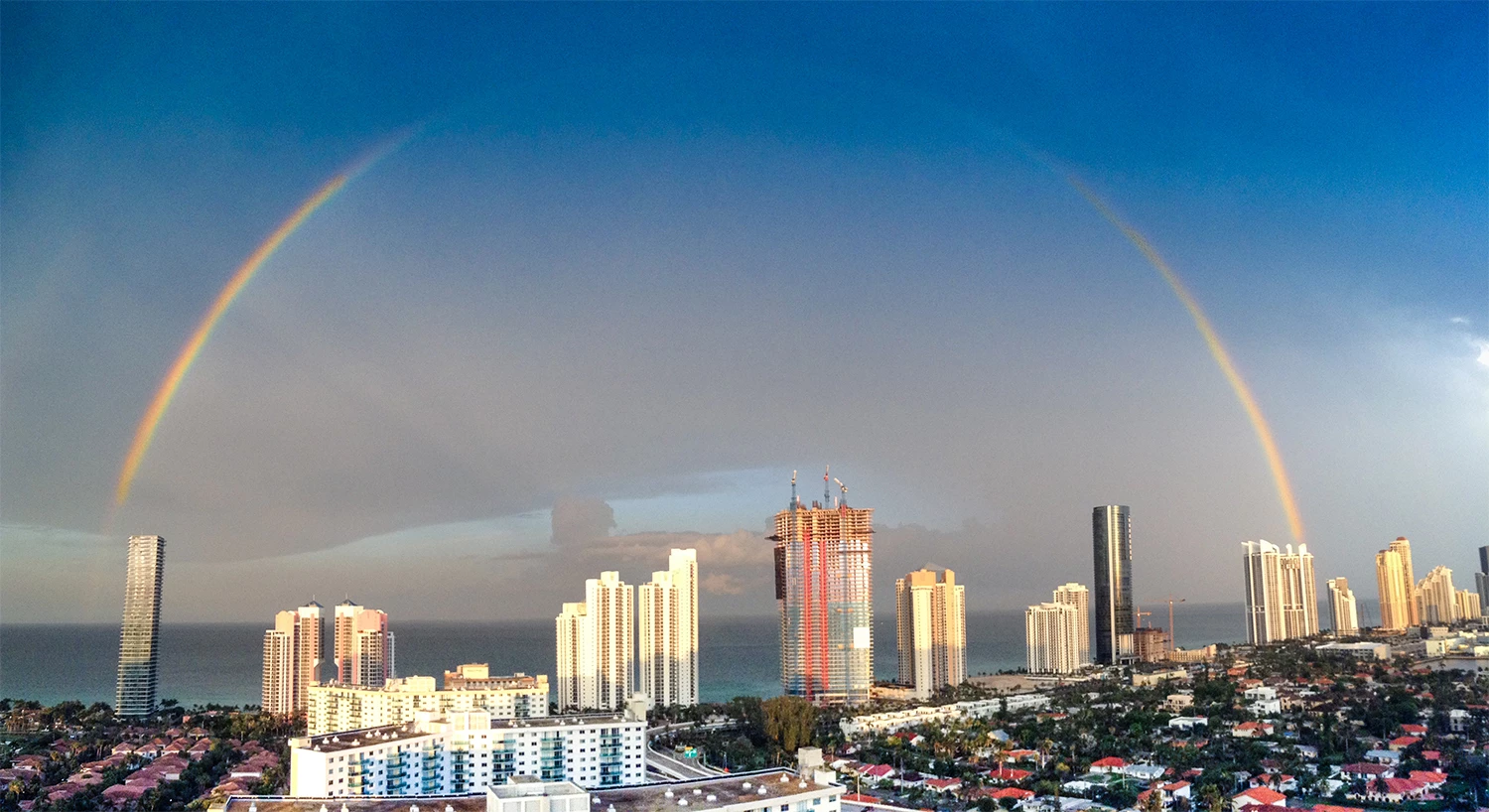
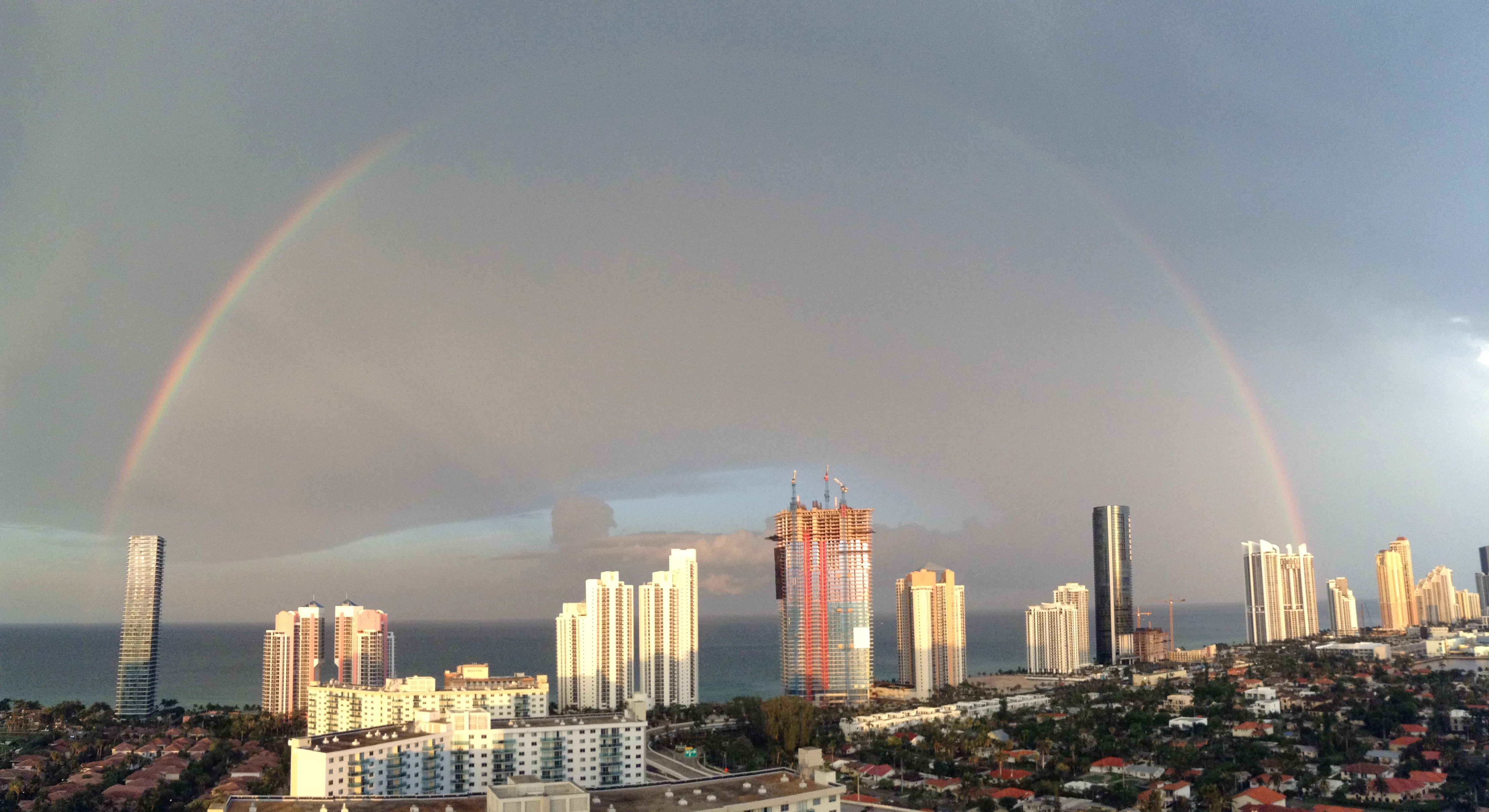
I recently took the panorama photo of a rainbow below using my iPod (you can see that some part of the rainbow has faided). I would like to somehow enhance the colors of the rainbow to make it more vibrant. Is there any way to go about doing that?
This topic has been closed for replies.
Correct answer KShinabery212

Theoretically one could go into Camera Raw, use the adjustment brush to highlight the rainbow and then edit it... see example below.  That was just done quickly... one could be more precise. 

Regardless the way.... it is fun to toy around with a picture and see all the different solutions offered.

2 replies

KShinabery212
Community Expert
Community Expert
June 7, 2018

There is always a million ways to do things in Photoshop.

I used the CAMERA RAW filter to quickly edit the photo.

I felt the buildings were too dark at the bottom, so I fixed that.  Then I decided to make the sky a little less dismal and gave it a little blue.

With Camera Raw you can really experiment and come up with hundreds of ways to edit the photo.

Let's connect on LinkedIn. https://www.linkedin.com/in/kshinabery/
joanH
Inspiring
June 7, 2018

Yes, I enjoy the many options offered in Camera Raw. To my eyes, I think the darker sky takes away from the rainbow colors that is the primary concern. Sure is fun to have so many tools. Love Photoshop. : + ) JH

KShinabery212
Community Expert
KShinabery212Community ExpertCorrect answer
Community Expert
June 7, 2018

Theoretically one could go into Camera Raw, use the adjustment brush to highlight the rainbow and then edit it... see example below.  That was just done quickly... one could be more precise. 

Regardless the way.... it is fun to toy around with a picture and see all the different solutions offered.

Let's connect on LinkedIn. https://www.linkedin.com/in/kshinabery/
Norman Sanders
Legend
June 5, 2018

Convert to Lab Color. Curves with a 10x10 grid and scale highlight end in the lower left corner.

Duplicate the layer.

Rotate the a and the  b curves 4 boxes counterclockwise to increase saturation. Straight-line Curve. The center point must not move. Colors will scream with saturation.

Important: Gaussian blur to soften the rainbow. Reduce Layer opacity slightly.

Add a mask and with a soft brush bring back the non-rainbow area

Reduce the opacity of the rainbow a bit more to keep the rainbow-red from appearing too intense

Change mode back to RGB

A somewhat similar effect can be obtained in RGB via  Image > Adjustments > Hue/Saturation: duplicate layer, over saturation, blur and masking.

Participant
June 5, 2018

Thank you. This definitely helped.

Norman Sanders
Legend
June 5, 2018

Happy to help. Good luck.