
Enlarge a tiny image and preserve pixilation? Please Help!
I am trying to enlarge the treasure chest sprite from Breath Of Fire 3 so that I can print it out as a Fathead and stick it on my wall. The image is only about 30x30 pixels and I want to enlarge it to about 3" x 3":
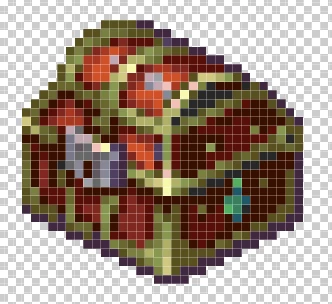
I extracted it, put it on a 3x3 canvas but when I try to enlarge it using transform at 1900%, I lose the pixilated look. It ends up looking like this:
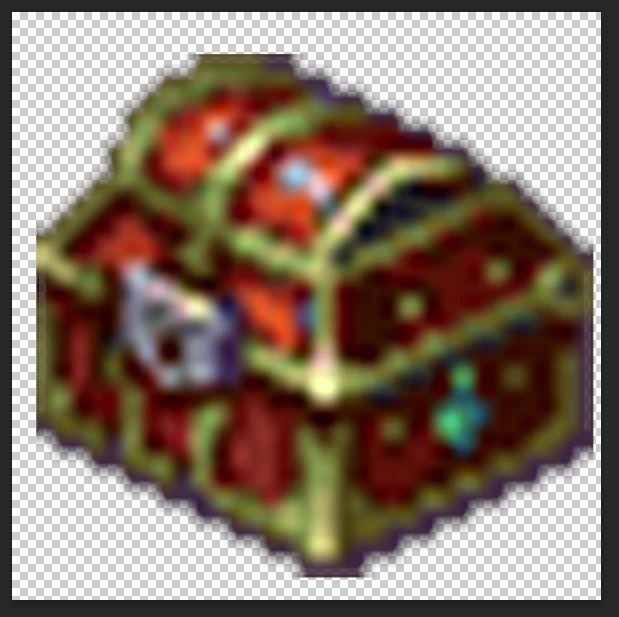
I don't know why this is happening, anti-aliasing is NOT selected. Is some other photoshop feature blending the pixels? I want to maintain the jagged look so that it looks like one of those pixelated tattoos that people like to get, like this:
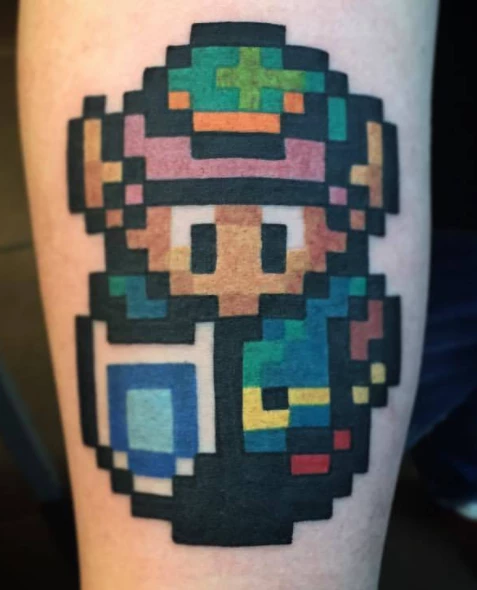
I know there's a way to do this without stretching out the treasure chest so that it blurs. I just don't know the way. Please help!
Thank you.
 AdChoices