

Question
Error 8800 after Photoshop update
Following the recent Photoshop update to 20.0.5, I'm getting an "error 8800" when I try to use a script.
Error 8800: General Photoshop error occurred. This functionality may not be available in this version of Photoshop.
- <no additional information available>
Line: 12
-> var sze = layer.textItem.size;
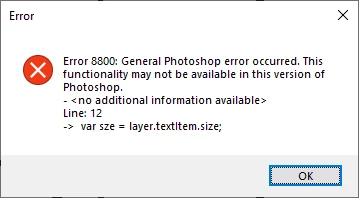
This script has been working for several years until now. How do I fix this error?
 AdChoices