Participant
January 13, 2022
Question

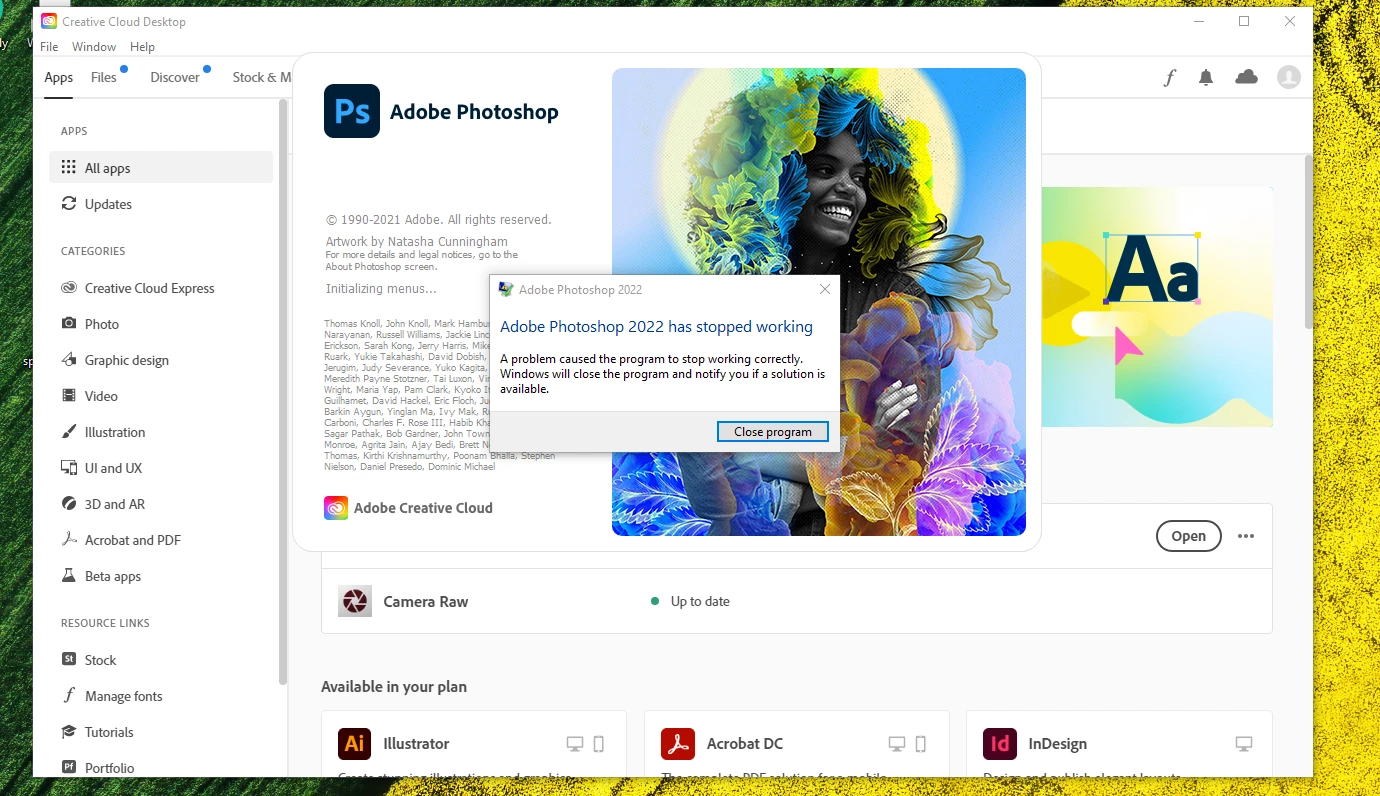
error CANT OPEN PHOTOSHOP, any idea WHY???

  • January 13, 2022
  • 4 replies
  • 149 views

This topic has been closed for replies.

4 replies

Ged_Traynor
Community Expert
Community Expert
January 14, 2022

"but how I can change preferences if I cant open Photoshop at all"

Scroll down to the bit where is say's "Manually" in the link I posted above

Participant
January 13, 2022

Thanks! but how I can change preferences if I cant open Photoshop at all? 

Legend
January 13, 2022

I'm not seeing any submitted crash reports from you in our system. If you haven't done so already, please submit all Crash Reports along with your email address: https://helpx.adobe.com/photoshop/kb/submit-crash-reports.html That will help us diagnose the crash.

Ged_Traynor
Community Expert
Community Expert
January 13, 2022

Hi

Try resetting your Photoshop preferences

https://helpx.adobe.com/photoshop/using/preferences.html

If that doesn't help try using the Adobe cleaner tool to uninstall Photoshop and then reinstall from the Creative Cloud app

https://helpx.adobe.com/creative-cloud/kb/cc-cleaner-tool-installation-problems.html