
New Participant
September 14, 2023
Question

Error en Photoshop

  • September 14, 2023
  • 7 replies
  • 1143 views

Desde hace unas semanas no puedo abrir archivos ni crear nuevos.

Hasta aquí todo bien
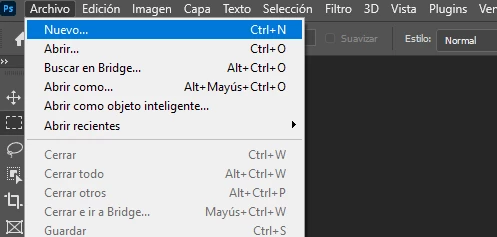
Luego esto
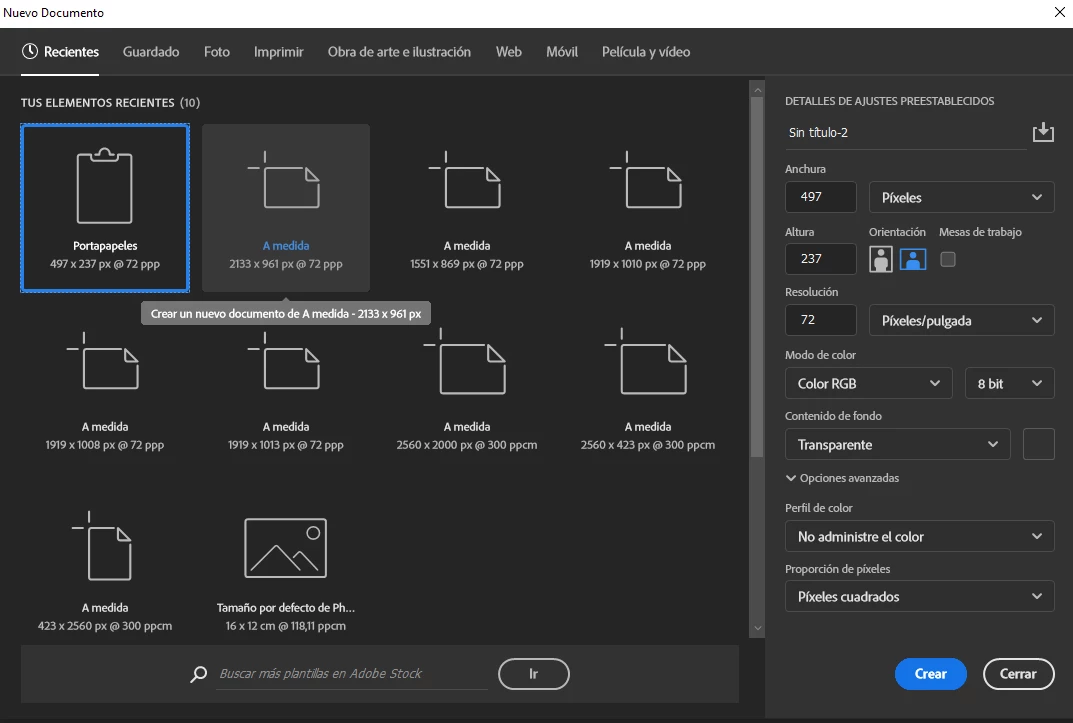
Pero al darle a crear, nada sucede.


Si le doy a cerrar la ventana para salir de Photoshop con la idea de reiniciarlo aparece este mensaje
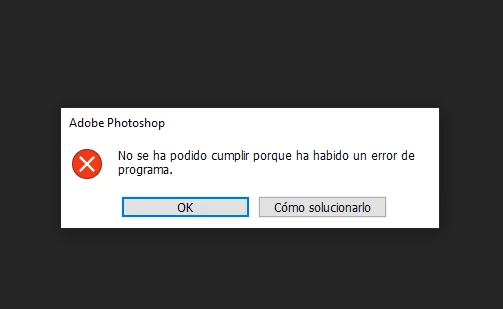
Cuando le doy a cómo solucionarlo aparece esto

 

Lo mismo me ocurre cuando intento abrir un archivo .psd
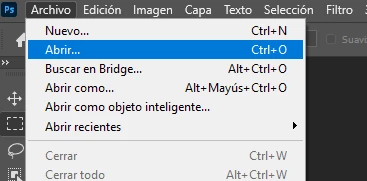
Cuando elijo un archivo que ya tenía de antes
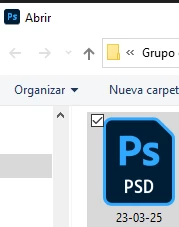
Me ocurre lo mismo
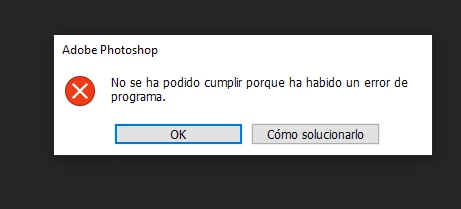
 

Tengo Photoshop actualizado con la última versión 25.0, pero ya me venía ocurriendo con la anterior. 

Los he borrado e instalado de nuevo, pero eso no soluciona el problema.

El hardware no ha cambiado y el software tampoco.

No sé qué otra cosa probar o hacer.


Saludos


This topic has been closed for replies.

7 replies

New Participant
September 17, 2023

If this helps: this is the file in the settings folder that is causing the issue: Adobe Photoshop 2024 Prefs

New Participant
September 17, 2023

I have the same exact issue, and deleting settings from this folder only help till you restart the PC (and you need to do it again, which is useless when it deletes all the settings you set up for your workspace), it seems some other ppl have the same issue in other posts.

New Participant
September 16, 2023

Many thanks, Pete

It works. I refresh the preferences and Photoshop worked again.

Cheers

Pete.Green
Community Manager
Community Manager
September 14, 2023

Also, curious the dialog that's taking you to a non-existent page. Could you take a screenshot of that and provide the missing link it's pointing you to?


My guess would be that it's trying to point you to this article: https://helpx.adobe.com/photoshop/kb/program-error-opening-psd.html

Pete.Green
Community Manager
Community Manager
September 14, 2023

Hi @Álvaro Arroyal ,

This sounds like your preference file might need a refresh. Can you give that a try and let us know if it fixes it for you?

https://helpx.adobe.com/photoshop/using/preferences.html#Manually


Regards,

Pete

Kevin Stohlmeyer
Community Expert
September 14, 2023

Hi @Álvaro Arroyal Go to Photoshop Help Menu/System Info and copy/paste details in a reply. Post only once as the system takes time to process the large amount of data.

New Participant
September 14, 2023

Translation
For the past few weeks, I have not been able to open files or create new ones. When I create a new file, after selecting the option to create a new document, nothing happens. If I try to exit Photoshop by closing the application, I get an error message, "The operation could not be completed because there was a program error". This popup offers me two options, "ok" and "how to fix it". When I click on the latter, it takes me to a page that does not exist.

The same happens when I try to open an existing .psd file. Neither does it open, nor can I close Photoshop (I have to shut it down using the task manager).

I have updated Photoshop to the latest version 25.0, but this was happening with the previous version as well.

I have deleted and reinstalled it, but that doesn't solve the problem.

The hardware hasn't changed and neither has the software.

I don't know what else to try or do.