
Participant
September 12, 2018
Answered

Error Log

  • September 12, 2018
  • 2 replies
  • 271 views

I have Ps5 v12, Windows 10

When I try to do updates through Adobe Application Manager I'm getting a error:

Update Failed

Updates could not be applied

The error log file may help you in identifying the problem.  Then, try updating again.  If the problems persist, contact customer support for further assistance.
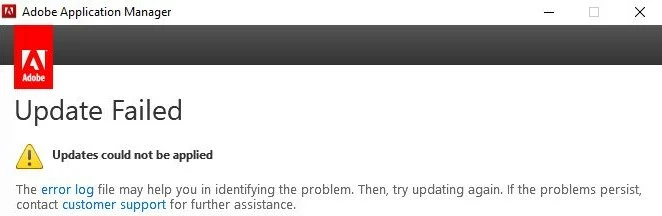
Then if I hit the 'error log' I get the following message:

Adobe Extension Manager CS5 5/0 Update

There was an error downloading this update.  Please quit and try again later.  Error Code U43M1D207

If I go to Help:
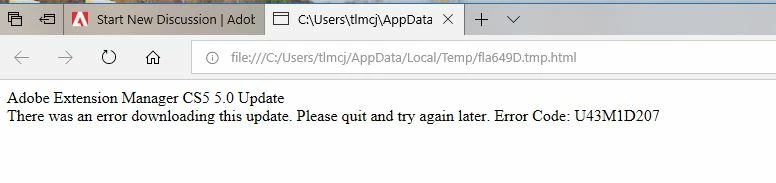
When I go to Help I get this window:

Help

     About Plug-In

         Camera Raw  -  this window pops up:
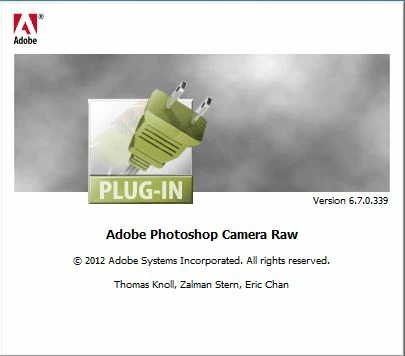
        

If I bring in the image, I get this error:
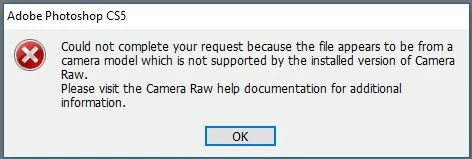
PLEASE, PLEASE, somebody help me!

Thank you,

Theresa

    This topic has been closed for replies.
    Correct answer JJMack

    What camera do you have is it supported by your CS5 ACR version 6.7? ACR 6.7 is the latest version CS5 can use. Here the list

    Cameras supported by Camera Raw

    If you camera is not supported you can create dng raw file for you raw file that ACR 6.7 can process

    2 replies

    JJMack
    Community Expert
    JJMackCommunity ExpertCorrect answer
    Community Expert
    September 12, 2018

    What camera do you have is it supported by your CS5 ACR version 6.7? ACR 6.7 is the latest version CS5 can use. Here the list

    Cameras supported by Camera Raw

    If you camera is not supported you can create dng raw file for you raw file that ACR 6.7 can process

    JJMack
    Jeff Arola
    Community Expert
    Community Expert
    September 12, 2018

    Install an updated version of the Adobe Application Manager and then see if Help>Updates works.

    Adobe - Adobe Application Manager : For Windows : Adobe Application Manager