
Participant
May 3, 2017
Answered

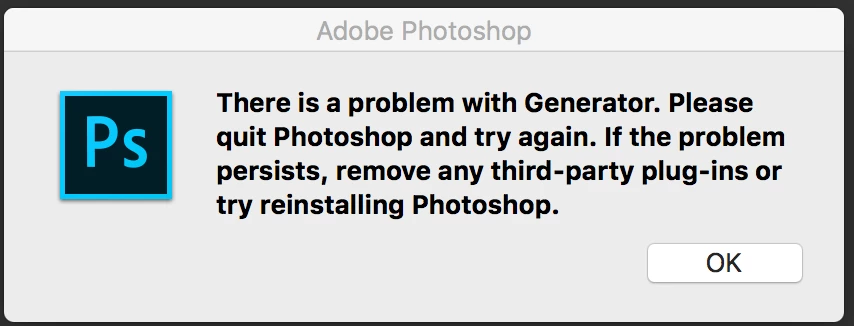
Error "Problem with Generator" Every Time PS is Opened
  • May 3, 2017
  • 2 replies
  • 843 views

This error message appears every time I open Photoshop (Mac OS X 10.12.4 on a MacBook Pro Retina) uninstalling and reinstalling does not resolve the problem. As far as I know, I do not have any plug-ins for Photoshop or Creative Cloud. Any suggestions? Thanks!

    This topic has been closed for replies.
    Correct answer tom attix

    Have you tried turning Generator off in the prefs? (Preferences/Plug-Ins/Enable Generator).

    2 replies

    tom attix
    Adobe Employee
    tom attixCorrect answer
    Adobe Employee
    May 3, 2017

    Have you tried turning Generator off in the prefs? (Preferences/Plug-Ins/Enable Generator).

    amberb966
    Participant
    August 25, 2017

    I can answer that with a YES, I have.  I have also uninstalled and I am STILL getting this error.  I own a Dell inspiron15 7000.  I just started having this issue today.  I have photos I NEED to edit and I am stuck until I resolve this issue.  I NEED HELP PLEASE  Thank you. 

    Kanikas
    Community Manager
    Community Manager
    May 3, 2017