Participant
September 6, 2023
Answered

Error when copy & paste from AI to PSD

  • September 6, 2023
  • 2 replies
  • 1434 views

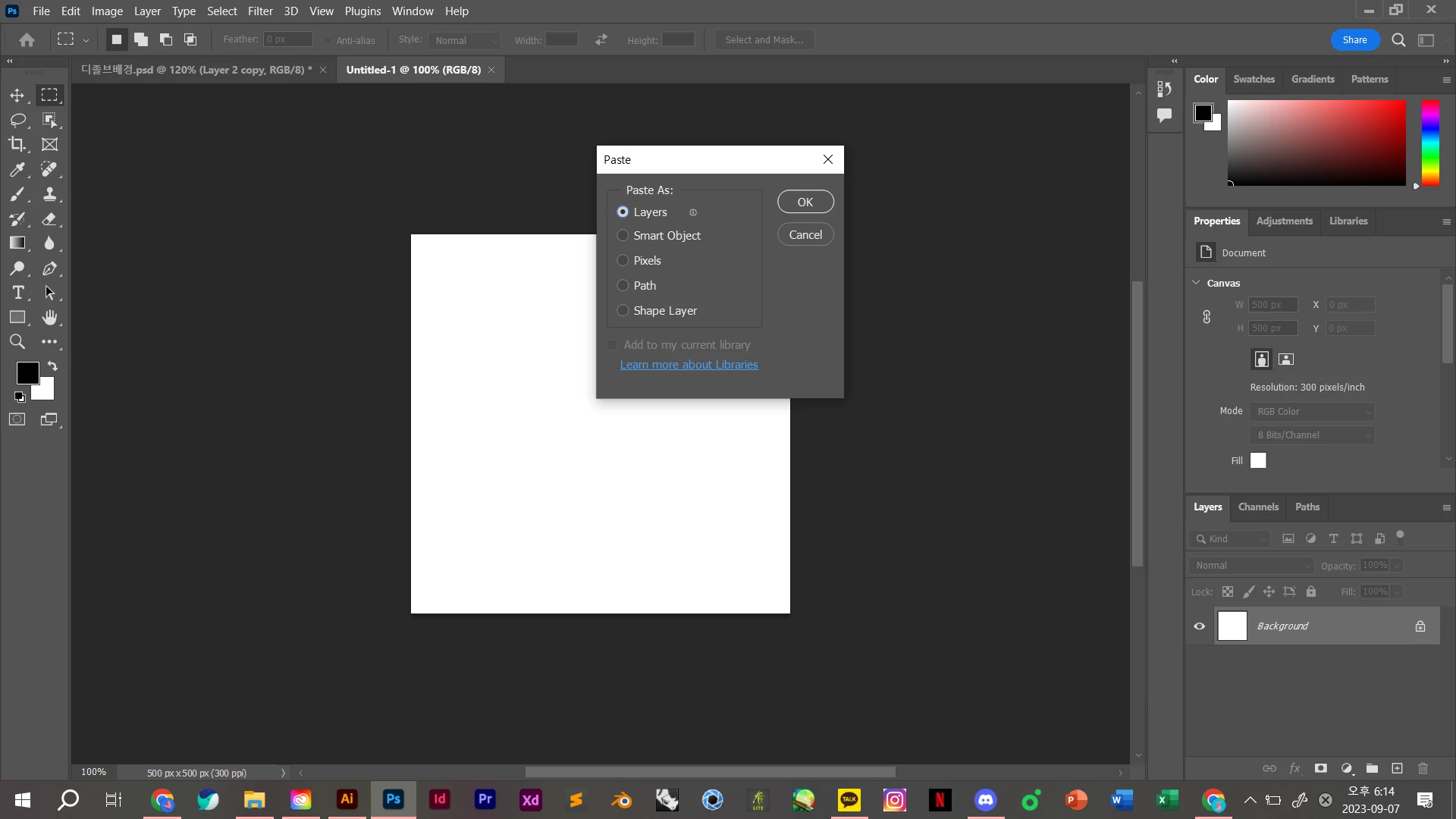
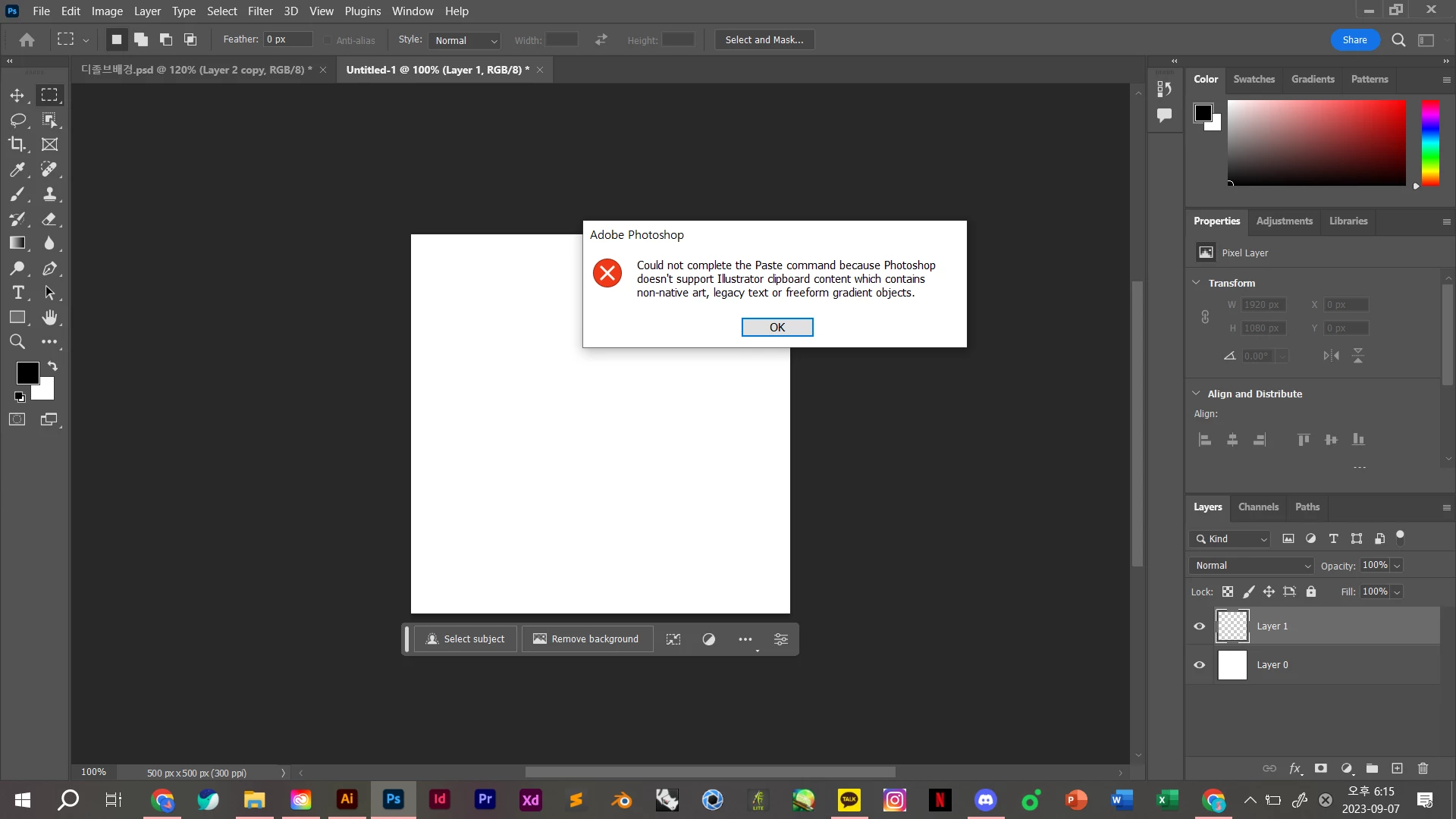
I tried to paste layers from Illustrator to Photoshop, but I got the following warning, and I couldn't do the work.


'Colud not complete the paste command because Photoshop doesn't support Illustrator clipboard content which contains non-native art, legacy text or freeform gradient objects.'


I have used all the methods listed in the link below, but I have not found a solution.


https://community.adobe.com/t5/illustrator-discussions/error-when-copy-paste-from-ai-to-psd/m-p/10233555


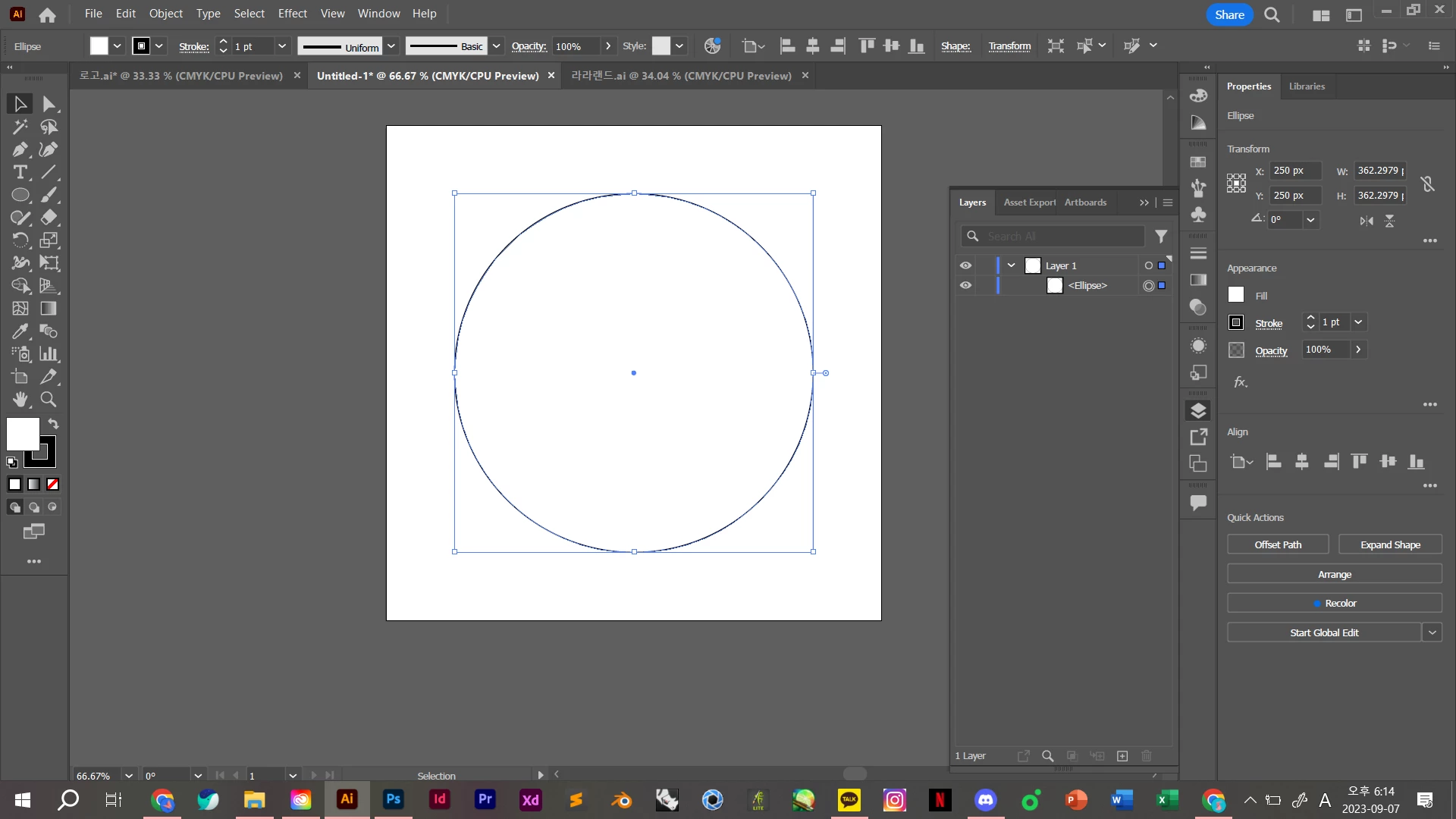
The object I was trying to copy was made up of simple shapes.

Why does this error occur? It's frustrating.
This topic has been closed for replies.
Correct answer Monika Gause

Not only this file, but not all objects are copied.
When I created a new file, drew a shape, and copied it, it was not loaded in Photoshop.
Paste using smart object, is not suitable to apply the effect I want.


Looks like a Photoshop issue.


I'll ask that your thread will be moved there.

2 replies

kglad
Community Expert
Community Expert
September 7, 2023

<moved from illustrator>

Monika Gause
Community Expert
Community Expert
September 6, 2023

Can you please show the things you have copied?

Please include the Layers panel with the layer expanded, so the contents can be seen.

Participant
September 7, 2023

I've tried other files, but they're all not copied

Monika Gause
Community Expert
Community Expert
September 7, 2023

Can you please open those layers?

Maybe Photoshop doesn't like the fact that they are sublayers?

Do you need to copy paste or would placing this into Photoshop as a smart object also be good?

Or opening the file in Photoshop and then rasterizing it?