
Question
Export As – Random Canvas Sizes. Why?!
Hi there
I need the ability to export layers quickly and mostly as different file types/compressions.
Not sure if I'm missing something but when I try to export layers with 'Export as' the canvas size adjusts to include pixels outside the actual canvas size. Tried to add a mask to each layer in the hope that this will solve the issue, but it doesn't. Also, changing the canvass size in the export as panel is great, but it doesn't allow to move the canvas, so I can't get it centred..
Are there any solutions or workarounds to this – other than merge groups to layers before exporting or going one-by-one?
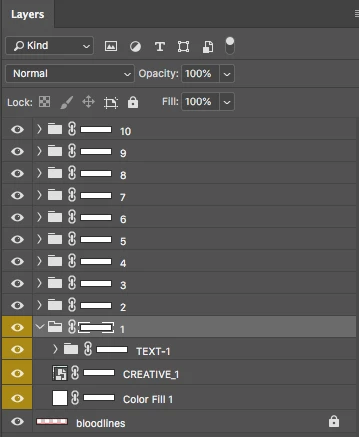
Okay, so this should be 640X100 px
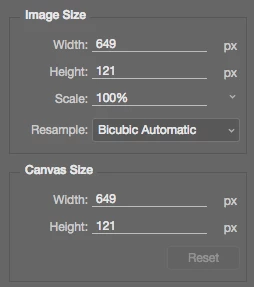

Let me readjust the canvas size ....... amazing 

 AdChoices