

Answered
Export crops off transparent area
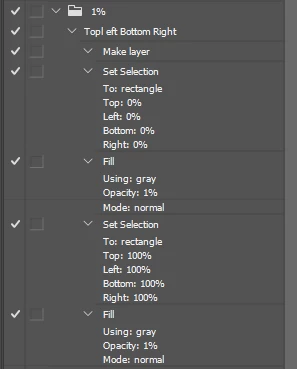
Hi everyone! I am trying to export an image that is 1920x1080. This includes my artwork as well as a surrounding transparent area, which I want to be included in that 1920x1080 export, because I need it to help me with the layout of a design in another program. When I try to export a transparent PNG, Photoshop "crops off" the extra blank space. I want to export the entire frame, including unused blank space. Does anyone have a solution to this? Thank you!
 AdChoices