
Export Data Sets as Files - Name Files According to a column in my data?
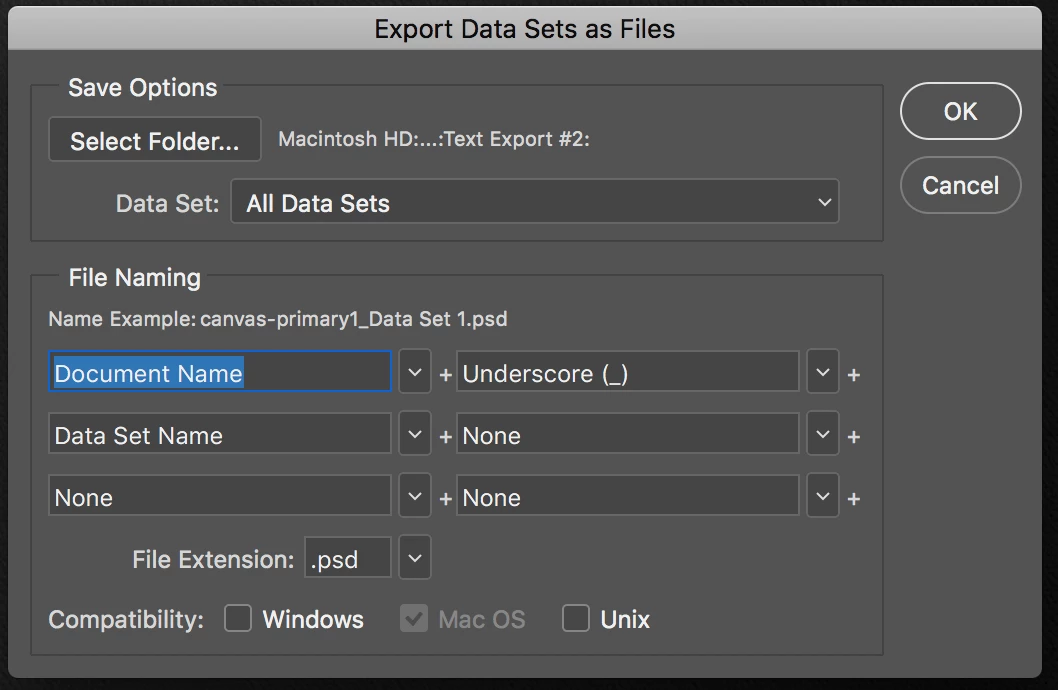
I'm wondering if there is a way to name my new files based off of the file names that are in one of the columns of my .txt document I imported for variables, specifically the "pixel replacement" value I defined when I set up my variables:
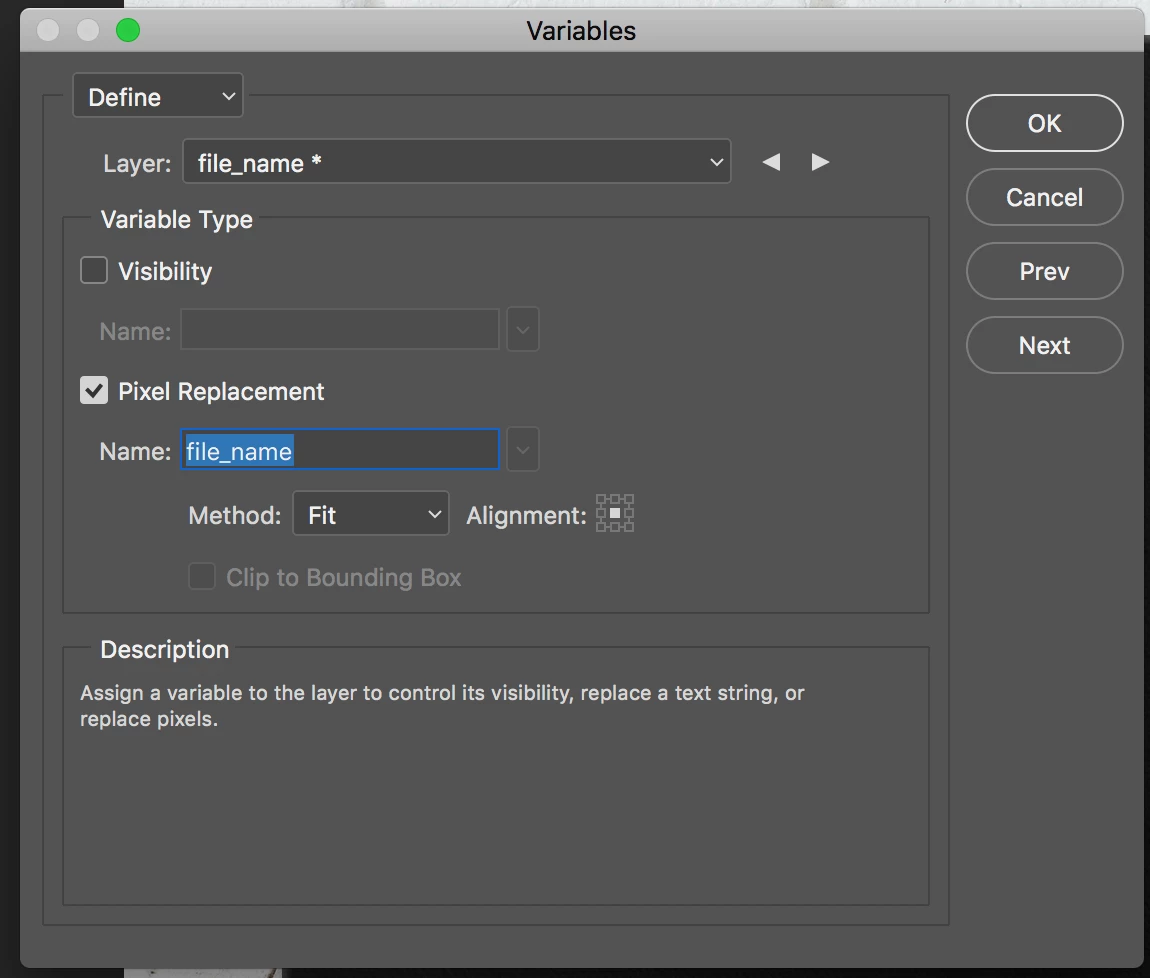
Having 500 files that all begin with the same thing and are numbered isn't very helpful - it doesn't tell me what the content of them is (all my final newly exported files will be getting turned into JPGs and added to different product listings). Is there a way to change "Document Name" in the first screenshot above to be variable so it matches the name of the original file I imported into this PSD? I tried changing it to the name of my column, "file_name", but that didn't work. Ideas?
I'm open to other solutions that don't use variables either. Basically I'm trying to do a big batch of mockups for products, in which a linked AI file gets changed but everything else in the PSD stays the same. Ideally I'd prefer to export the new images as JPGs, not PSDs like exporting a data set requires.
 AdChoices