Participant
October 25, 2022
Question

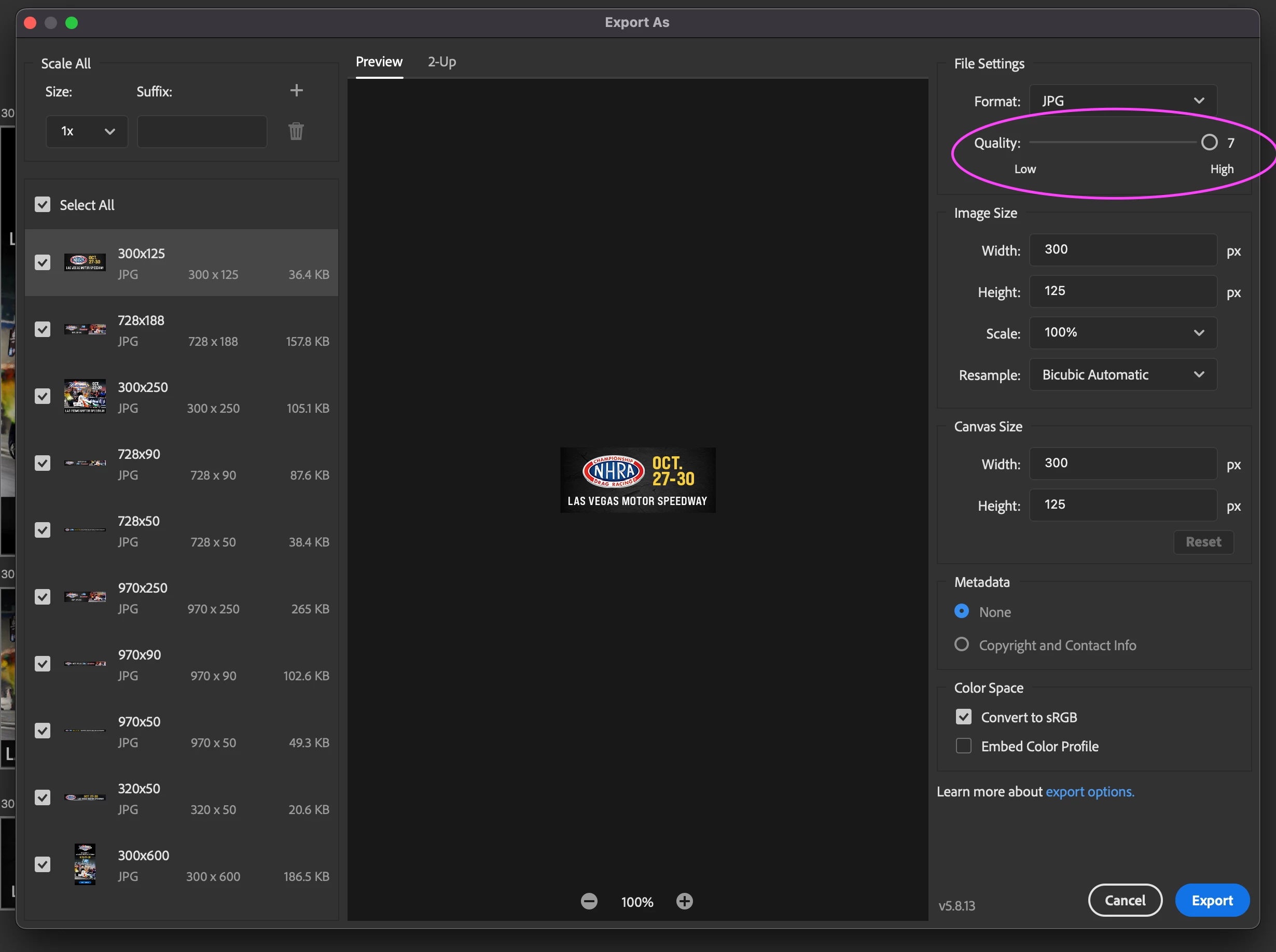
Export quality keeps revert back to "6"

  • October 25, 2022
  • 1 reply
  • 179 views

Is it possible to set the export quality to "7" permanently?

Everytime I go back to the export screen, the quality reverts back to "6".

Thank you.
This topic has been closed for replies.

1 reply

Ranjisha Sengupta
Legend
October 26, 2022

Hi there,


Thanks for reaching out. 

Which version of Photoshop are you using? You can set your export preferences in Photoshop.

Open your File in Photoshop. Go to File> Export > Export Preferences. Set your Export preferences, such as format, quality, and destination. Now go to File> Export and select 'Export As' at the top of the menu to export with your saved preferences.

Try this and let us know if it helps.


Thanks,
Ranjisha

Participant
October 26, 2022

Thank you for you reply. I'm on photoshop version 23.5.1. My hardwarre is Mac Studio, M1 Max.

As you can see on my screenshot that my setting is already at "7". Do you think this is a bug/glitch then?
