
Participant
October 15, 2023
Answered

export to legacy has stopped working - Memory issues? help

  • October 15, 2023
  • 4 replies
  • 884 views

I am printing images greater than my paper size and have been using grid guides to effect this, appropriately cut the files and save the multiple images that I need to procede with my project.  Sublimating project on large fabric.  I recently using a you tube video, learnt to use this and was going great guns. I am just preparing project number seven, and I get the error...  Adobe save to web error - could not complete this operation.  There was not enough memory available.  I'm on a macbook pro with up to date photoshop and recently updated operating system macOS Sonoma 14.0 (23A344)


I have been creating new grid layout per image, no gutter, using tool to create eache image, number of columns and rows and snaping images and selecting them all, then using file export on on Save for Web legacy, hit button and save images ie sliced images in jpeg to images folder.   Ahhhhhhh.  this is where I am now getting these messages


I have tried to work out if I can amend this setting to reset or change the memory issue but to no avail,  Your photoshop help, the community group, google questions.  it seems that this has been a faulty on and off for many years and one snippet suggested that you were aware of this and working on it!!!


Please help as I can not move forward and yes I have rebooted it several times already.


Liz
 

This topic has been closed for replies.
Correct answer lizzbuff

Update re Save to Web Leagacy.  I have turned a corner........

I now have two options that work for me...... so far


1.  I used my windows pc (which I usually don't use for this as screen is not true) and performed it fine on here.  Yeah. It means I would have to work the image to printable state on my Mac but slice and dice it on the windows. Doable. 
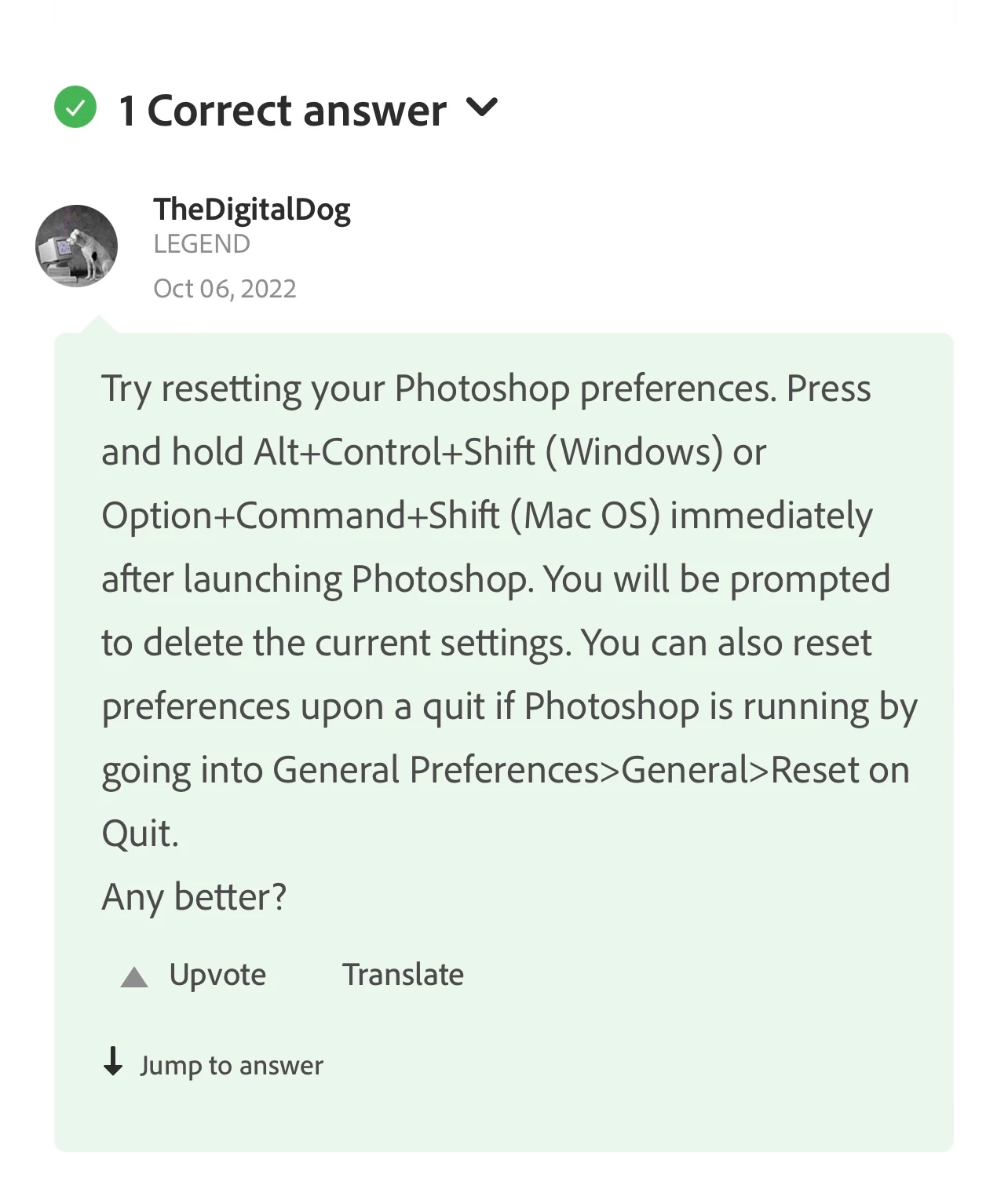
2.  I found some othe advice on here that suggested.... 

 so I did the on exit route. Restarted photoshop. Performed my full slice and dice.   Yeah. All is well.  

I thought I would lay this all out so that if someone else goes down this rabbit hole I may save them.  

Thank you for your assistance. 


4 replies

lizzbuffAuthorCorrect answer
Participant
October 18, 2023

Update re Save to Web Leagacy.  I have turned a corner........

I now have two options that work for me...... so far


1.  I used my windows pc (which I usually don't use for this as screen is not true) and performed it fine on here.  Yeah. It means I would have to work the image to printable state on my Mac but slice and dice it on the windows. Doable. 
2.  I found some othe advice on here that suggested.... 

 so I did the on exit route. Restarted photoshop. Performed my full slice and dice.   Yeah. All is well.  

I thought I would lay this all out so that if someone else goes down this rabbit hole I may save them.  

Thank you for your assistance. 


lizzbuffAuthor
Participant
October 16, 2023

Thanks for your prompt response.  Appreciated.  Heres the thing.  I am a very competent user of software, apps, gadgets etc but I do not do code or run scripts so not keen to try these options. Feel I should kind of not have to when I am paying my monthly subs for the all singing n dancing version of Photoshop.  


I have tried as you also suggested and saved the file to my macbook drive (as opposed to a cloud type drive) and also tried in creative cloud too.  When I tried to export to web legacy.  Did not work but was a different error message this time.....The operation could not be completed.........AHHHH. 


I see you said that Save for Web Legacy has issues with Sonoma too.  So I am a bit stumped.  I presume there is a fault/change/job request in highlighting this as a repetative issue.  It is shame that both the latest versions of photoshop and mac operating system are not working.   I would appeciate any more robust suggestions on this or visibility of the job status.


On another tack, I have a windows pc that I am going to try to run the export to web (legacy) option on.  May work better with different operating system.  I will let you know how I get on.  


The only other option beyond this that I can see it to take my jpeg to some like Canva and use their software to slice and dice.   Again crazy that I have to think of doing this when Photoshop should have this down pat.


Sorry to sound grumbly but not happy bunny.........  ahhhhh


Stephen Marsh
Community Expert
Community Expert
October 16, 2023

Try saving to a normal folder, not a synced cloud service folder like OneDrive, DropBox etc.


Also note that Save for Web (Legacy) has had issues with Sonoma.


There have been some scripted solutions to work with slices, without using Save for Web (Legacy):


lizzbuffAuthor
Participant
October 15, 2023

I should also add that the files are worked in photoshop and all psd files, these jpegs and slices are all saved directly to Onedrive.  So not in creative cloud and not on my macbook.