JuDrus
Inspiring
March 25, 2024
Answered

Exported PNG size is different between identical PSD files

  • March 25, 2024
  • 3 replies
  • 402 views

Hello,


First time in years of using Photoshop, I feel like an absolute idiot because I don't know what is happening...


I made a rather simple social post advertising a product in 8bit RGB 1080x1080px at 300ppi and when I saved it as PNG, it weighed 7.47mb... I thought that maybe I used some kind of big smart objects, but couldn't find anything, and out of frustration, I deleted all the layers and saved a white color fill PNG, which still was a whopping 6.59mb...


Then I created a new file with the same settings of 8bit RGB 1080x1080px at 300ppi and dragged all the layers from the first file to this new one, and guess what... saved PNG was 0.9mb...


So my question is... WHAT I AM MISSING?


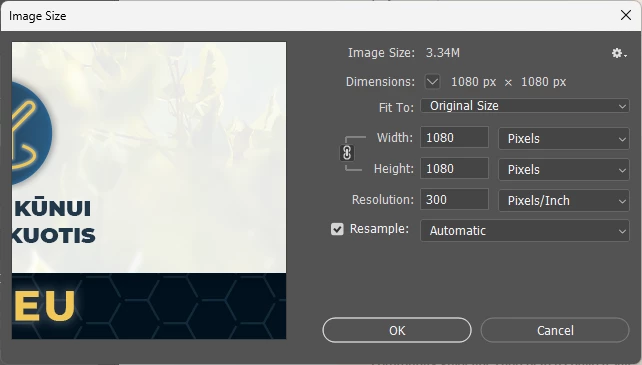
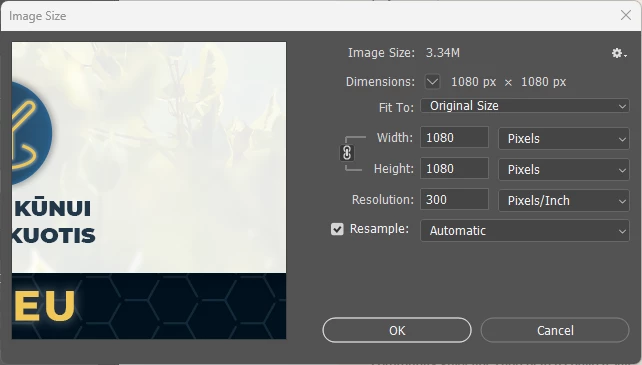
Here are Image Size settings of both files and as you can see, they are identical
This topic has been closed for replies.
Correct answer D Fosse

Most likely DocumentAncestors metadata, a complete record of copy/pastes. With templates and files off the web it can accumulate to enormous sizes.


Export/Save for Web will strip metadata.

3 replies

Stephen Marsh
Community Expert
Community Expert
June 15, 2024
rayek.elfin
Legend
March 25, 2024

How are you saving the file as PNG? Export As? Classic Save for Web?


D Fosse
Community Expert
D FosseCommunity ExpertCorrect answer
Community Expert
March 25, 2024

Most likely DocumentAncestors metadata, a complete record of copy/pastes. With templates and files off the web it can accumulate to enormous sizes.


Export/Save for Web will strip metadata.

Legend
March 25, 2024

You can also use this command in EXIFTool:

-XMP-photoshop:DocumentAncestors=