
Participant
April 17, 2024
Answered

Extande inverse object by PS AI during generation background

  • April 17, 2024
  • 2 replies
  • 353 views

Hi,
I have small problem with generate background. As you see on the photo after change background the PS AI add additional elements to object. How to change background without change shape of object?
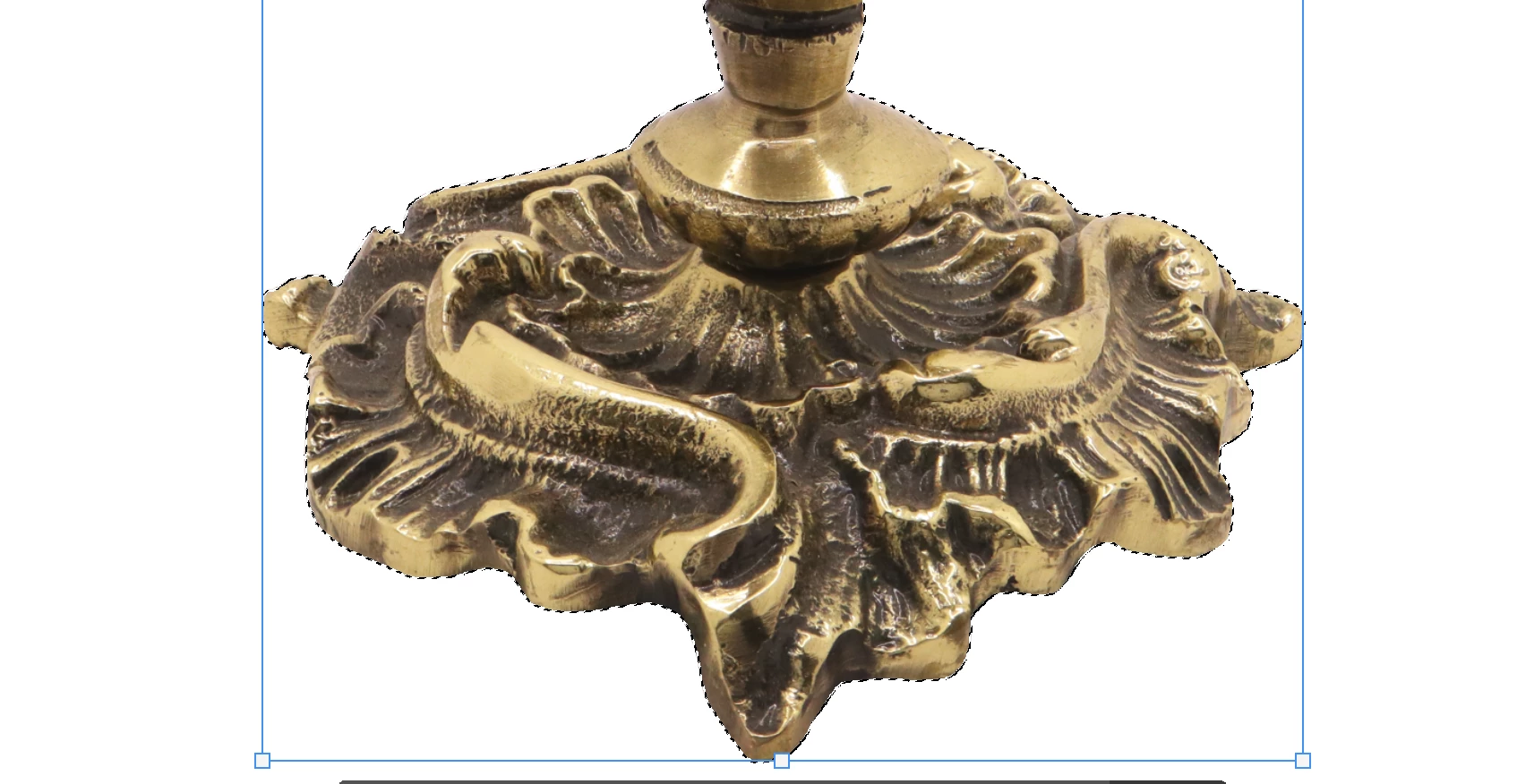
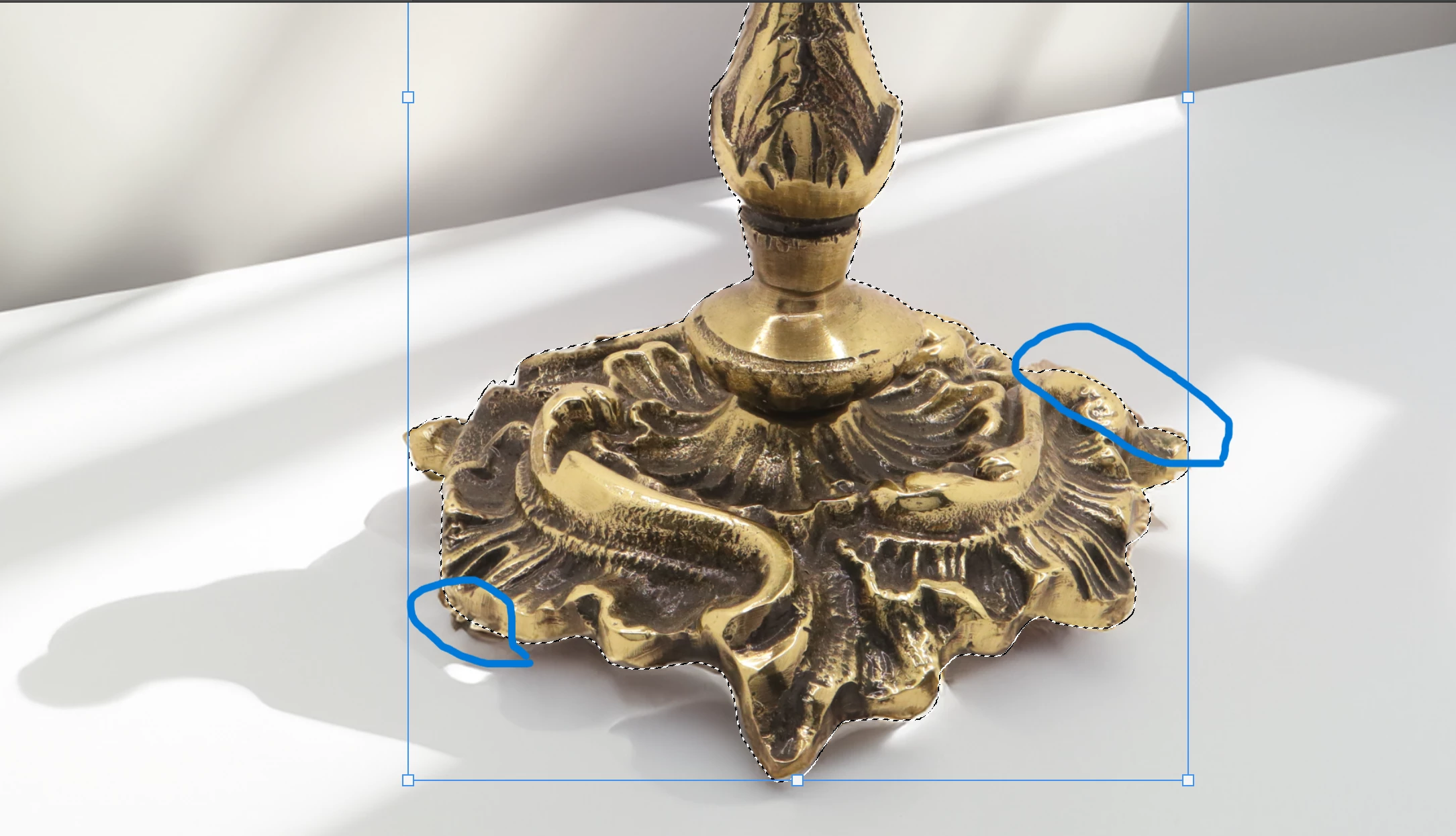
 Thanks for help.

This topic has been closed for replies.
Correct answer Kevin Stohlmeyer

@Igor352804684oor that is pretty minor changes - the AI is trying to blend the background with your subject. You can use the other tools in Photoshop to clone or heal/remove those areas.

2 replies

Legend
April 17, 2024

Trying to do everything with AI when you don't know how to use the regular Photoshop tools is a losing bet. This is trivial to fix. I recommend a dose of tutorials to actually learn PS.

Kevin Stohlmeyer
Community Expert
Kevin StohlmeyerCommunity ExpertCorrect answer
Community Expert
April 17, 2024

@Igor352804684oor that is pretty minor changes - the AI is trying to blend the background with your subject. You can use the other tools in Photoshop to clone or heal/remove those areas.

Participant
April 17, 2024

Thanks @Kevin Stohlmeyer for your suggestion.