Inspiring
December 15, 2023
Answered

extract and mask glass bottle from grey background

  • December 15, 2023
  • 1 reply
  • 744 views

I have seen how to make glass transparent from white background.

But how do we do it from grey background?

I want to take it out and then make an advert poster.

But if there is grey behind the bottle, how do i remove that grey from the bottle?

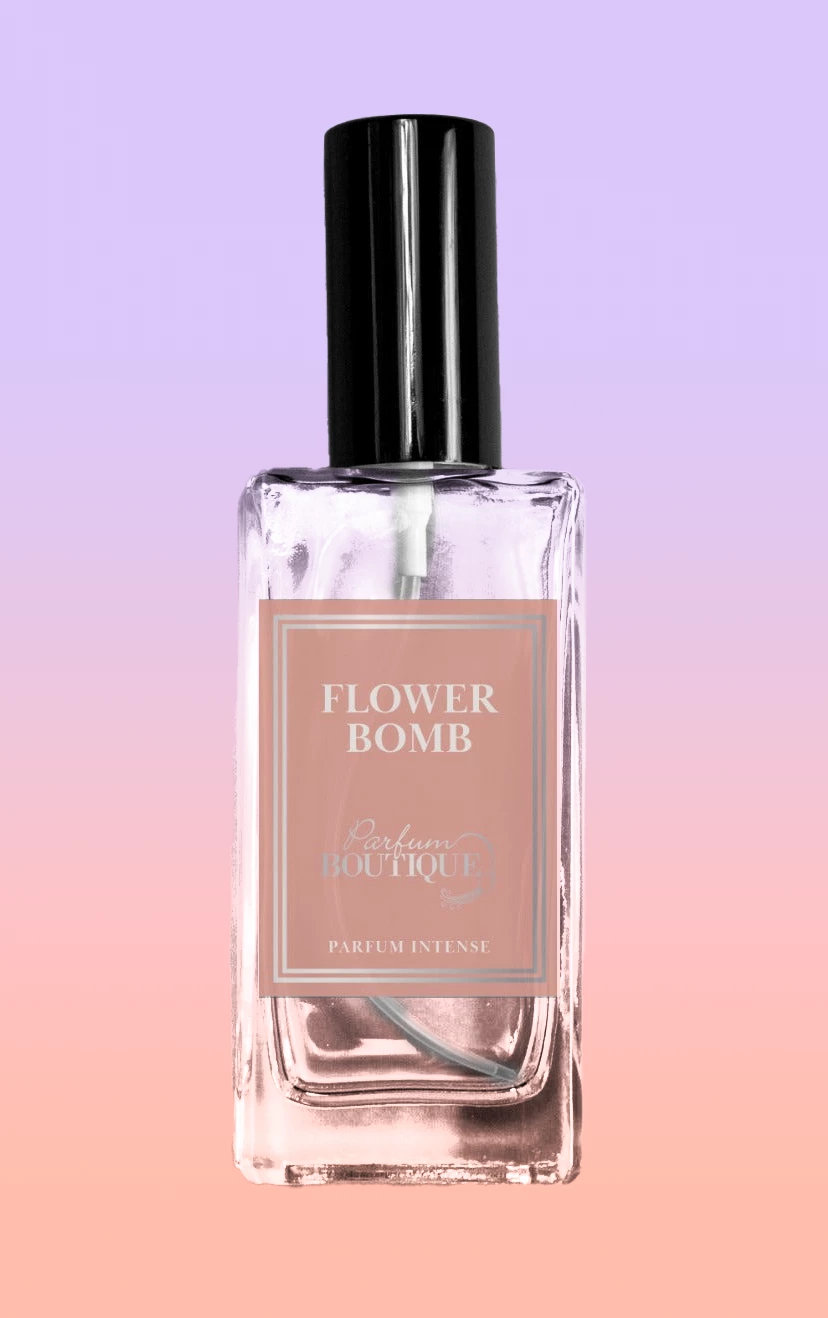
Please see attached image.

This topic has been closed for replies.
Correct answer Kevin Stohlmeyer

Same methodology. The only change would be to add a levels adjustment layer to blow out the gray or use the blending mode to remove.

The best method of course is to not shoot transparent products on a gray background.


1 reply

Kevin Stohlmeyer
Community Expert
Community Expert
December 15, 2023

@Summayah5FC7 there are numerous tutorials available for creating semi-transparency with glass objects.

This is a good one from Jesus at Photoshop Training Channel: https://www.youtube.com/watch?v=n3NniavNOIM


Inspiring
December 15, 2023

Thanks, but this video is for a white background.

But what should be done for a grey background?

Kevin Stohlmeyer
Community Expert
Kevin StohlmeyerCommunity ExpertCorrect answer
Community Expert
December 15, 2023

Same methodology. The only change would be to add a levels adjustment layer to blow out the gray or use the blending mode to remove.

The best method of course is to not shoot transparent products on a gray background.
