
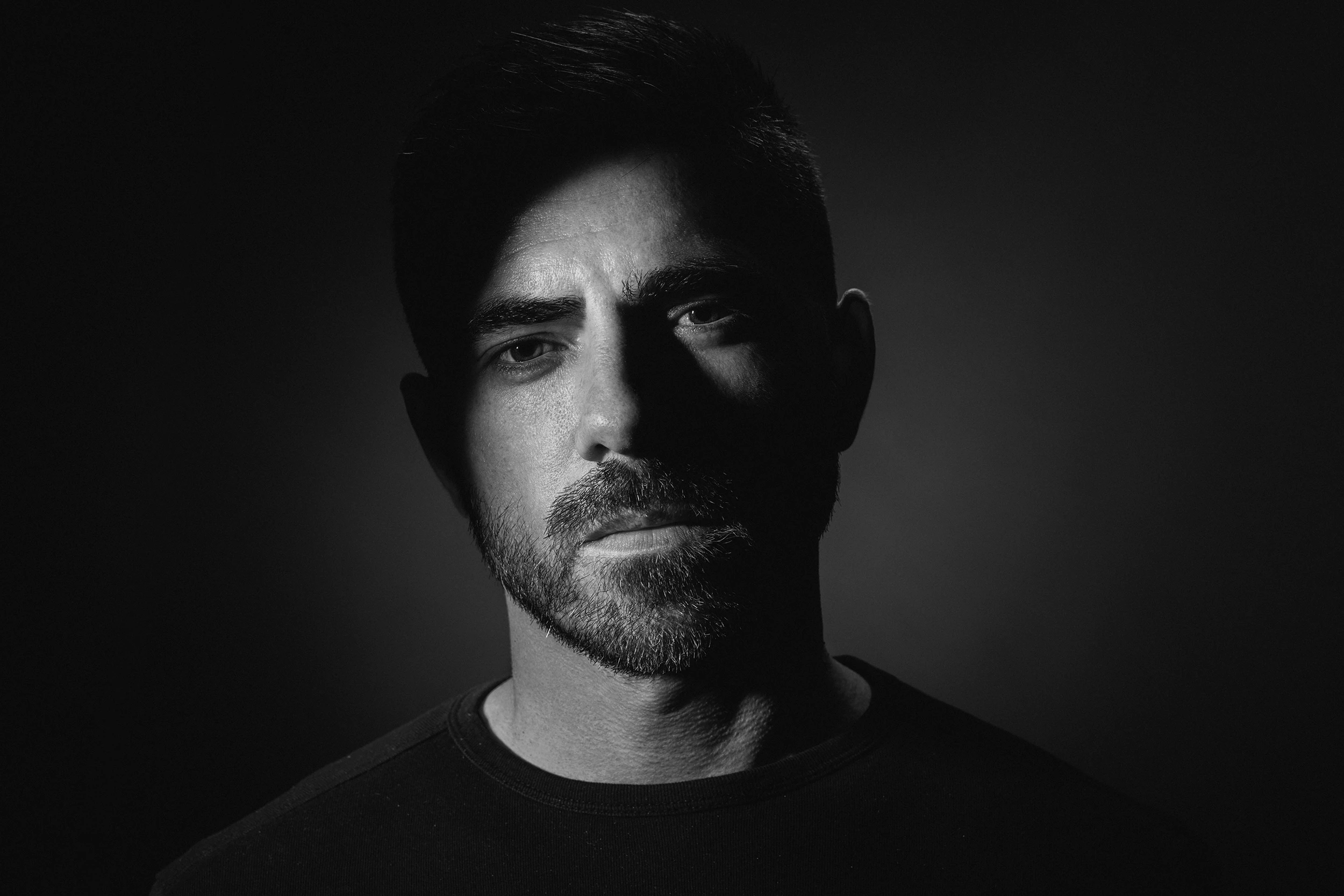
Extreme banding in photoshop CC 2020 Windows and macOS
Hi All,
This is the second time I've written about this problem, I thought I solved the problem but i didn't.
First of all I want to say, I have tried absolutely everything to solve this problem, and I failed.
- I tried all combinations Prefernces/performance/all combinations - failed
- I tried fresh installs, windows, updates, drivers, without monitor calibration, and later with monitor calibration - failed
- I tried windows 7 so it came back to windows 10 again...
- I tried with files 16 bits and 8 bits, converted 16 to 8 bits and vice versa...
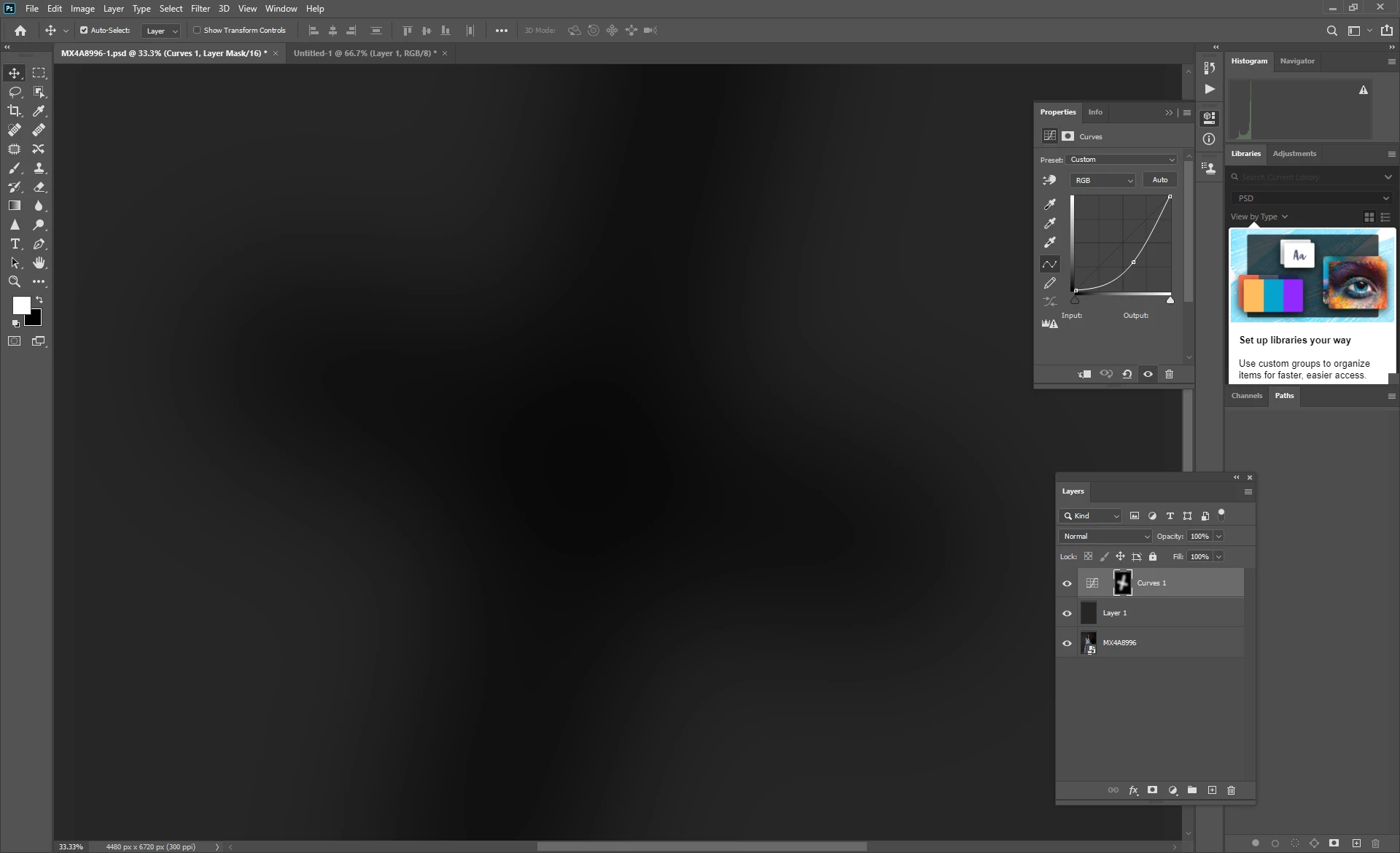
This is an example on the Solid color layer to make banding clearer, it is the same when I working with studio image 16 or 8 bits.
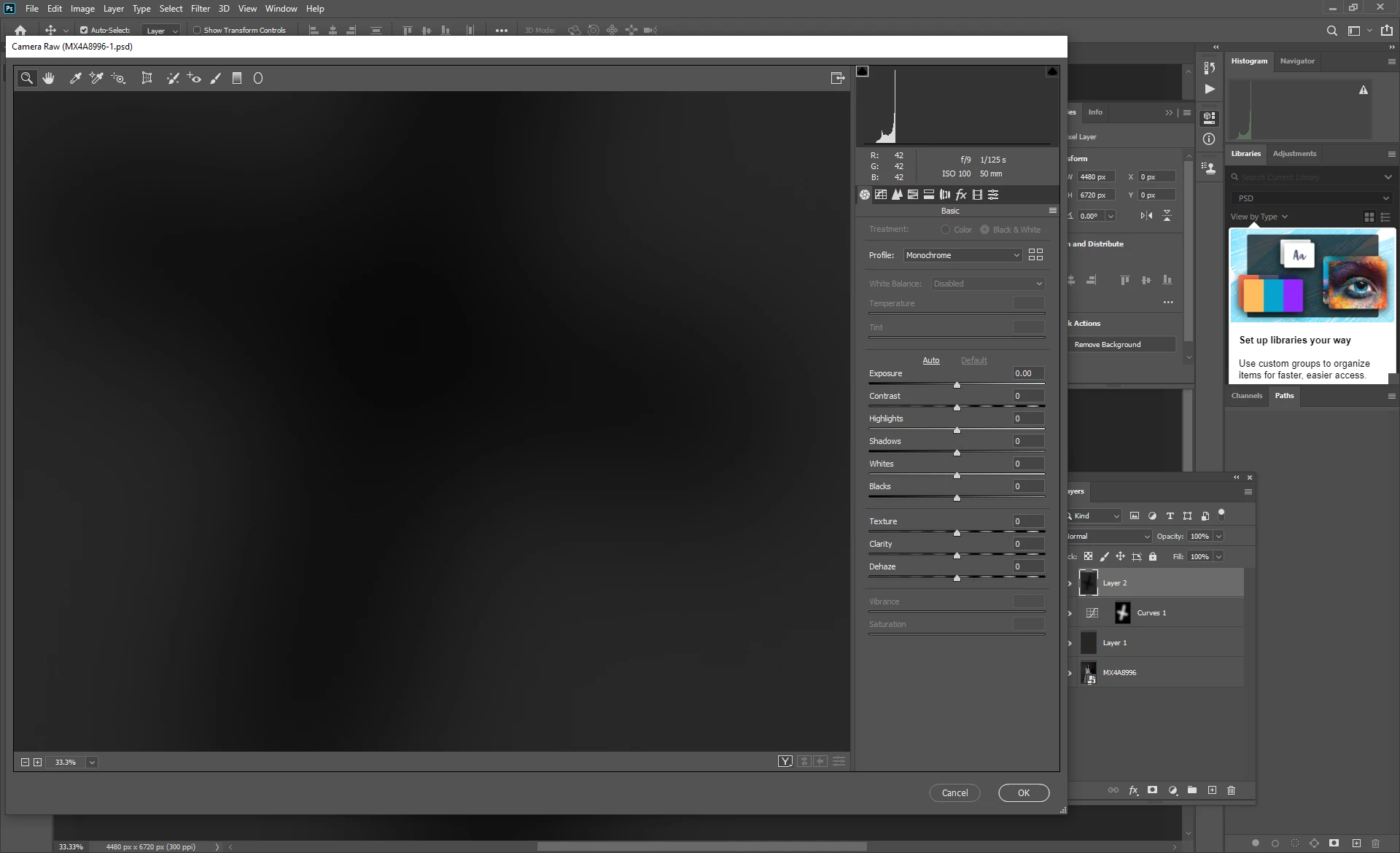
So banding appears in photoshop, but when I merge the layers and open in adobe camera raw, the banding disappears...
Therefore, it is more than obvious that some set-up is not good in photoshop so what's the problem?
Once again I have the same problem on windows PC and macbook pro, so the operating system is not a problem, drivers are not a problem, hardware is not a problem,... (My Windows PC has a 10 bit monitor + radeon RX 580 )
Same problem on 2 operating systems!
https://drive.google.com/open?id=1uVutnGGf-PxOXmoKFN8PniDo6-Bzercf
https://drive.google.com/open?id=1Ea1el5V3ei8WJFAJ0O-VpZ6pgGaxeiJS
https://drive.google.com/open?id=14mEs9g1g4oFCMyHDykmhIDYdQLcV_RaI 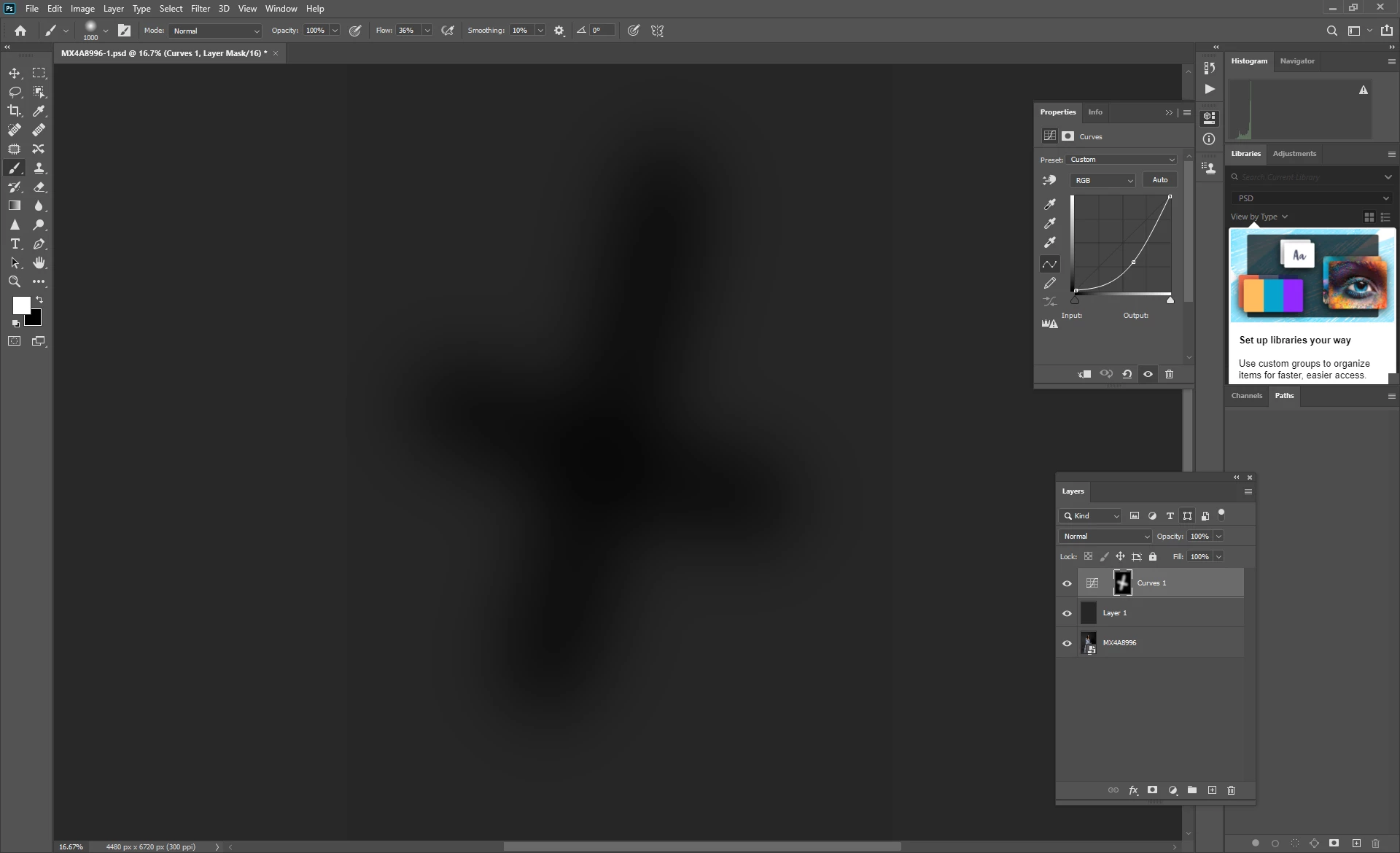
 AdChoices