jshark003
Participant
July 1, 2018
Question

FBX from Mixamo Import?

  • July 1, 2018
  • 2 replies
  • 3172 views

Hi I was trying to import my .fbx file that I have created from Mixamo, everytime I try it cannot open the file.
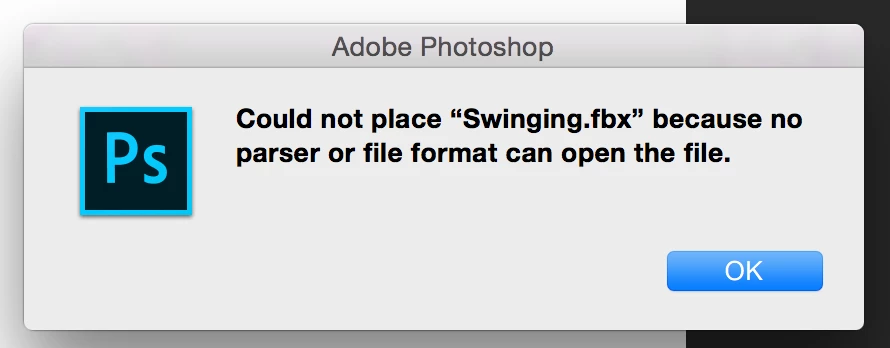
Can somebody please help?

This topic has been closed for replies.

2 replies

Ussnorway7605025
Legend
July 1, 2018

by default Mixamo doesn't make models and Photoshop does not open FBX files

FBX is a file type owned by Autodesk and Maya is their 3d model software but a lot of free game engines, Unity, Unreal can open FBX, even Blender can... FBX changes as time goes on but the FBX that Mixamo uses is a few years old now so download a 2014- 2016 copy of Blender if you want to edit any part of the file

now assuming you do want Photoshop then you can link to the Mixamo files from your Adobe CC library;

  • the normal and best way to start is make a model in Adobe Fuse then send it to your cc library using the ui option

once in your cc library you can just drag the model out of the library panel onto a canvas... note the green shows the sync files settings you need to have on before cc library files will update to Photoshop and they are on by default but some people turn this off by mistake

now Photoshop can edit the model for custom looks without busting the basic files i.e, non destructive edits

you can add the Mixamo animations to this model from within Photoshop to set the pose you want then rendor an image, timeline or just export the new model as a Wavefront | obj if thats what you need

jshark003
jshark003Author
Participant
July 1, 2018

JUST TURN IT INTO A .DAE FILE