Exit
  • Global community
    • Language:
      • Deutsch
      • English
      • Español
      • Français
      • Português
  • 日本語コミュニティ
  • 한국 커뮤니티
0

File corrupted

New Here ,
Dec 30, 2021 Dec 30, 2021

Hi dear all,

Can anyone advise how to solve this problem? Please see attached.

Imac user. edited image half way and become like this. Many times already...

Thank you!
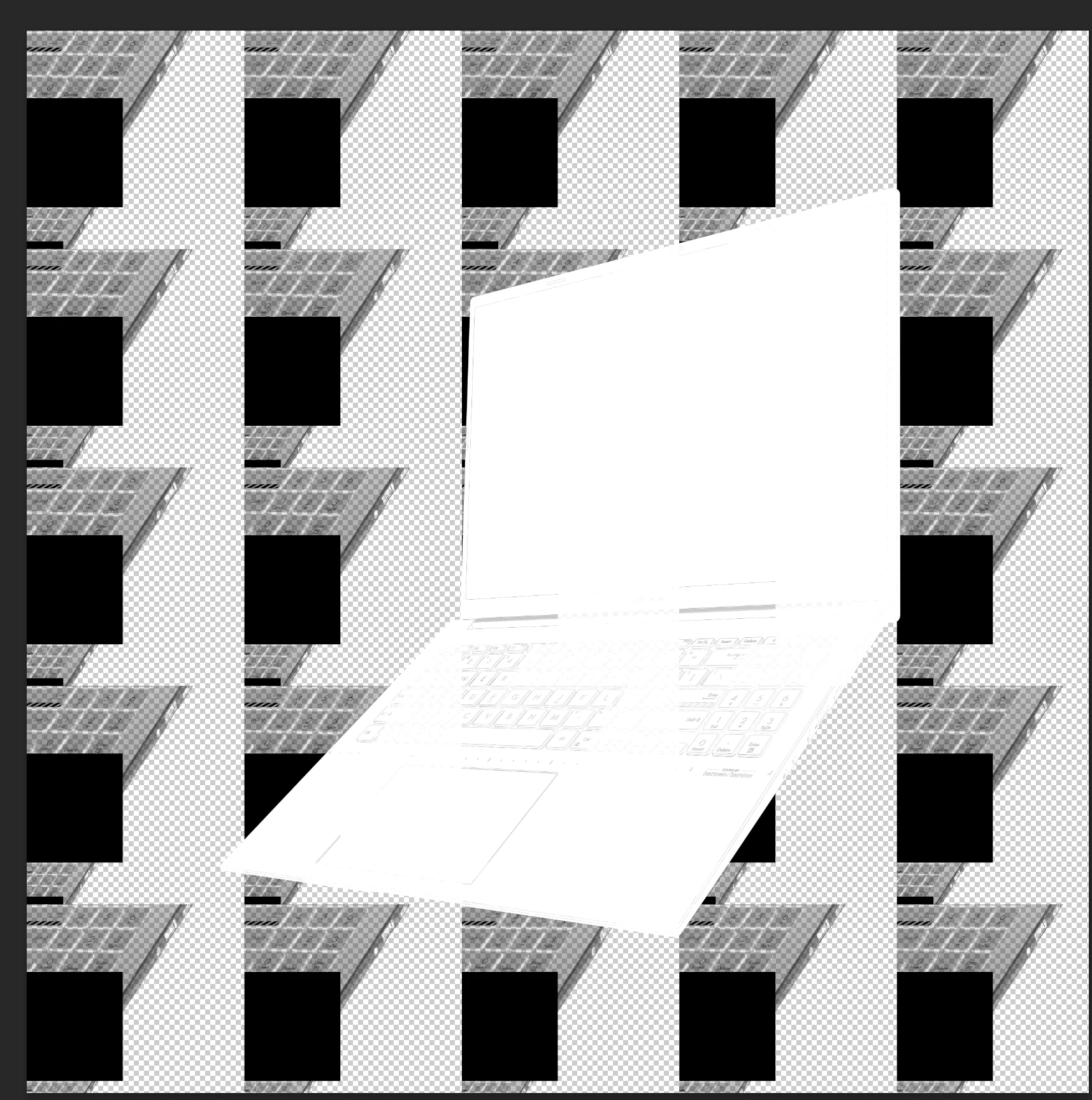
Screenshot 2021-12-30 at 4.03.54 PM.png

TOPICS
macOS
320
Translate
Report
Community guidelines
Be kind and respectful, give credit to the original source of content, and search for duplicates before posting. Learn more
community guidelines
Adobe
Community Expert ,
Dec 30, 2021 Dec 30, 2021

Hi

What version of Photoshop do you have, if you're using the most recent version try enabling this option in preferences and restarting Photoshop to see if it helps

2021-06-11 17_45_47-Window.png

Translate
Report
Community guidelines
Be kind and respectful, give credit to the original source of content, and search for duplicates before posting. Learn more
community guidelines
New Here ,
Dec 30, 2021 Dec 30, 2021

Hi,
Thanks for the advice. I'm using the latest version. I will try and let you know. Thanks again! ˆ_ˆ

Translate
Report
Community guidelines
Be kind and respectful, give credit to the original source of content, and search for duplicates before posting. Learn more
community guidelines
Community Expert ,
Dec 30, 2021 Dec 30, 2021

If that doesn't work try unticking "Use Graphics Processsor" found under the Performance tab in Photoshop preferences.

Translate
Report
Community guidelines
Be kind and respectful, give credit to the original source of content, and search for duplicates before posting. Learn more
community guidelines
New Here ,
Dec 30, 2021 Dec 30, 2021

Hi Derek,

Let me try, will let you know the outcome. Thanks a lotˆ_ˆ

Translate
Report
Community guidelines
Be kind and respectful, give credit to the original source of content, and search for duplicates before posting. Learn more
community guidelines
New Here ,
Jan 03, 2022 Jan 03, 2022
LATEST

Hi all,

Happy New Yaer!

Still the same...

Screenshot 2022-01-04 at 3.24.01 PM.png

Translate
Report
Community guidelines
Be kind and respectful, give credit to the original source of content, and search for duplicates before posting. Learn more
community guidelines
