
Participant
September 21, 2025
Question

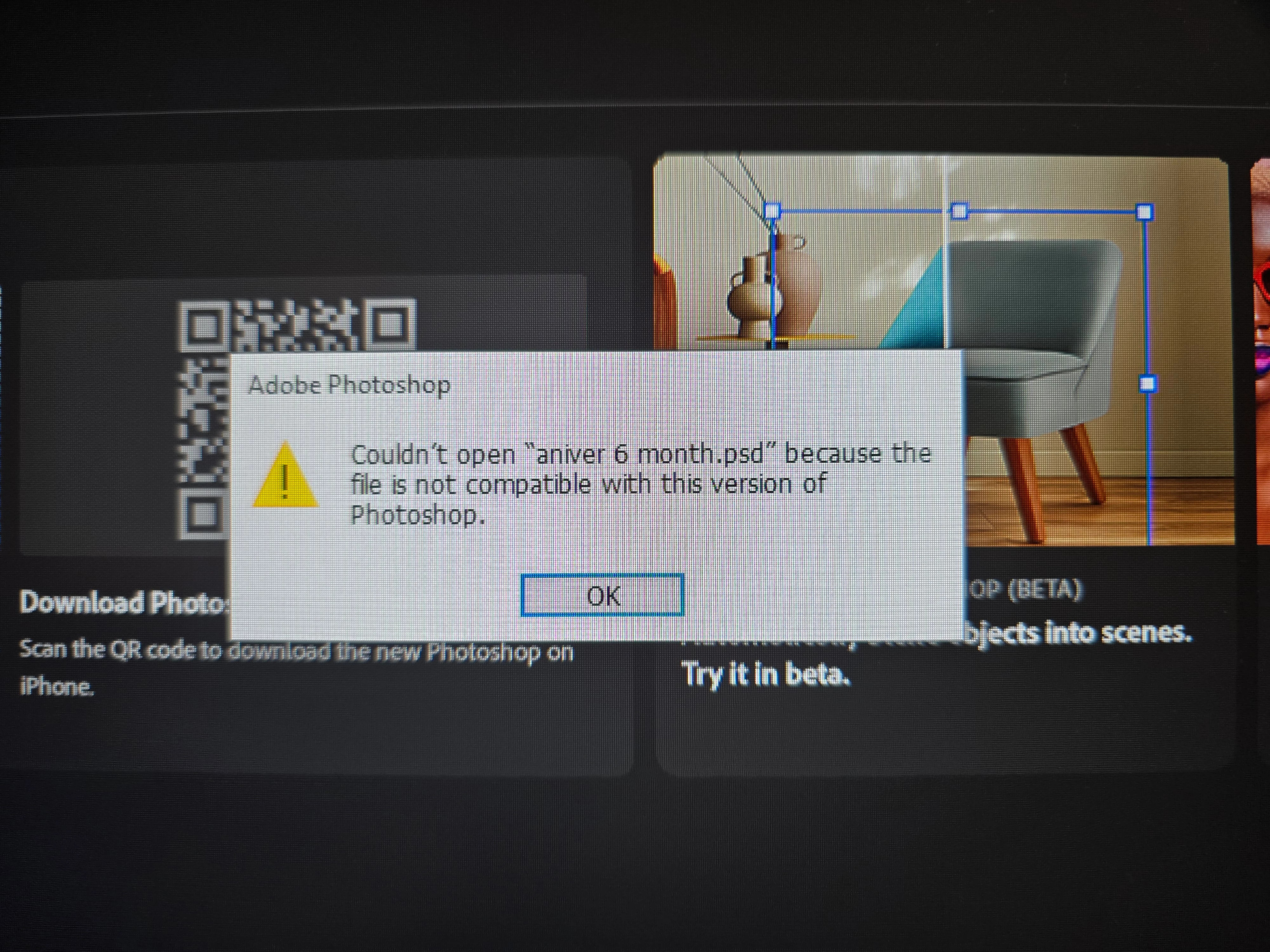
File is no longer compatible

  • September 21, 2025
  • 3 replies
  • 118 views

I worked on the project one day ago and i saved it as a photoshop file. However today this file became not compatible with the Photoshop so i can't access it anymore. Changing version of the Photoshop was not helpful. Is there any way to fix this? 
3 replies

mglush
Community Expert
Community Expert
September 23, 2025

Hi!

I know this sounds strange, but have you tried to open the file in Illustrator? I have seen this work before. I searched Google with "opening corrupted photoshop files in illsutrator" and this is the resulting information:


To open a corrupted Photoshop (PSD) file in Illustrator, try directly opening it in Illustrator, which may automatically attempt to recover layers and data. If that fails, use Illustrator's content recovery mode by editing preferences to enable it. Alternatively, use a third-party repair tool like Repairit or Recovery Toolbox. If you can open it, immediately File > Export As and save it as a new PSD file to preserve the recovered data.  
 
These is a video at this link that might be helpful to recover your file.
 
Let us know if that helps or if you still cannot access your file.
Michelle
D Fosse
Community Expert
Community Expert
September 22, 2025

That usually means the file is corrupt - and the most common cause is saving directly to external or network storage, as Kevin suggests.

Kevin Stohlmeyer
Community Expert
Community Expert
September 22, 2025

@pavel_7781 Where/how did you save your file? Local drive, network server, cloud storage, etc.