Inspiring
February 12, 2024
Answered

File path loaded into photoshop

  • February 12, 2024
  • 2 replies
  • 1602 views

I would like to see an alert window with the path to the original file.

 

This topic has been closed for replies.
Correct answer Stephen Marsh

here I am
then the situation is this
this string is not good to fit uxp
Window.alert(app.activeDocument.fullName);

this is fine for me but not for uxp
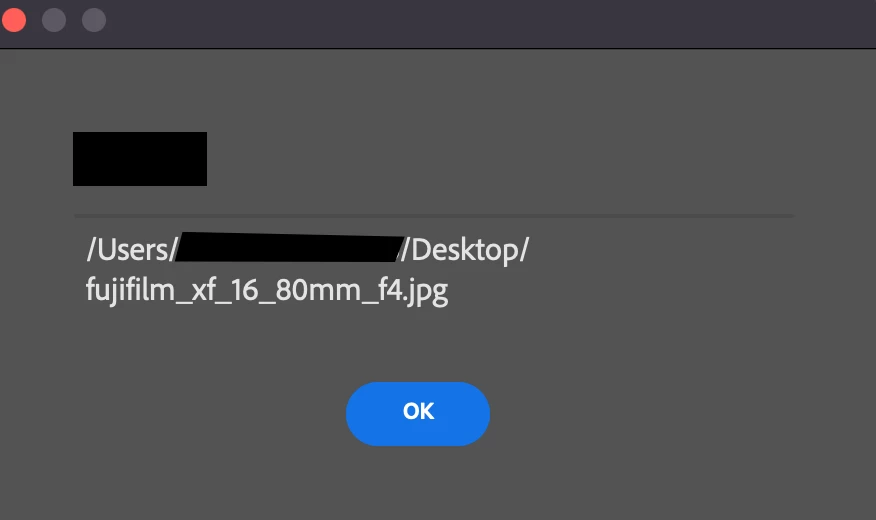
Window.alert(app.activeDocument.path.fsName);
this one is fine for uxp but not for me
because it gives me the entire path plus the file name
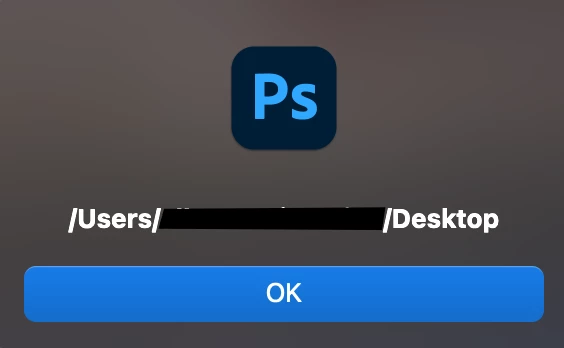
app.activeDocument.path
what I need is the first example
/user/username/folder


quote

what I need is the first example
/user/username/folder


By @Ciccillotto


Try the following regular expression capture group addition:


require('photoshop').core.showAlert(app.activeDocument.path.replace(/(^.+\/)(.+)/, "$1"));


2 replies

Legend
February 12, 2024

A one line script:

Window.alert(app.activeDocument.fullName);
Stephen Marsh
Community Expert
Community Expert
February 12, 2024

@Lumigraphics – I presume that is in the context of a UXP based panel? Do you know how to alert in a UXP .psjs context?


@Ciccillotto – Please make it clear when posting scripting questions if it is ExtendScript or UXP based, and if UXP – whether it should be for a stand-alone .psjs script or for use in a UXP panel.

Inspiring
February 13, 2024

Stefano, when I can't find documents on uxp, I try to find something on this forum, then if I'm lucky I can adapt it to uxp, but this is not always possible. said this, Stefano can you help me remove this symbol ~ at the beginning of the path. Unfortunately uxp doesn't recognize this character and blocks everything for me.


I don't need this for files. psjs, I need it for a uxp panel

Conrad_C
Community Expert
Community Expert
February 12, 2024

If you just want to know where the file is, right-click the document tab and choose Reveal In Finder/Explorer.


If you’re using macOS, you can also use the standard macOS shortcut of right-clicking the name in the title bar to reveal the full path to the document. This works only for a document floated as a window, because a tabbed document doesn’t display the standard macOS title bar.