This topic has been closed for replies.

2 replies

JJMack
Community Expert
Community Expert
January 20, 2019

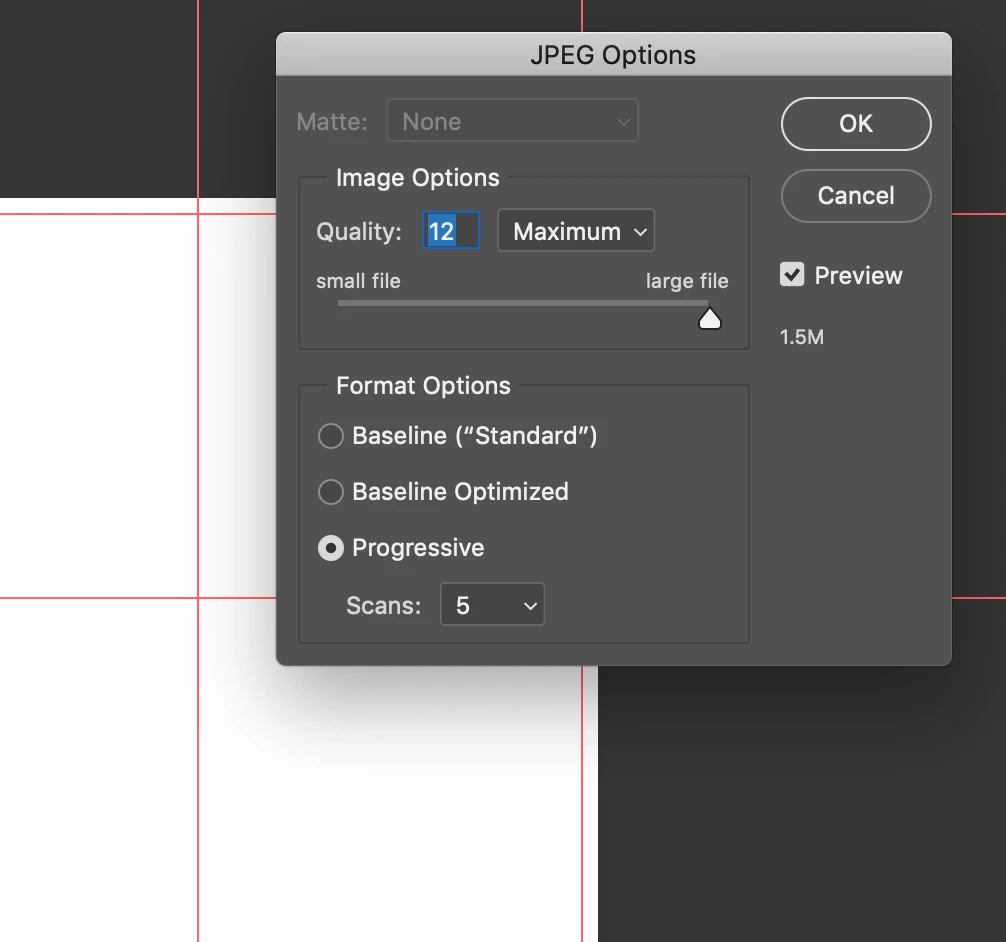
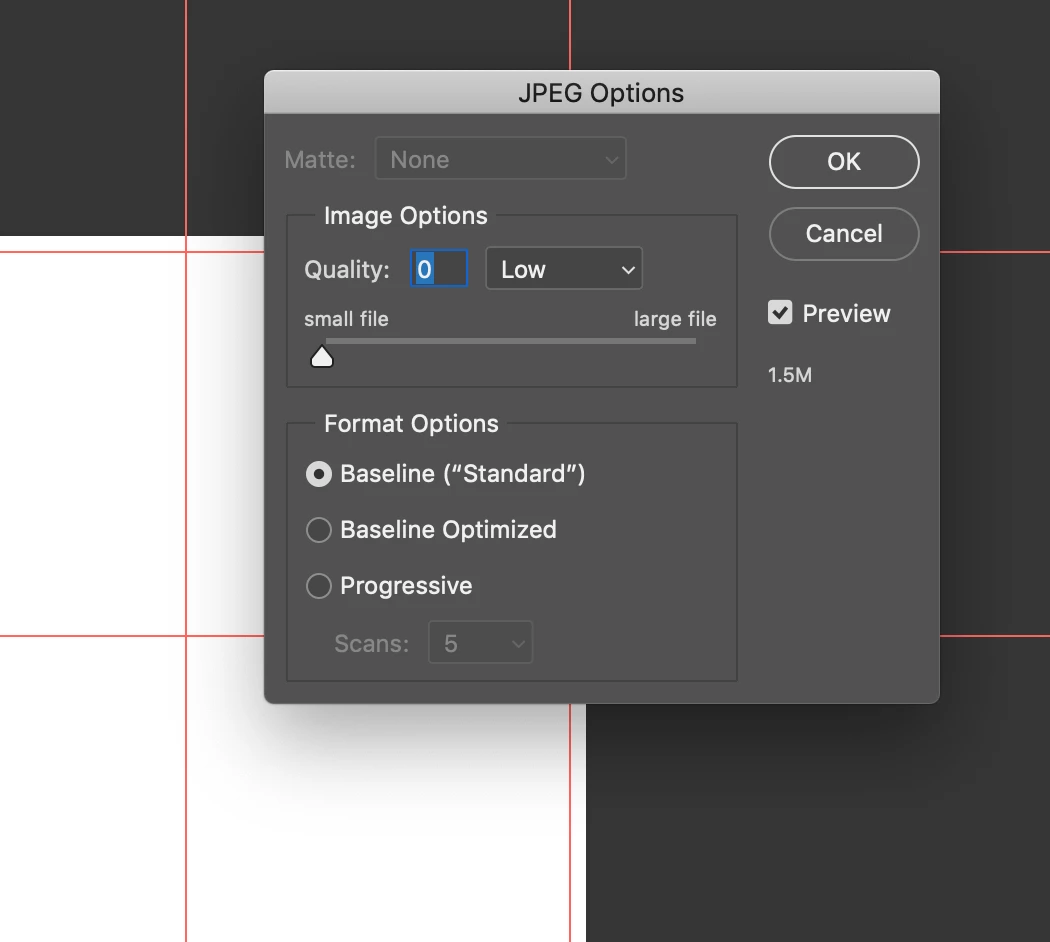
As D Fosse wrote it not image data the so big I also never save Jpeg at quality 12 you will not see any difference with you eyes between  aquality 10 and a quality 12 Jpeg image.  Quality 12 can actually inflate the image file size.   I just saved 6 800x800 jpeg file  for two image Documents at quality 0, 10 and 12.  If you do the math 800x800is 640,000 Jpeg only supports 8bit RGB color so there  so each pixel requires a 8bit value for each of the  3 colors so a pixel requires 3 bytes of data so a 800x800 8bit RGB image uncompressed requires 1,920,000 data bytes that decimal devide the by 1024 1 Hex K  you see the image requires 1,875 hex K  or 1.875Meg hex.  For some unknown reason Photoshop shows the two document I created to be only 1.83Meg in the image windows frames and in image size. I believe the correct number should be 1.875MB.   The Size of the 6 file saved range from 16KB to 2.3MB. I did use "save as" so there is some metadata be its minimal there not  camera metadata it old metadata

<x:xmpmeta xmlns:x="adobe:ns:meta/" x:xmptk="Adobe XMP Core 5.6-c145 79.163499, 2018/08/13-16:40:22        ">

   <rdf:RDF xmlns:rdf="http://www.w3.org/1999/02/22-rdf-syntax-ns#">

      <rdf:Description rdf:about=""

            xmlns:xmp="http://ns.adobe.com/xap/1.0/"

            xmlns:xmpMM="http://ns.adobe.com/xap/1.0/mm/"

            xmlns:dc="http://purl.org/dc/elements/1.1/"

            xmlns:photoshop="http://ns.adobe.com/photoshop/1.0/">

         <xmp:CreatorTool>Adobe Photoshop CC 2019 (Windows)</xmp:CreatorTool>

         <xmp:CreateDate>2019-01-20T17:01:03-05:00</xmp:CreateDate>

         <xmp:ModifyDate>2019-01-20T17:01:03-05:00</xmp:ModifyDate>

         <xmp:MetadataDate>2019-01-20T17:01:03-05:00</xmp:MetadataDate>

         <xmpMM:DocumentID>adobe:docid:photoshop:5205fad7-dfa9-5c48-80b6-0f35c6380fa5</xmpMM:DocumentID>

         <xmpMM:InstanceID>adobe:docid:photoshop:5205fad7-dfa9-5c48-80b6-0f35c6380fa5</xmpMM:InstanceID>

         <dc:format>application/vnd.adobe.photoshop</dc:format>

         <photoshop:ColorMode>3</photoshop:ColorMode>

         <photoshop:ICCProfile>sRGB IEC61966-2.1</photoshop:ICCProfile>

      </rdf:Description>

   </rdf:RDF>

</x:xmpmeta>

JJMack
D Fosse
Community Expert
Community Expert
January 20, 2019

The problem is metadata - usually "DocumentAncestors", a record of file history including all copy/pastes. This can sometimes accumulate and blow up to many MBs.

The recent 20.0.2 update is supposed to handle this differently and do away with these excessive amounts. Try that first.

Or you can just use Export/Save For Web, which strips out all metadata.