Files are not indicated on cloud documents
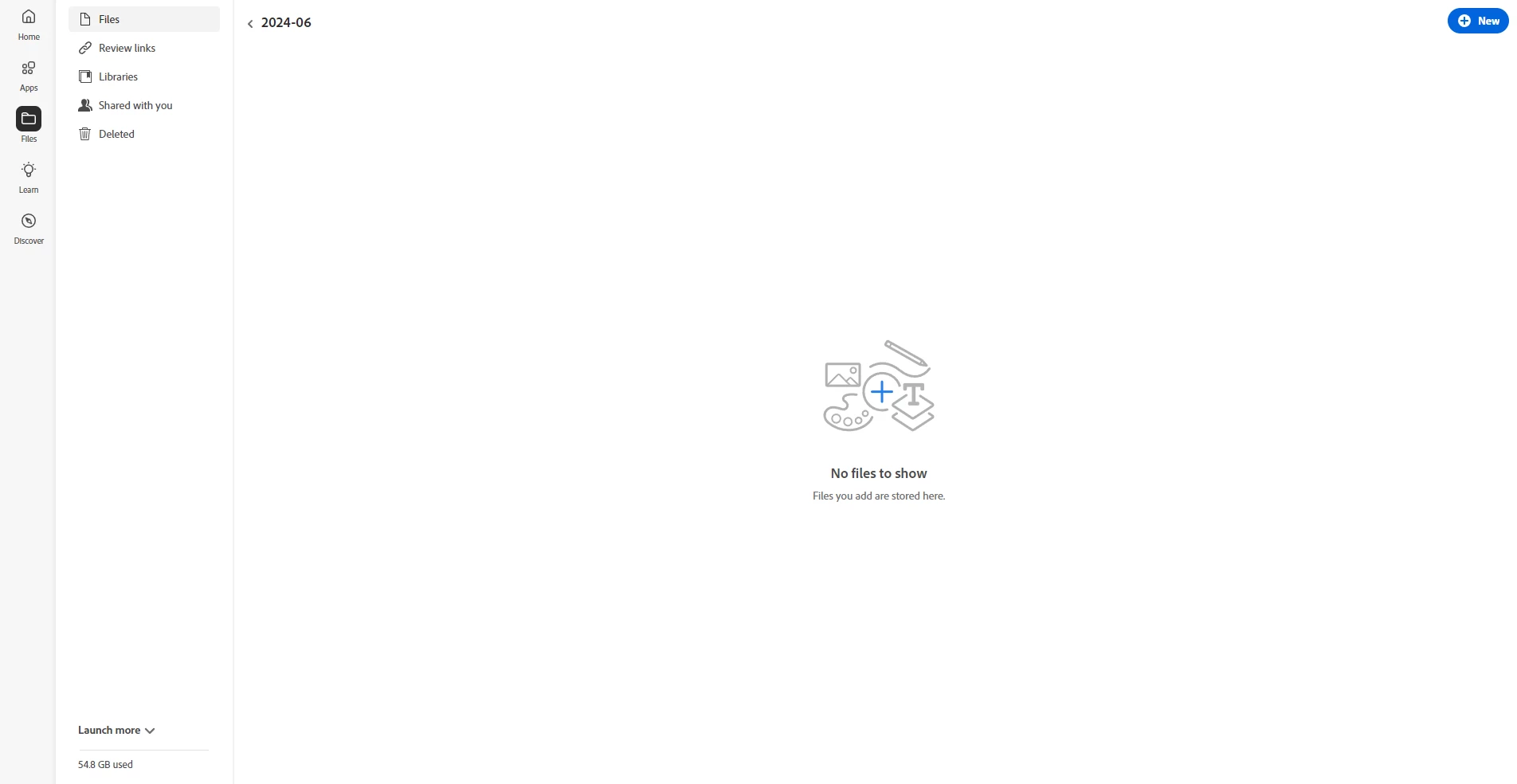
(Web browser screen)
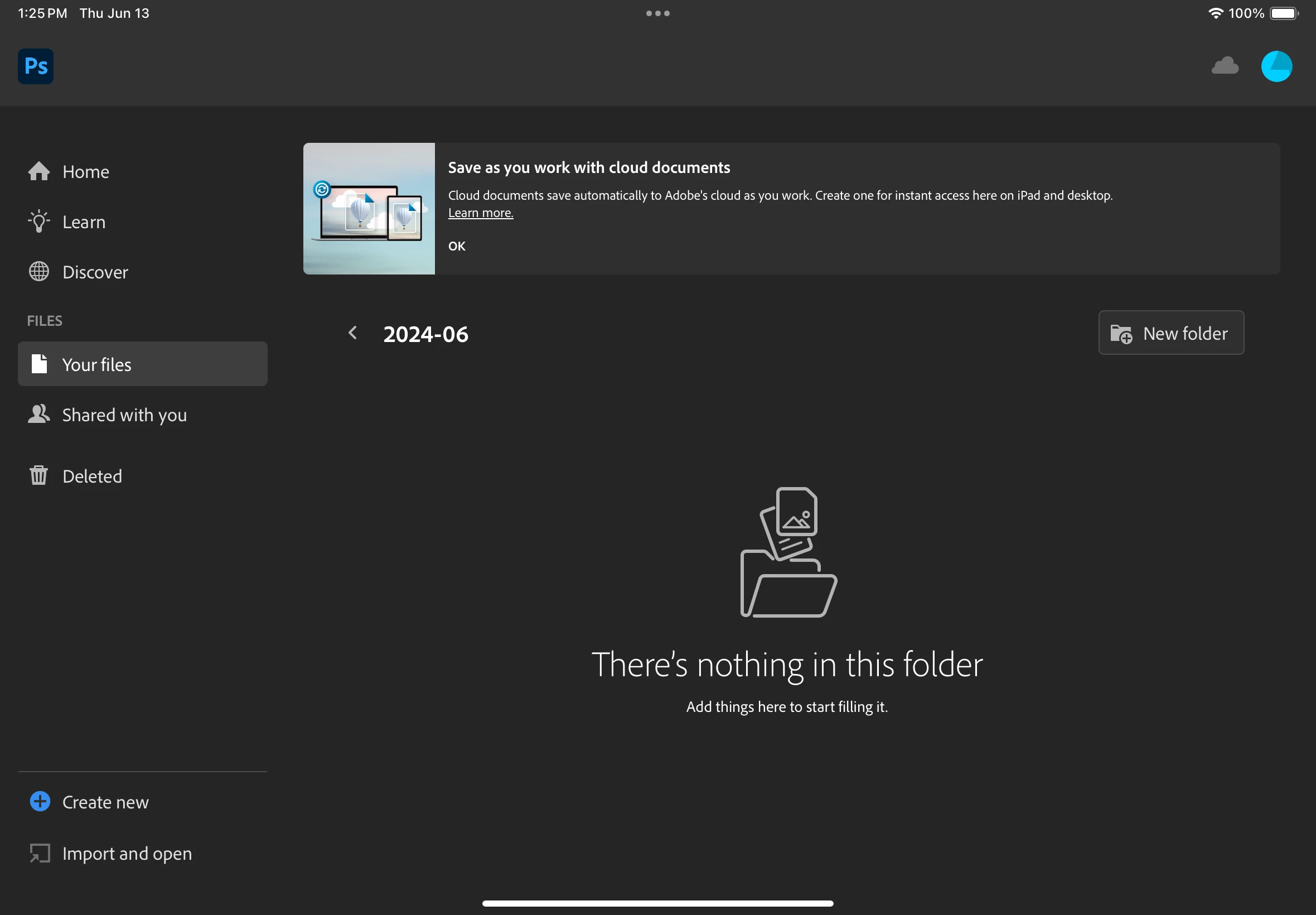
(IPad screen)
I had same phenomenon on my private desktop's photoshop program, but I solved it through photoshop update. But when I gonna find files on "https://assets.adobe.com/cloud-documents" through public desktop web browser, It indicates "No files to show" And same symptom occurs on IPad photoshop app. Unlike desktop, the iOS app is already updated version(5.5.2)
Funny thing is that files created up to 2024 May 26th (UCT+9) are indicated on the browser and IPad. On June 12th (UCT+9), I saved my newest psd file on the cloud and that is the time when I noticed the problem. I couldn't find that file on the cloud so had to update photoshop to find that file as I said first on discussion.
I want to know why this happens and how to solve it. Any help would be appreciated.
 AdChoices