Copy link to clipboard
Copied
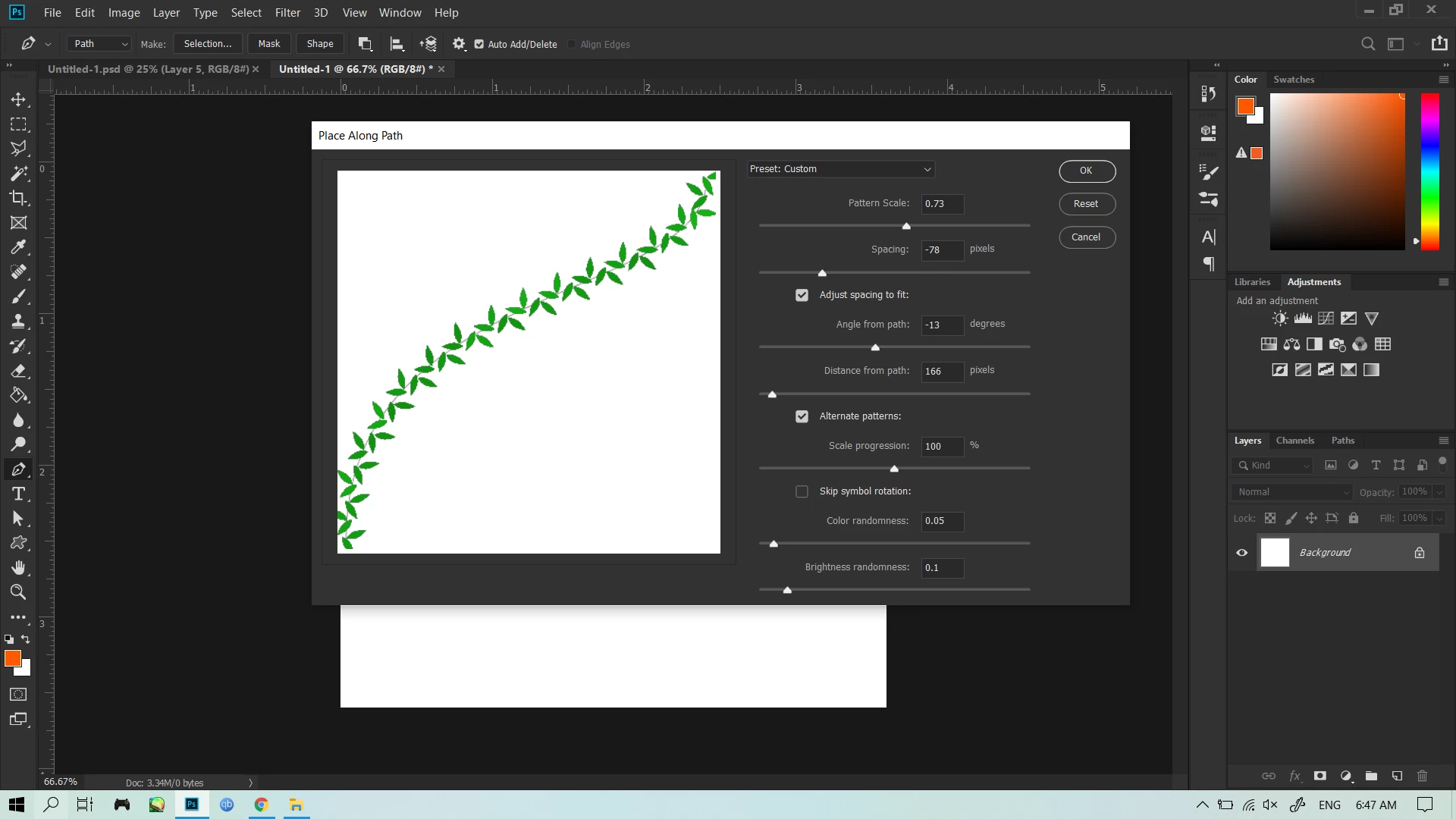
Hi, so i made my own pattern and wanted to place it along a path, but it seems like the patern is OUTSIDE the path, and not along. Moreover the pattern cuts of in the middle, showing only one half. i selected the pattern i made
this is what its supposed to look like
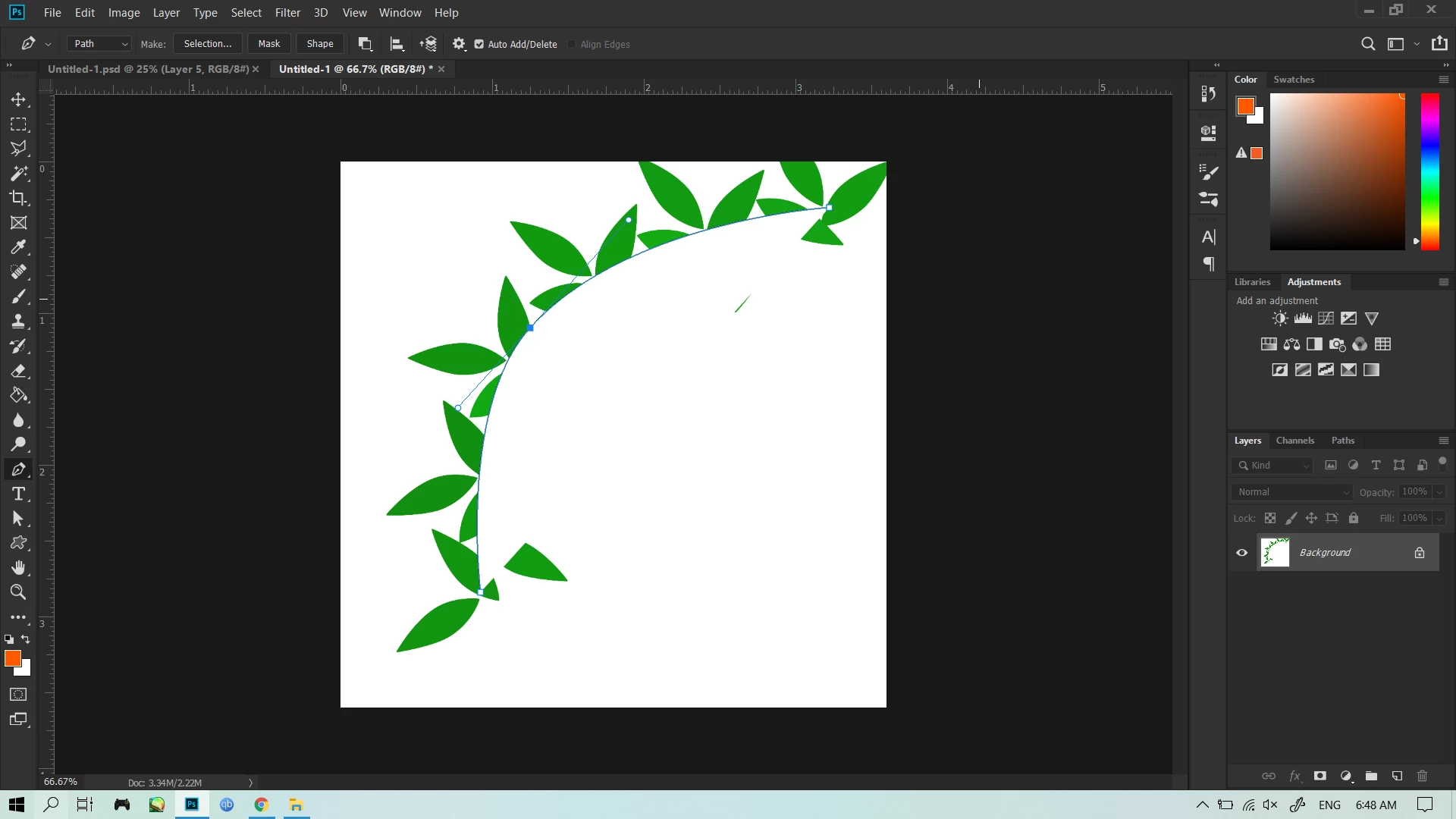
but instead it looks like this
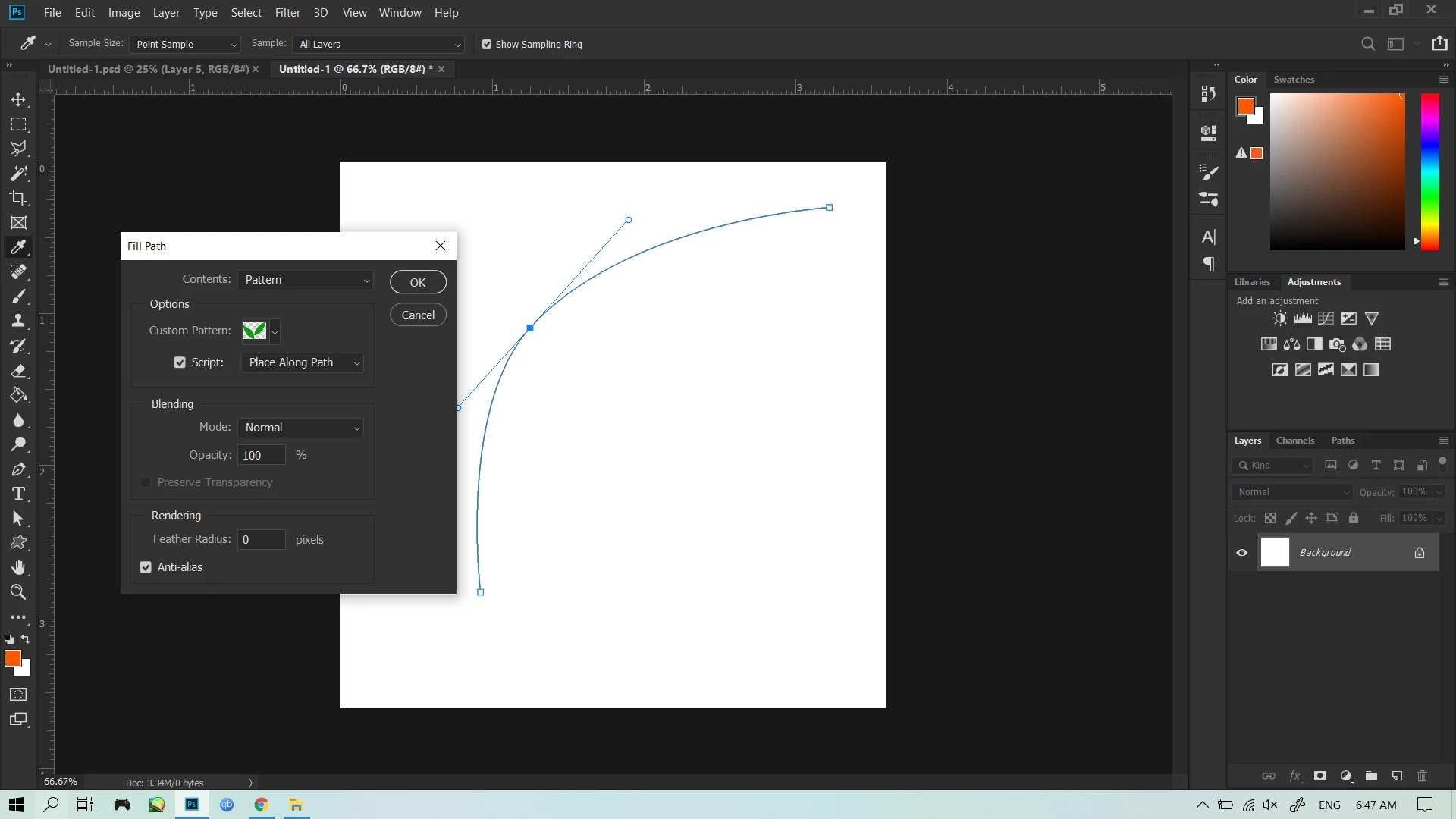
Okay, I figured it out. I think you're right clicking on the path to fill it. Use the main menu instead. There seems to be a bug regarding this.
Here is what I think you're doing with right clicking and using the context fill. This is what I'm getting:
Here is using the main menu:
Copy link to clipboard
Copied
Very odd. Have you tried resetting your preferences. It looks like you have a shape layer with a white fill that is blocking the the leaves, but it doesn't look that way with your layer panels
Copy link to clipboard
Copied
Okay, I figured it out. I think you're right clicking on the path to fill it. Use the main menu instead. There seems to be a bug regarding this.
Here is what I think you're doing with right clicking and using the context fill. This is what I'm getting:
Here is using the main menu:
Copy link to clipboard
Copied
I am having an issue like this also.
Fill path using a pattern. It does not show anything, was working before, now nothing.
Is there a bug fix for this?
Copy link to clipboard
Copied
Hello!
I am having this issue as well. Where on the main menu do I fill a path with a pattern? What do you mean by Main Menu? Could you provide screen shots?
Copy link to clipboard
Copied
The main menu accessing the fill feature through the top menu bar's edit>fill, not by right clicking to bring up the contextual menu.
Copy link to clipboard
Copied
This worked for me - thanks a million! It's still a bug in Feb 2021 on MacOS (PS version 22.2.0)
Using the right-click menu to select Fill Path results in my pattern being chopped in half. Instead, selecting Fill Path from the Edit menu, everything works as expected.
Get ready! An upgraded Adobe Community experience is coming in January.
Learn more