
Known Participant
May 9, 2020
Question

Fireworks CS6 unique blend modes for Photoshop

  • May 9, 2020
  • 6 replies
  • 5229 views

Please, Adobe, for God's sake: add already all those still missing original Fireworks CS6 layer blend modes to Photoshop!!! I am trying to migrate like for a year or two but still turn back to FW cos Photoshop is still missing all FW special blend modes (40+ vs 27 in PS).


I am asking for adding unique FIREWORKS CS6 layer blend modes into Photoshop which are still not there after all these years...unbelievable.


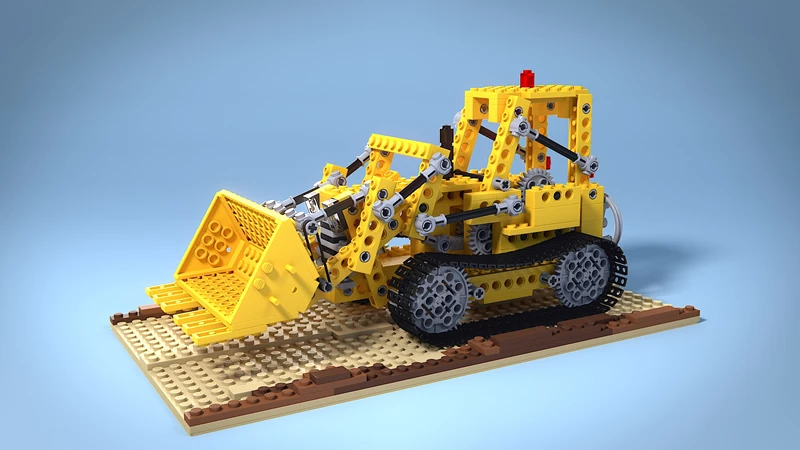
To show you what those were and how they looked I will now post sample previews for all of them (except 2 which are irrelevant) with test images for those who would want to try to find a way how to achieve those in Photoshop and for comparison between each other so that you would see they are really unique and not some repetition of already existing ones.


original blending image

original background image (found via random Google images search)
 

Now the actual Fireworks CS6 blend modes (and I will post all of them - opacity of all blend layers is set to full 100%):

01 normal with 50% blend opacity


02 average blend  (FW UNIQUE BLEND) - SOLVED: seems to be exact simulation of the above approach
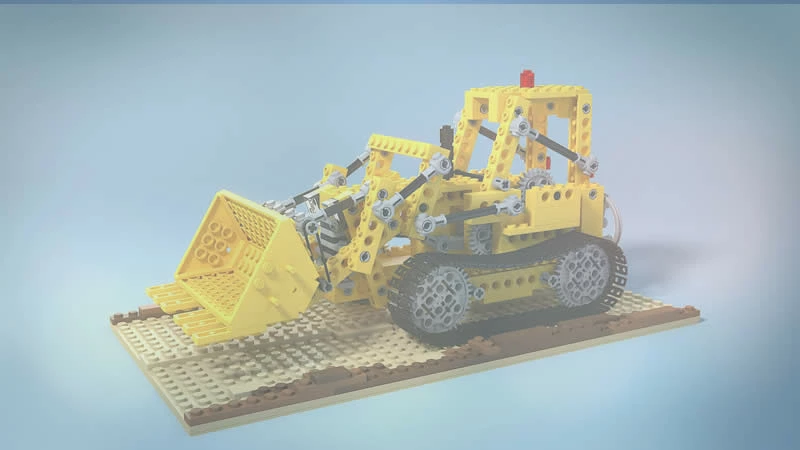
 

03 darken blend
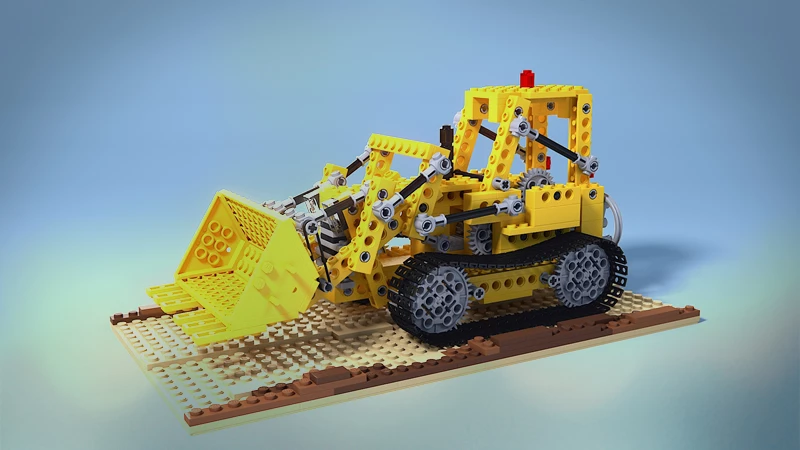
 

04 multiply blend
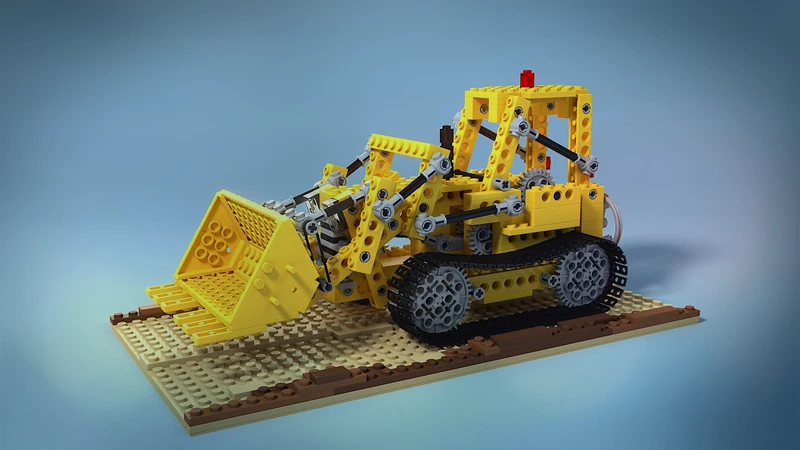
 

05 color burn blend
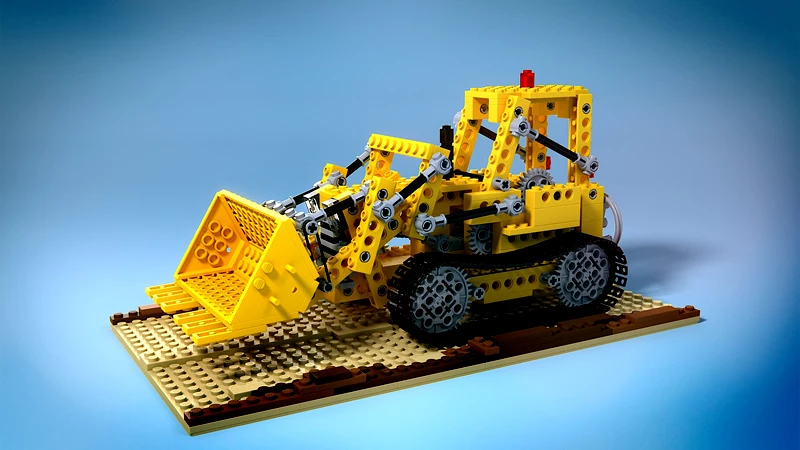
 

06 inverse color burn blend (FW UNIQUE BLEND) - I really do want/need this one badly
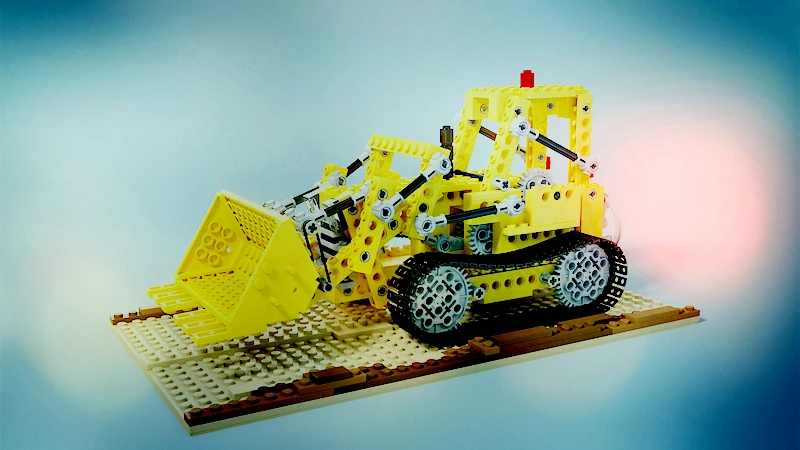
 

07 soft burn blend (FW UNIQUE BLEND)
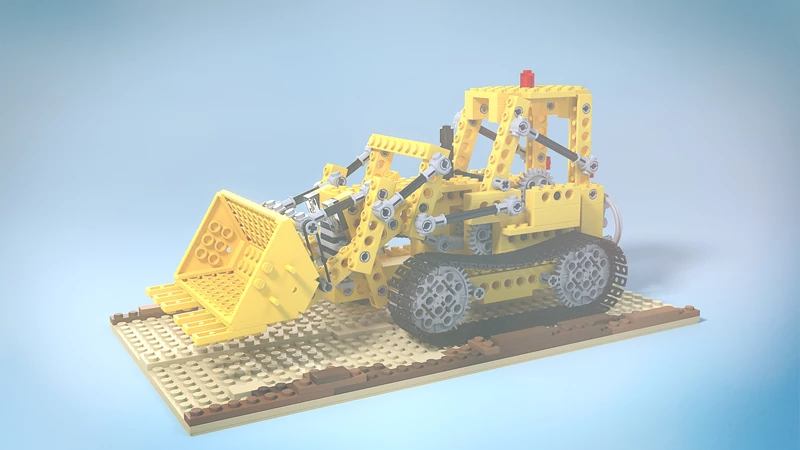
 

08 linear burn blend
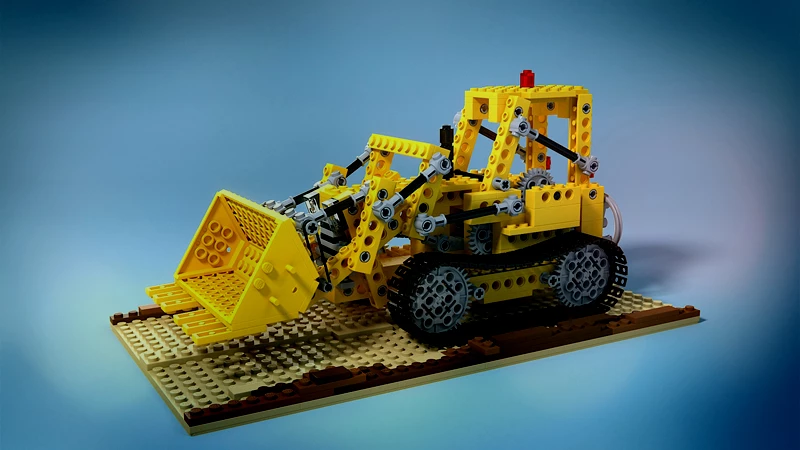
 

09 lighten blend
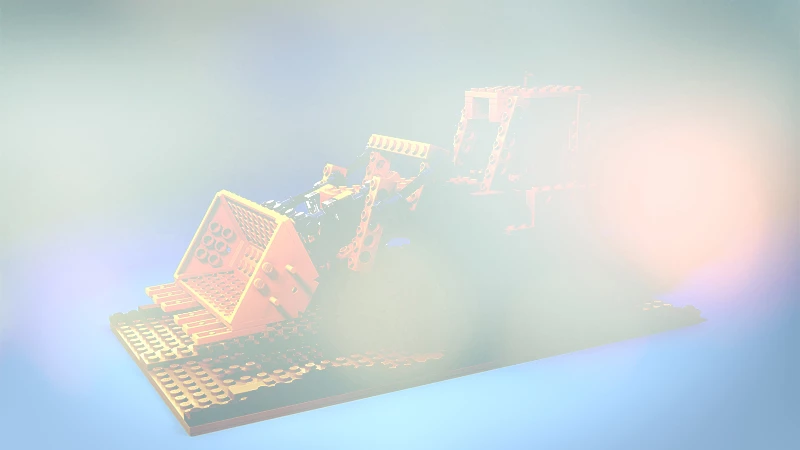
 

10 screen blend
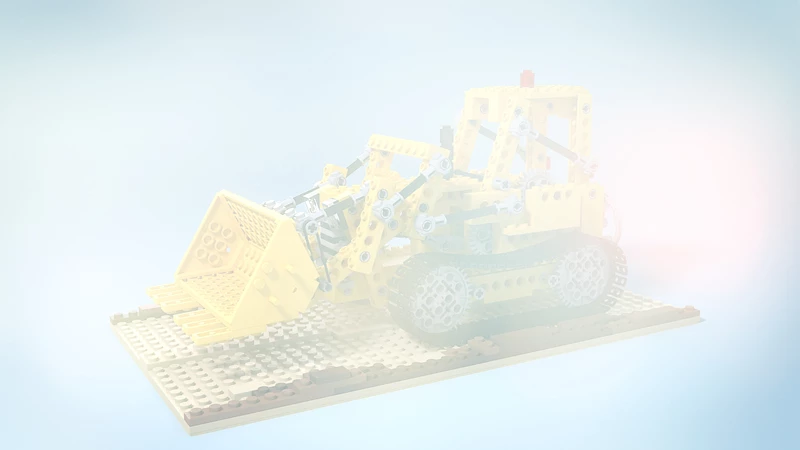
 

11 color dodge blend


12 inverse color dodge blend (FW UNIQUE BLEND) - I really do want/need this one badly
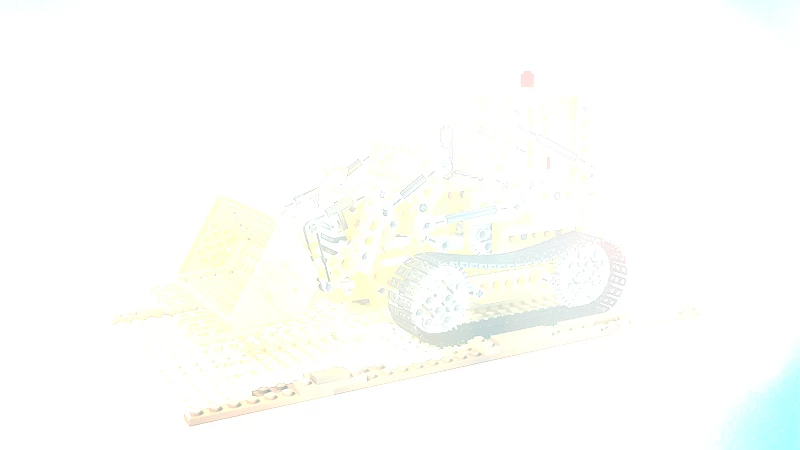
 

13 soft dodge blend (FW UNIQUE BLEND) - I really do want/need this one badly
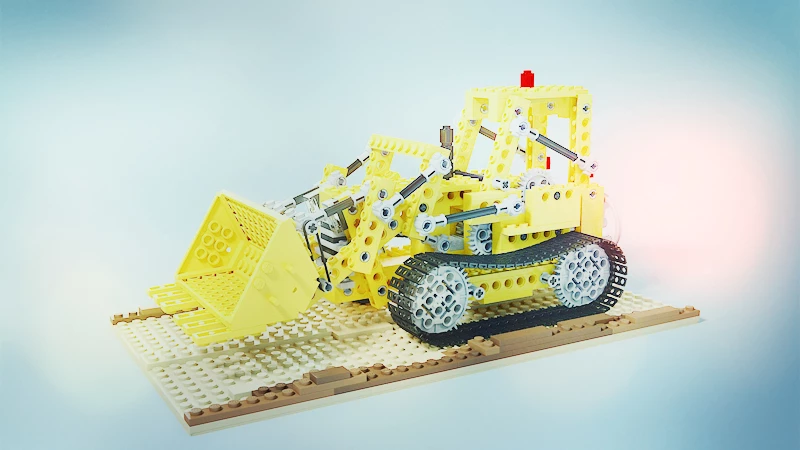
 

14 linear dodge blend
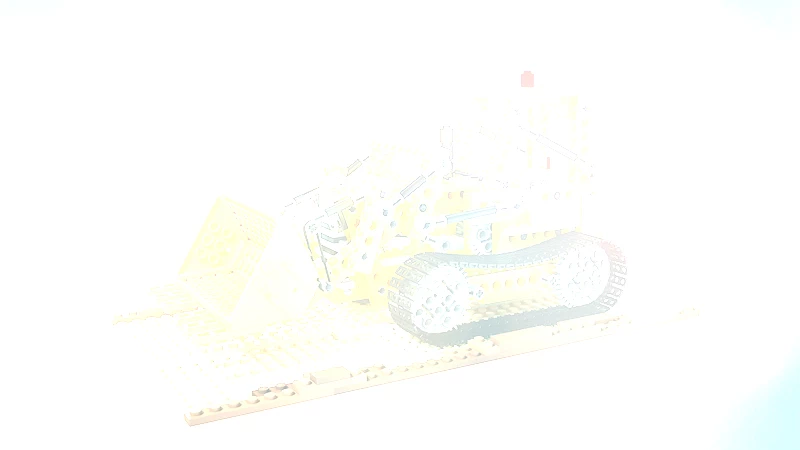
 

15 overlay blend


16 soft light blend
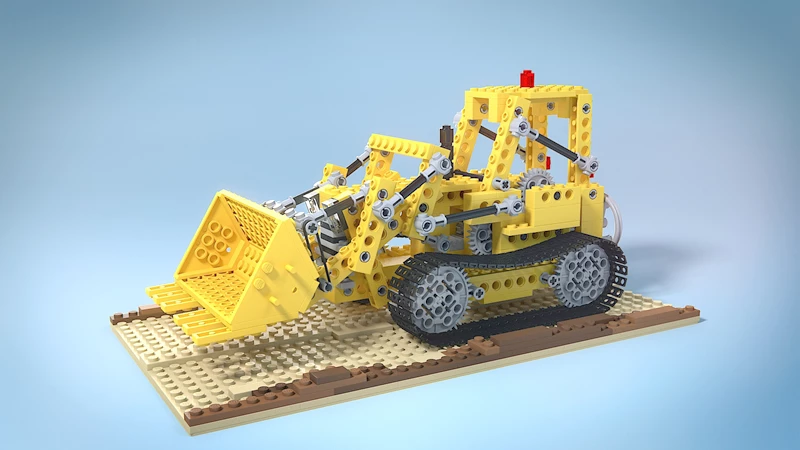
 

17 fuzzy light blend (FW UNIQUE BLEND)
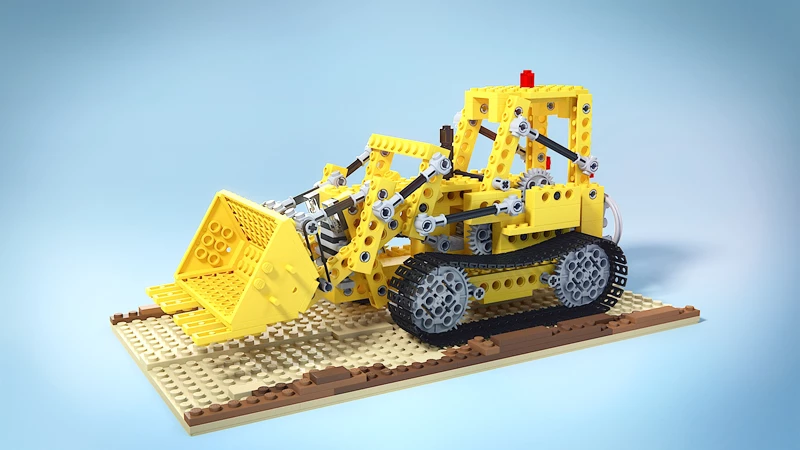
 

18 hard light blend


19 vivid light blend


20 linear light blend
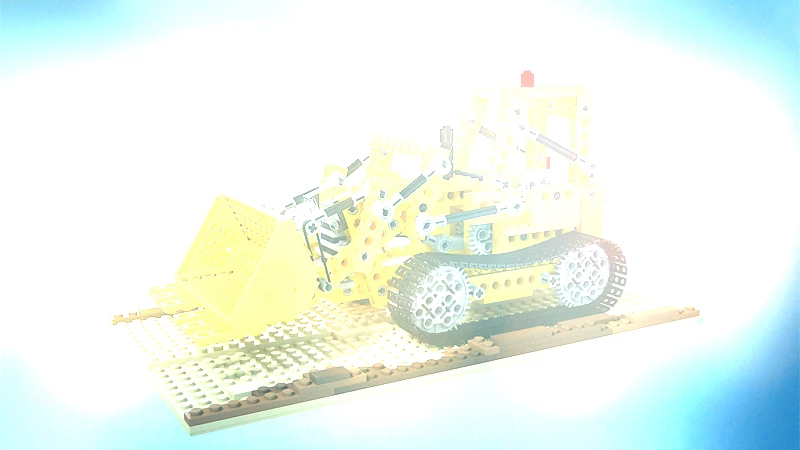
 

21 pin light blend


22 hard mix blend
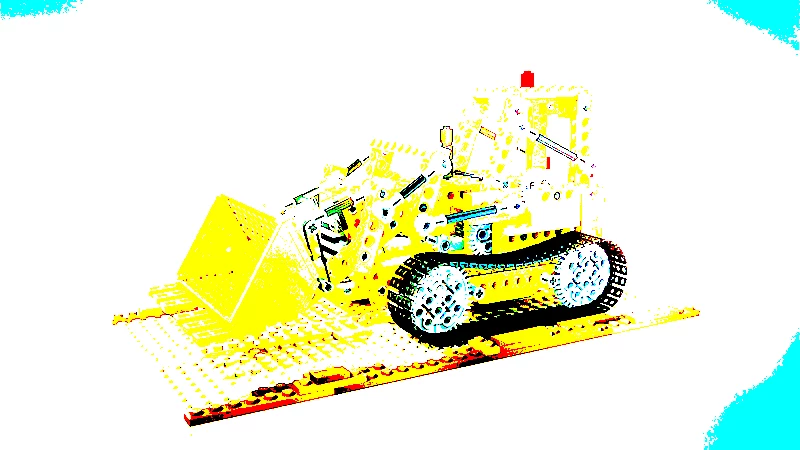
 

23 difference blend
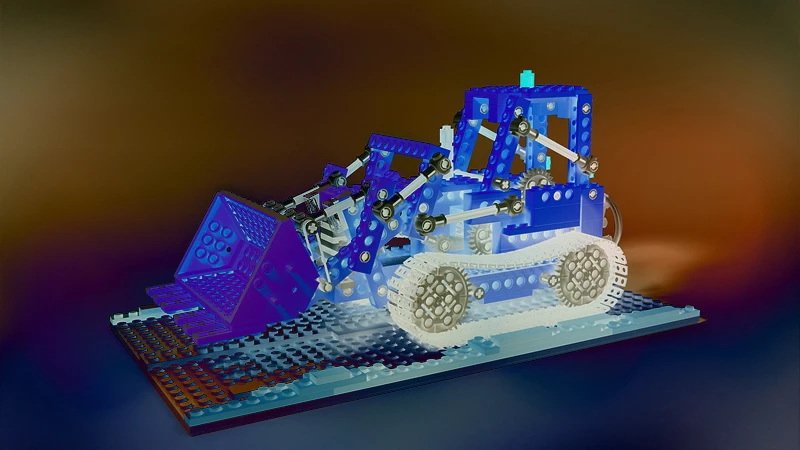
 

24 exclusion blend
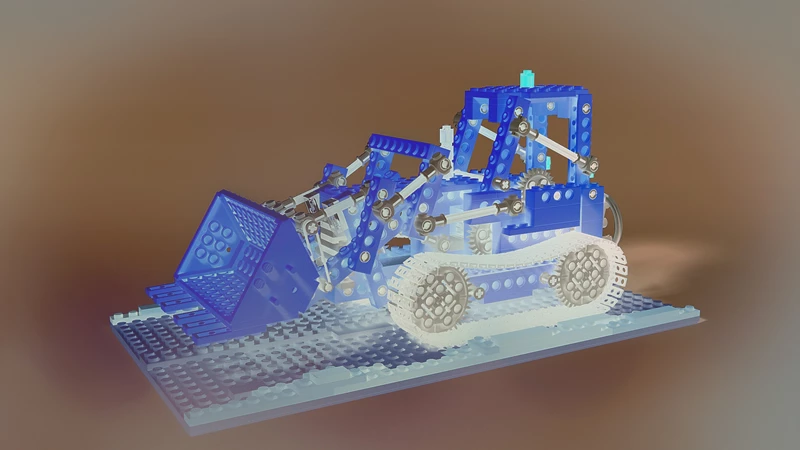
 

25 negation (FW UNIQUE BLEND) - I really do want/need this one badly
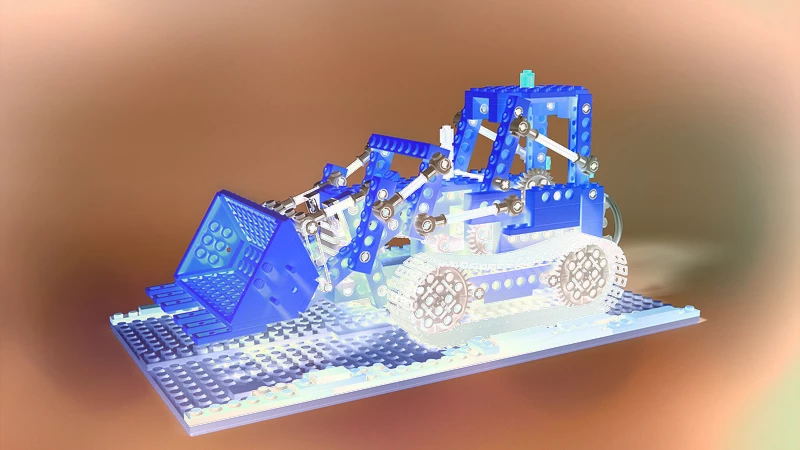
 

26 hue blend
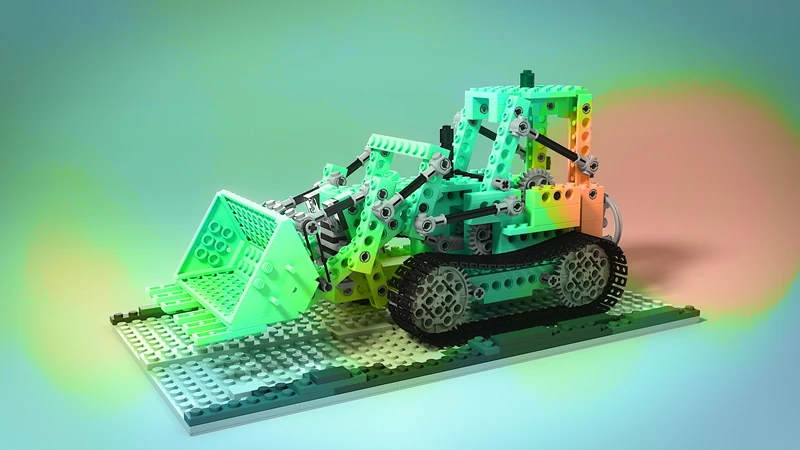
 

27 saturation blend
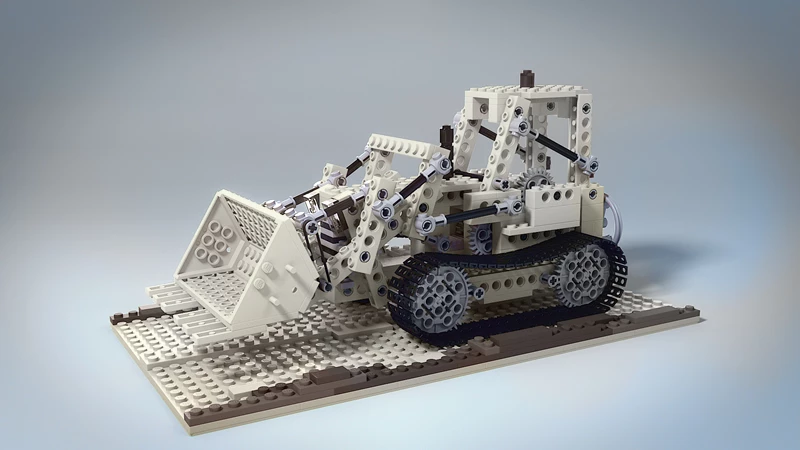
 

28 color blend
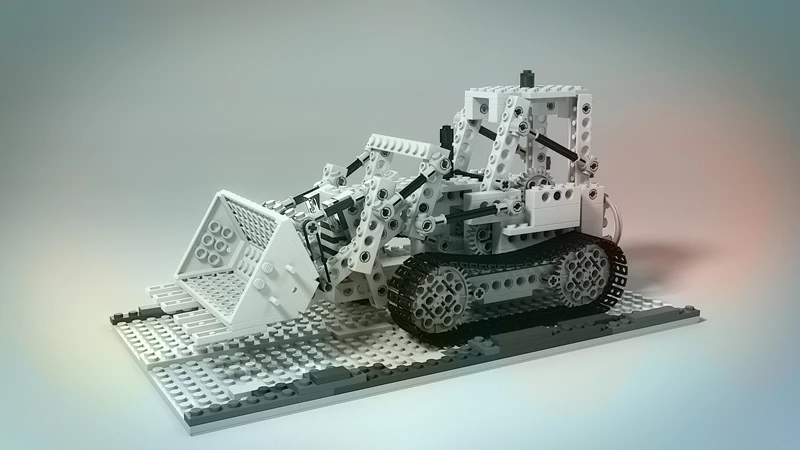
 

29 luminosity blend
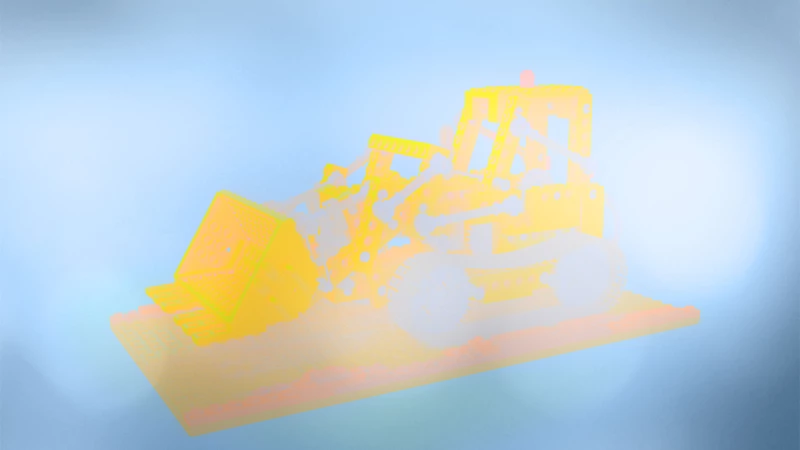
 

30 red blend (FW UNIQUE BLEND)
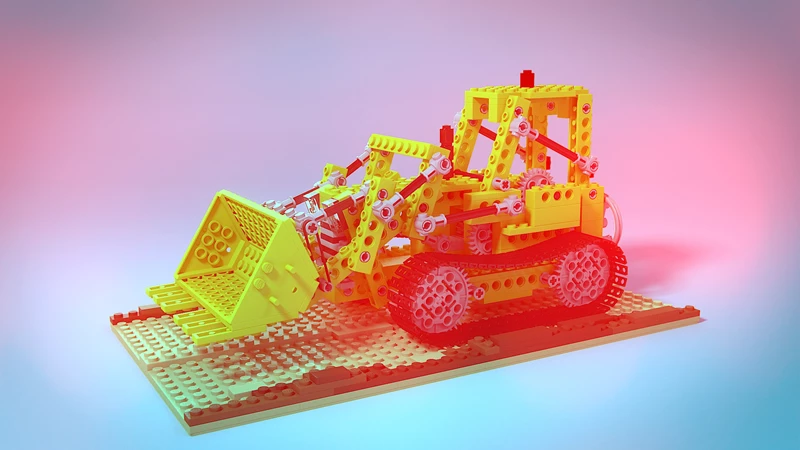
 

31 green blend (FW UNIQUE BLEND)
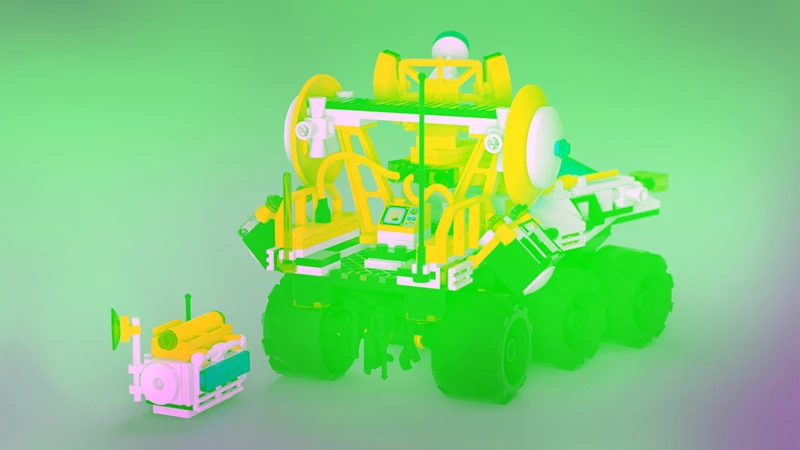
 

32 blue blend (FW UNIQUE BLEND)
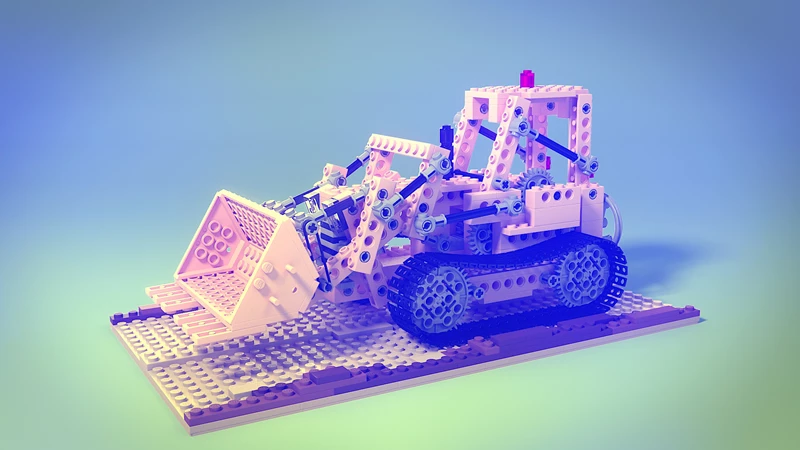
 

33 reflect blend (FW UNIQUE BLEND)
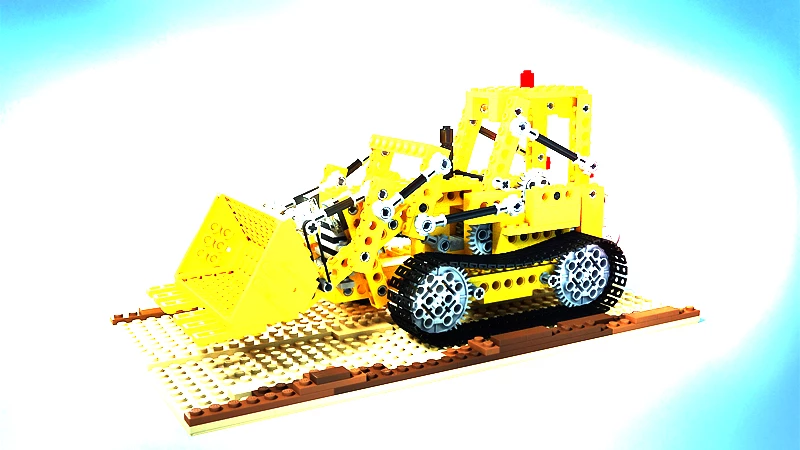
 

34 glow blend (FW UNIQUE BLEND)
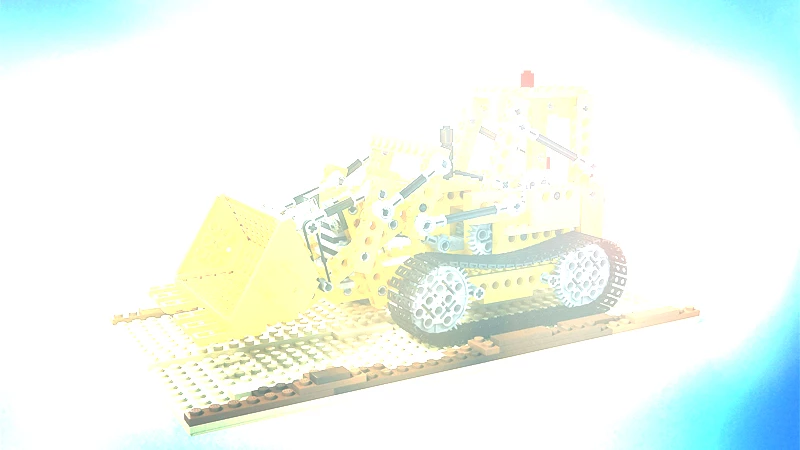
 

35 freeze blend (FW UNIQUE BLEND)


36 heat blend (FW UNIQUE BLEND)
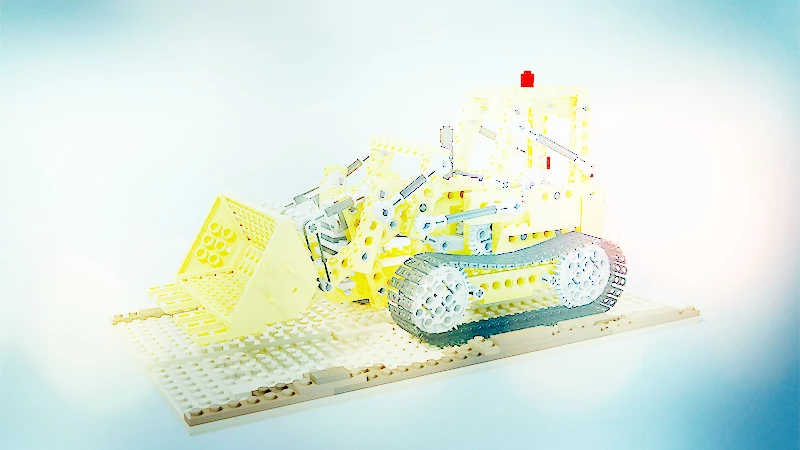
 

37 additive blend (FW UNIQUE BLEND) - SOLVED: it is called "Linear Dodge (Add)" in Photoshop
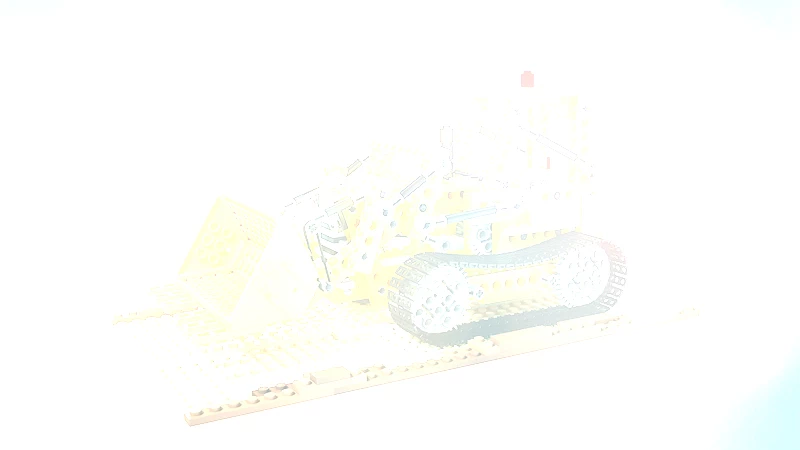
 

38 subtractive blend (FW UNIQUE BLEND) - SOLVED: use Photoshop's "Subtract" blend with Invert applied as Clipped Mask to blended image


39 subtract blend
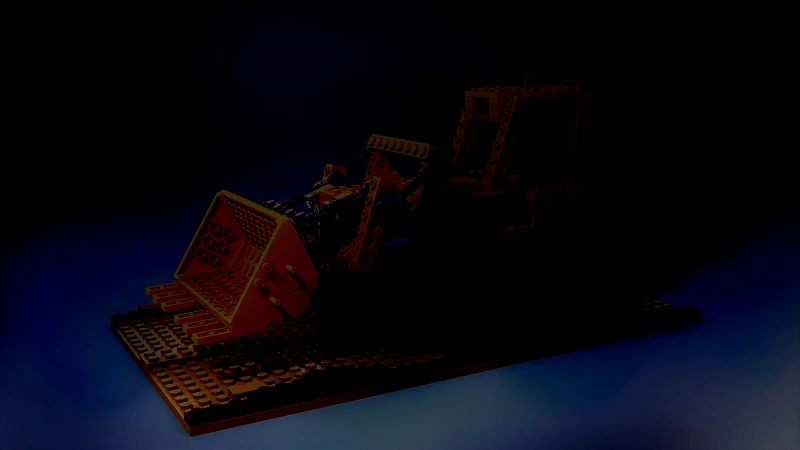
 

40 interpolation blend (FW UNIQUE BLEND)
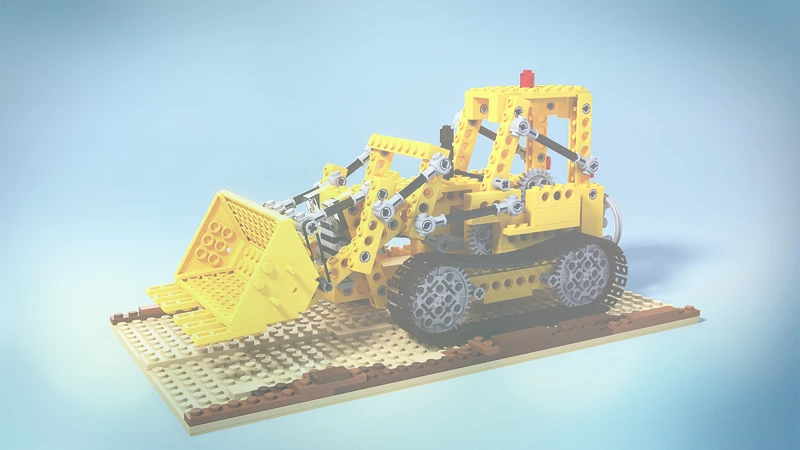
 

41 stamp blend (FW UNIQUE BLEND)
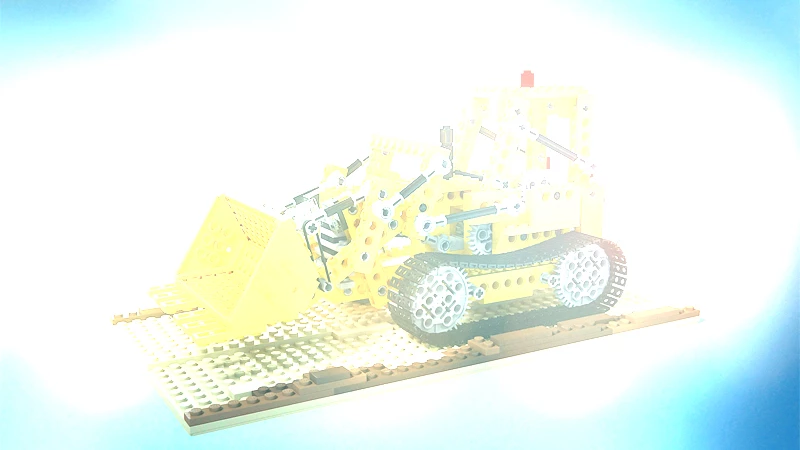
 

42 xor blend (FW UNIQUE BLEND)
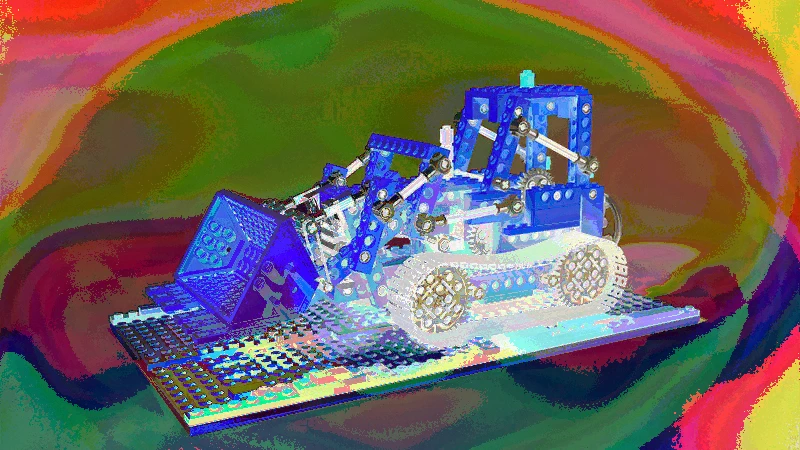
 

43 invert blend (FW UNIQUE BLEND)
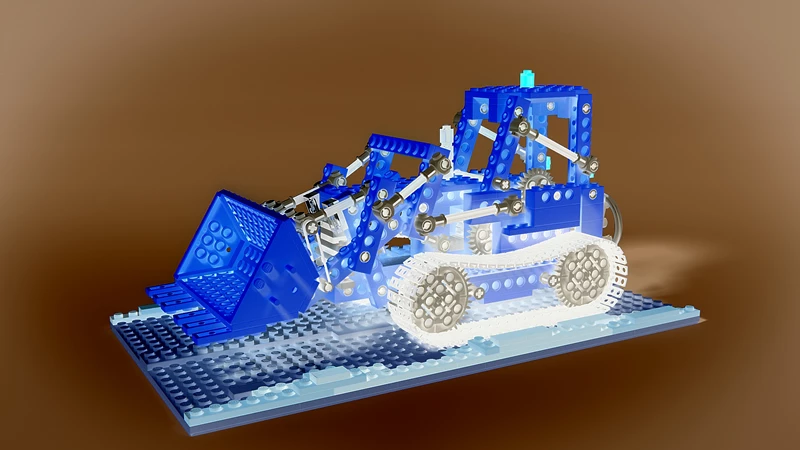
 

44 tint blend (FW UNIQUE BLEND)
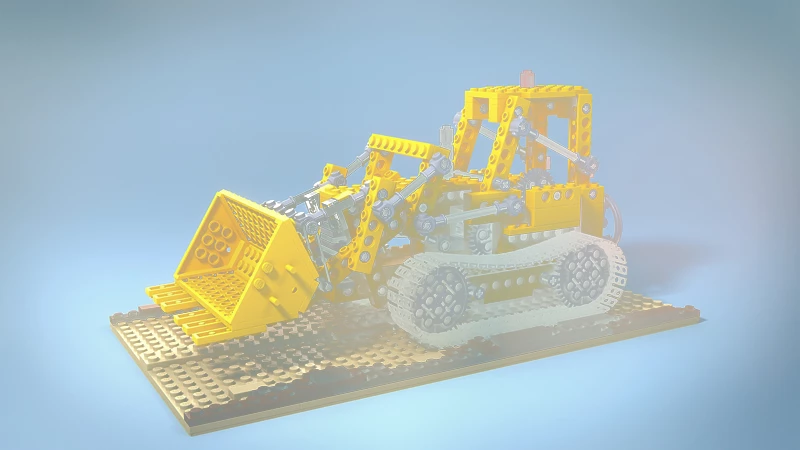
 

My main interest are SOFT DODGE, INVERSE COLOR DODGEINVERSE COLOR BURN and NEGATION blends, so if anyone would be able simulate them in Photoshop, please, be so kind and let me/us know.

This topic has been closed for replies.

6 replies

Known Participant
May 11, 2020

OK, so I have this idea of mine for some time now: what if someone would be able and willing to create very simple photoshop plug-in that all it would do would be blending the image/layer (as we now have codes writtenin Delphi language  for every possible blend mode thanks to rayek_elfin providing us with the link to those codes over at www.pegtop,.net), hm?


I could visualize/imagine it in my head being something a very simple design like this (nothing fancy, just straight-forward pure blender plugin consisting of modes that are non-existent in Photoshop):


I am myself a JAVA programmer but I guess plug-ins for Photoshop are made in some "more mature" programming language like C++ or C# - correct? And as I suppose there is somehting like predefined "core" code for a standard PS plug-in it should be just a matter of finding such core example code somewhere and replacing/changing/updating the calculation code for the blend effect (as I think all plugins for PS share the same core, like the code how it is drawn in PS, code for loading into layer etc.)


So, if noone is willing or able to do it I could learn one of those languages and create it myself (in fact I did similiar thing years ago with JAVA - I learned it almost from scratch as noone was willing to make a app for a specific purpose I was in need then...well, not quite: I was switching from Flesh ActionScrip2) but in such case it could take sevreral weeks or even months (not good, I know).


What do you think about this idea, guys?

Kukurykus
Legend
May 11, 2020

It's easier than you think to do it. Probably soon someone will come to show you example of it.

Known Participant
May 11, 2020

That would be great (fingers crossed)!!!

rayek.elfin
Legend
May 10, 2020

Fireworks is not the king of blend modes (anymore). Krita is the current empress with over 95(!) different blend modes.


I mention this because all blend modes are described in the manual, and explain how they work (more or less), which is useful to understand how to potentially replicate them in Photoshop.


https://docs.krita.org/en/reference_manual/blending_modes.html#available-blending-modes


Many of Fireworks' unique blend modes are identical to ones in Krita:


- freeze, glow, heat, reflect

- negation

- interpolation

- xor


Some have different names:

- fuzzy light --> Soft Light (Pegtop-Delphi)

- red, green, blue blend --> copy red, green, blue

- inverse color dodge --> Luminosity/Shine (SAI) (I think? not sure...)


For example, Negation is calculated as follows:

The absolute of the 1.0f value subtracted by base subtracted by the blend layer. abs(1.0f - Base - Blend)


Interpolation:

Subtract 0.5f by 1/4 of cosine of base layer subtracted by 1/4 of cosine of blend layer assuming 0-1 range.


This may be helpful figuring out how to replicate most, although soft dodge remains unexplained so far.


Known Participant
May 10, 2020

That is really interesting - I hope some advanced users here can make something out of it, thank you for this info!

rayek.elfin
Legend
May 11, 2020

I did a bit more research, and discovered that Soft Dodge's equivalent in Krita is Penumbra B. And a reference to the Pegtop-Delphi website for the exact formulas.


According to this dev document (https://phabricator.kde.org/D13624😞


Penumbra A & Penumbra B
Penumbra A & Penumbra B are blending modes that has a penumbra falloff making it useful for painting
shadows, and lighting. It is based off soft burn and soft dodge formula from the Pegtop-Delphi website,
and the formula for Soft Dodge is:
The formula for Penumbra A is:


Formula:
f (dst,src) = 1½dst / (1 - src) (for dst + src < 1)

- ½(1 - src) / dst (else)


The formula for Penumbra B is:


Formula:
f (dst,src) = 1½src / (1 - dst) (for dst + src < 1)

- ½(1 - dst) / src (else)


Many other exact formulas for all blend modes in the above linked PDF, including the ones for reflect, glow, freeze, and heat (which are available in Paint.Net and Affinity Photo as well).


This should prove useful for anyone trying to replicate these in Photoshop.


Reference: http://www.pegtop.net/delphi/articles/blendmodes/

jane-e
Community Expert
Community Expert
May 10, 2020

I added my vote to your post on the Feedback forum, so now there are two. There was a lot that Macromedia Freehand could do that did not port over to Adobe software, and it was interesting to see these blend modes.

https://feedback.photoshop.com/photoshop_family/topics/fireworks-cs6-unique-blend-modes-for-photoshop

~ Jane

PECourtejoie
Community Expert
Community Expert
May 10, 2020

Hello, there are other ways to blend images:

If you have several layers, and go to File>Scrips>Statistics, there is a median filter that might be of use.


You can also invert the top layer, and try the blending modes again, or invert the layer stack order.


If you right-click on the top layer thumbnail in the layer panel, and select advanced blending, you can also play with the options therein: for instance unchecking two of the channels would give you something close to the red, green and blue blends. 30, 31 and 32


Playing with blend-ifs and the options, added to the blending modes gives you many other different options!

PECourtejoie
Community Expert
Community Expert
May 10, 2020

Duplicating the top blend layer, and alt-clicking between them clips them, and I get interesting results, not exactly Negation-25, but very close, if I set the top one to Divide, and bottom one to difference, with the bulldozer below.

c.pfaffenbichler
Community Expert
Community Expert
May 10, 2020

12 inverse color dodge blend seems to be identical to 14 linear dodge blend and corresponds to the inverted vehicle set to Divide. 

Kukurykus
Legend
May 9, 2020

Photoshop Family / later I found you earliery posted it Fireworks CS6 unique blend modes for Photoshop 

Known Participant
May 9, 2020

Sorry, but I do not understand what you are trying to say...

Kukurykus
Legend
May 9, 2020

PF is right place to request features. Then I visited it and found your post.