

debbiea22675948
Known Participant
November 24, 2019
Question

fixing group photos in photoshop with auto align

  • November 24, 2019
  • 1 reply
  • 623 views

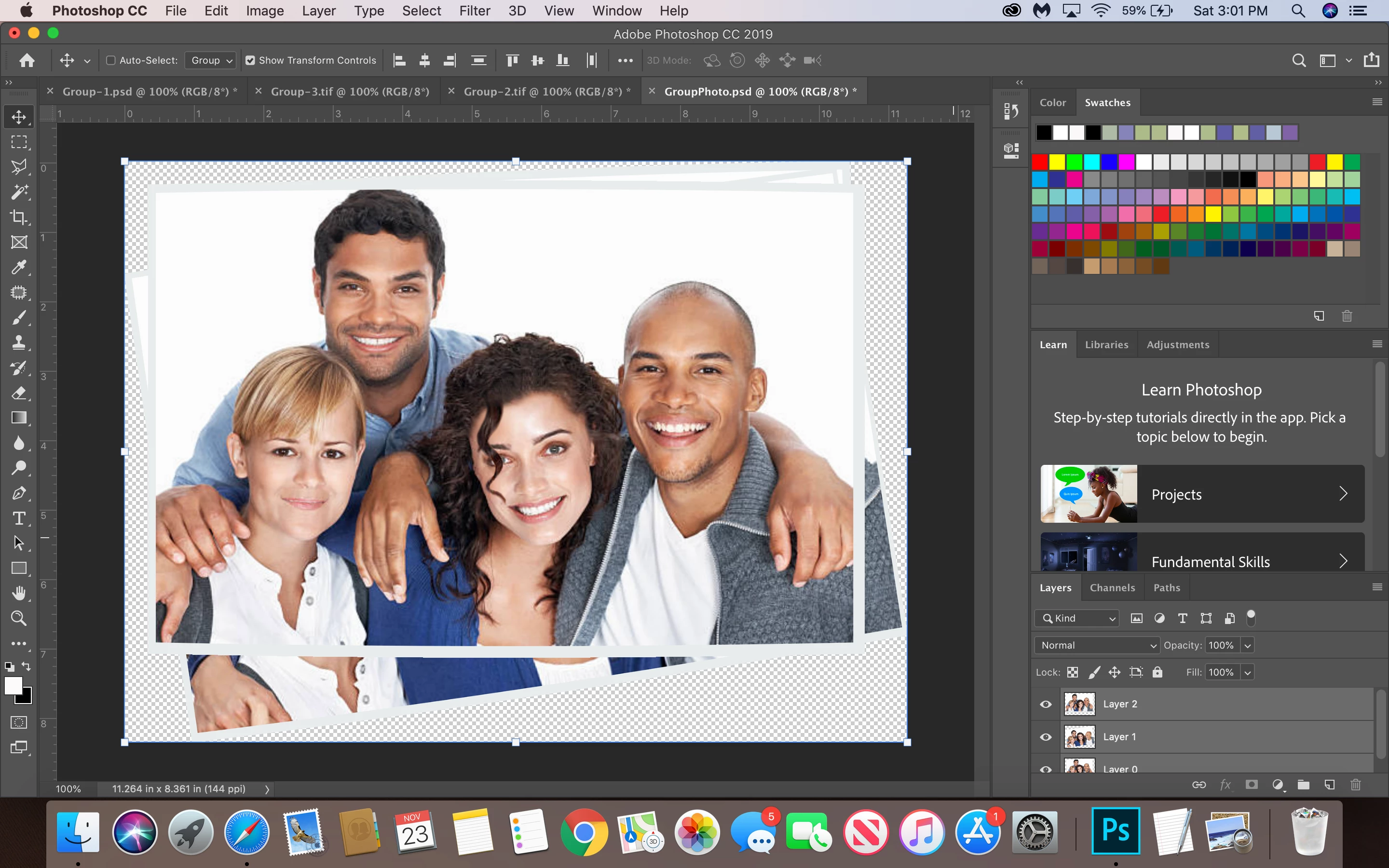
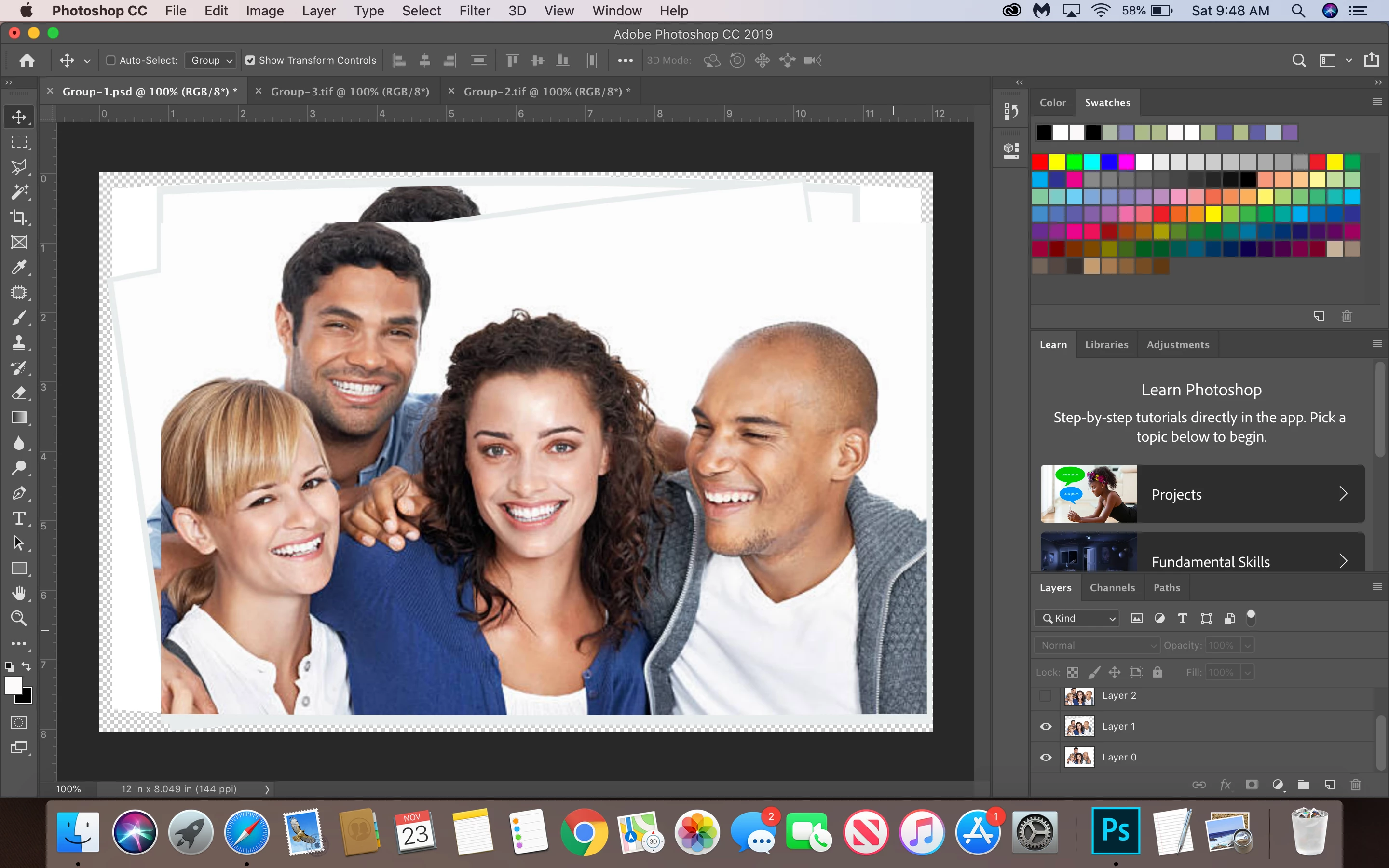
hi i have a homework and i have to take 3 pictures open them in photoshop in 1 single file and when i go to auto align them, they align 100% ones are sideways, they are straight so i can work on mask layers to fix their faces. what can i do?I am not sure how to fix this. is there something causing this issue, like a button that has to be off? help please
This topic has been closed for replies.

1 reply

D Fosse
Community Expert
Community Expert
November 24, 2019

You can't use auto align on images like this. There is nothing in exactly the same position from one to the other. Each person has shifted position significantly. I'm surprised it completed at all.


To make a composite from this, you need to do it for each person separately. Set the top layer to 50% opacity and align it manually as best you can. Then mask carefully. It's harder than it looks to get a good blend to the "neighbors", because they will have moved as well.


Photoshop can only work with the pixels in the image. It doesn't "know" where each person stops and the next begins.

debbiea22675948
Known Participant
November 24, 2019

this what hapened after auto align. i dont know how to manually align them, this is my 4th homework so i am still learning. If you could tell me the steps i will appreciate that.