harald andren27032443
Known Participant
August 14, 2021
Question

Focus stack issue

  • August 14, 2021
  • 3 replies
  • 615 views

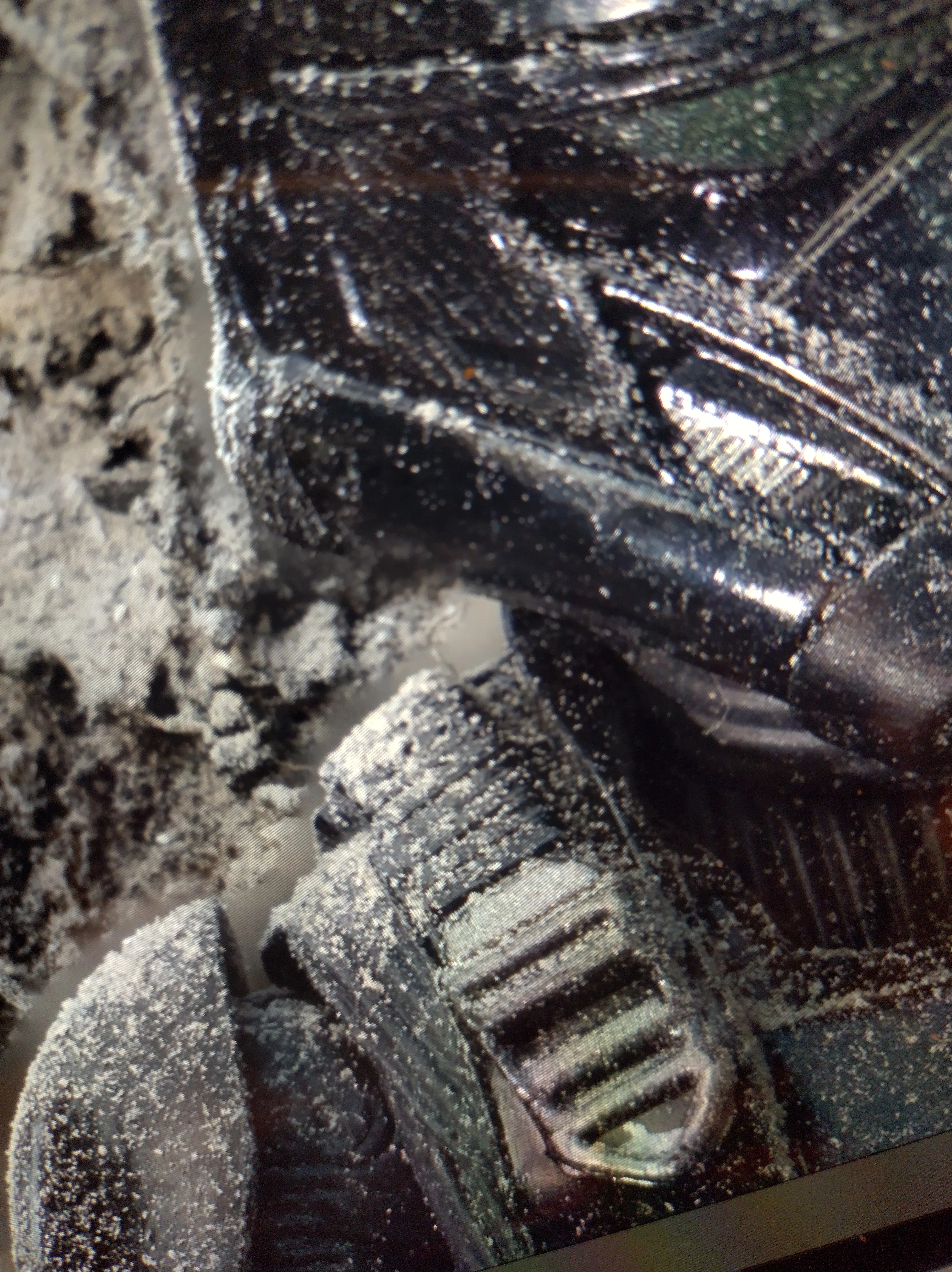
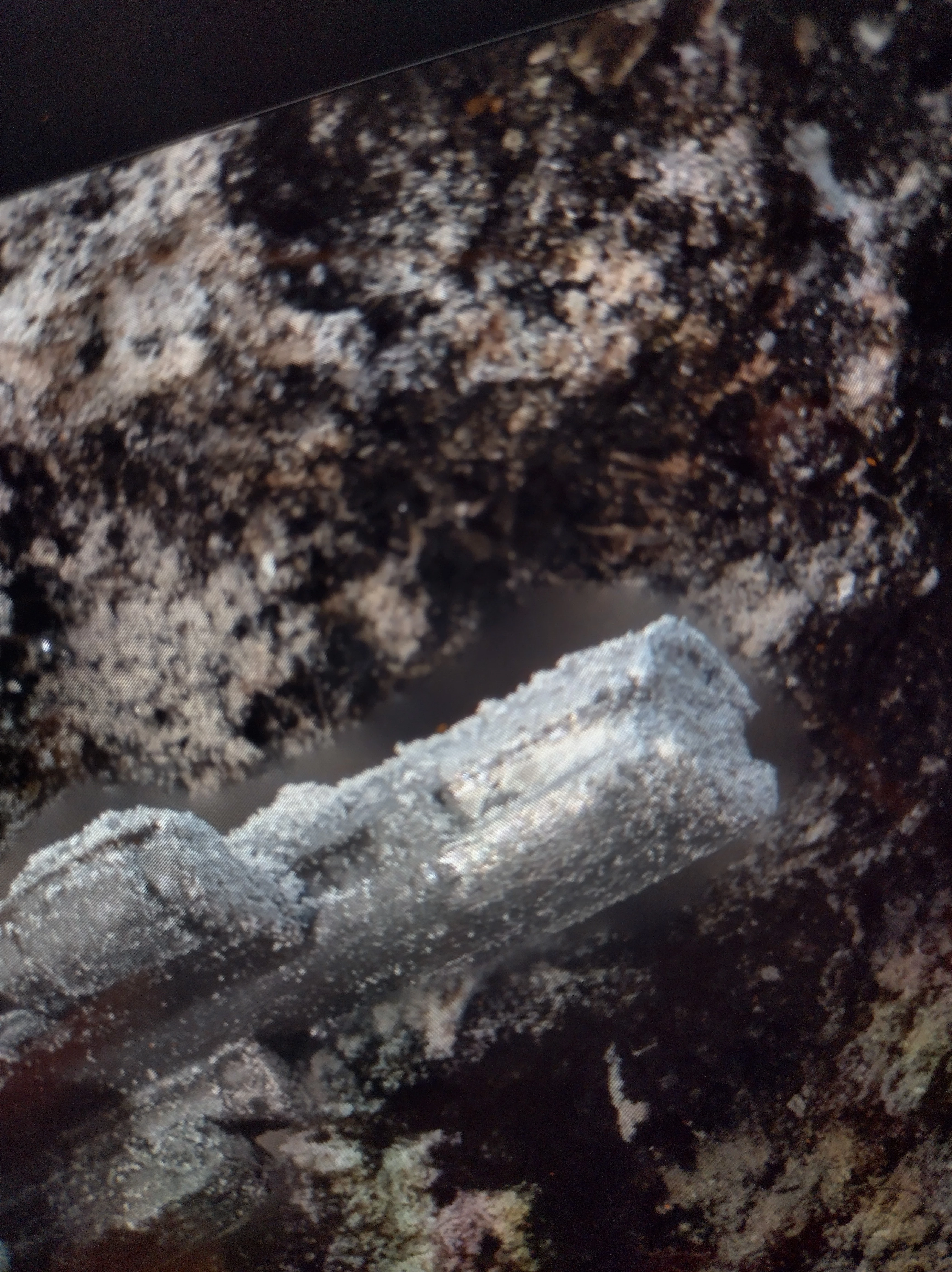
So i have a problem when i am focus stacking in Photoshop. Were the main subject gets a blurry outline around it. Just wondering if anybody got any idea why it's happening.
This topic has been closed for replies.

3 replies

D Fosse
Community Expert
Community Expert
August 15, 2021

Yes, the blurry parts are out-of-focus halos, partly exaggerated by axial shift of viewpoint. Even if the front element stays put, the "internal" viewpoint changes. The only way to avoid it completely is to move the camera body while keeping the lens absolutely still. That's a rather elaborate setup with focusing rails and bellows.


You can minimize it somewhat by not touching the focusing ring on the lens, and just move the whole camera/lens unit. Again, a focusing rail can do that.


It has to be said that Photoshop's stacking doesn't try very hard. I agree with that. Very often, manual tweaking of the masks can bring out a little more in-focus detail.


If you do this a lot, you might want to look at Zerene Stacker or Helicon Focus.

Chuck Uebele
Community Expert
Community Expert
August 15, 2021

Zerene stacker works better, less expensive than Helicon focus.

Chuck Uebele
Community Expert
Community Expert
August 15, 2021

The blurry outline is most often an optics issue: when the object in the foreground is sharp, the object in the background is blurred. Then when the background is sharp, the foreground is blurred and speads into the background, making it so a halo of sharp bg can't be seen. Stopping down helps minimize it, to a degree. 

wanokuni
Known Participant
August 15, 2021

from my experince focus stacking function is not one click solution, I always need to refined the result. select the mask and use the brush tool to bring back the sharper area manually.
