Participating Frequently
March 5, 2025
Question

Font change the color with same color

  • March 5, 2025
  • 3 replies
  • 422 views

Hi. I have this issue that happens sometimes. Sometimes it fix itself, or restarting the software, but not now, and I'm tired of this problem.



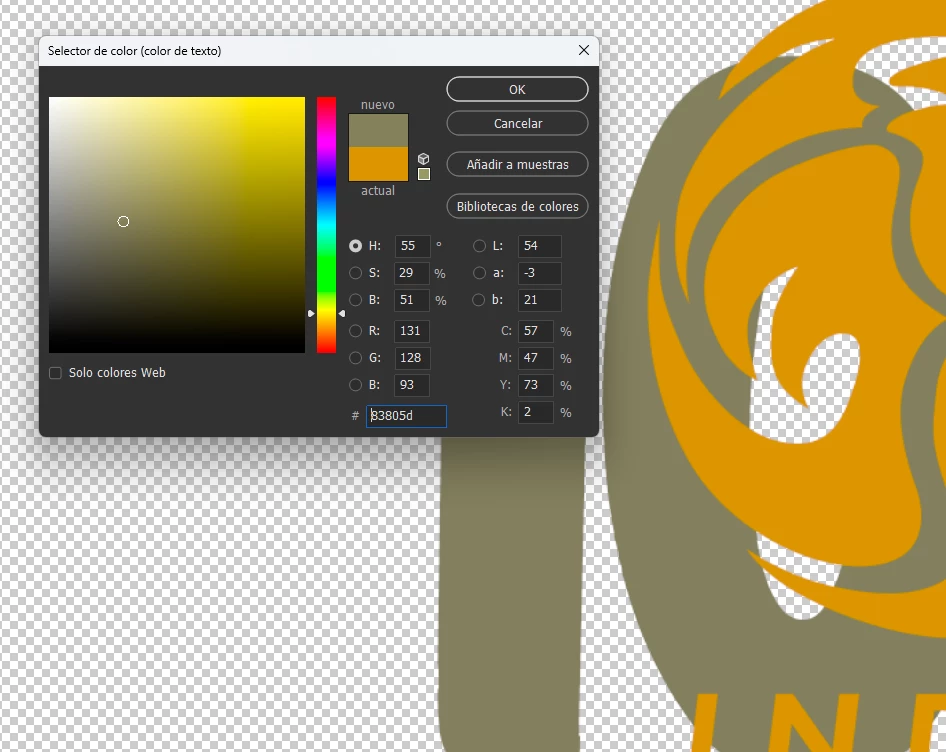
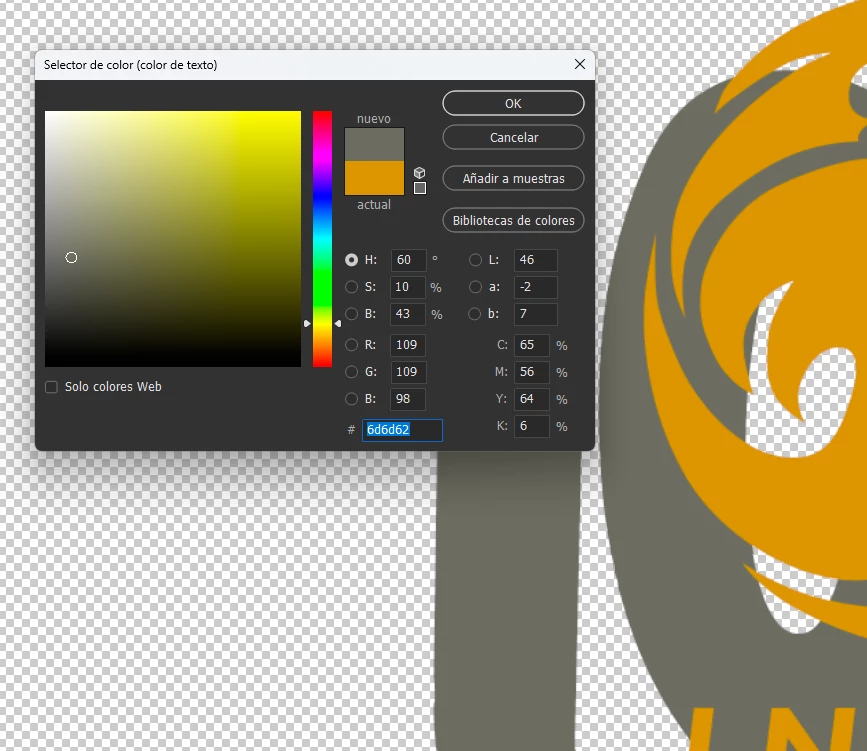
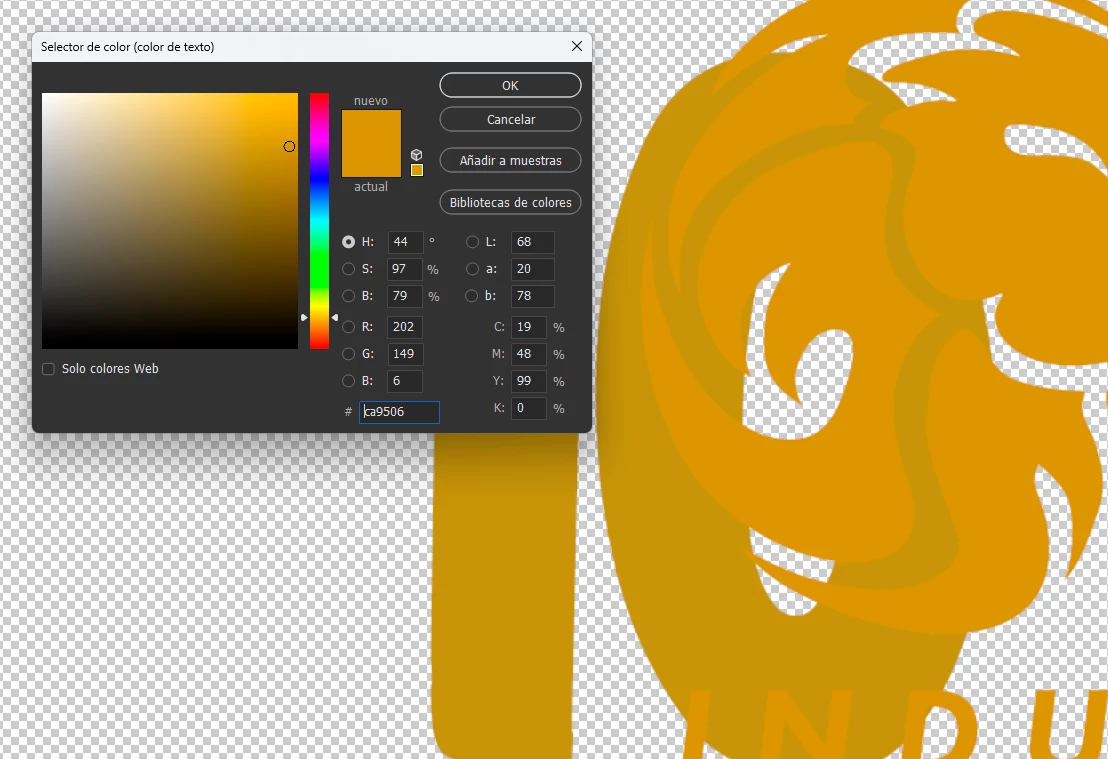
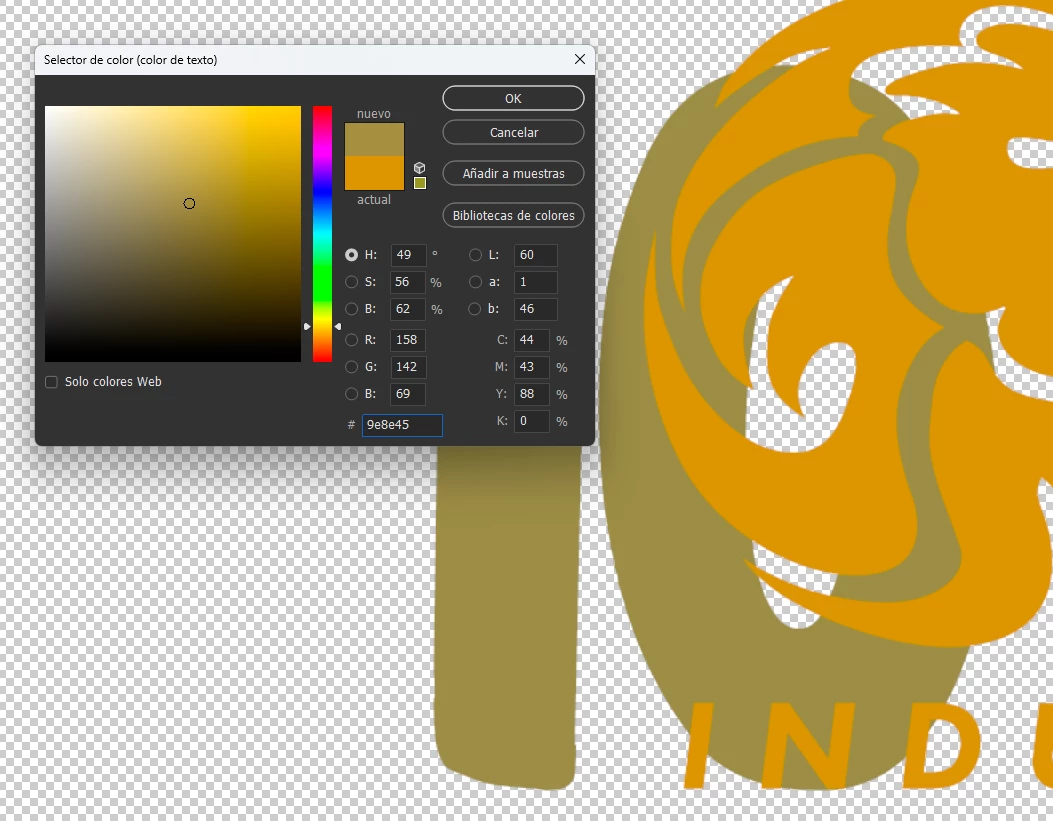
In the image you can se a Font-layer (back) and a Form-layer (front) with the SAME COLOR (#ca9506, a kind of yellow-gold), but in the font-layer it work different, it changes a lot form one layer to another. It only happens on font-layer, if I rasterize the layer or make it in form, the color works fine, but if I want to keep it in Font format, to change the words or something, it doesn't work properly.

If I scan the color on the font-layer shows me this color: #bb9425.

And, fun fact, If I change the color of the Layer font to the same color scaning the layer itself, it goes to gray color.


Photoshop version 26.4.1. It happens months ago, exactly the same.

Windows 11 Pro.

I'll read all the comments. Thanks from now.

3 replies

Nach5CFCAuthor
Participating Frequently
March 6, 2025

Here is a full view while the error is happening:


But now, 8 hours after I posted it, watch what happens when I try to edit the font-layer or select the color again (point the same color from the other layer):


Now it works just fine. I don't like it, because it will happen again.

I don't think I activate some option by mistake, I just open the file, change the font and the color (I make sublimated sportswear, with numbers and name of the players, etc).

If you think in one option or configuration in particular, please tell me. I will show it the next time it fails.

Nach5CFCAuthor
Participating Frequently
March 6, 2025

You can see in both images that all the options are exactly the same. Same color, same font, same size, same opacity, same blend mode, etc.

Semaphoric
Community Expert
Community Expert
March 5, 2025

Could you please post a screen shot showing the Layers panel?

Nach5CFCAuthor
Participating Frequently
March 6, 2025

I posted it, thanks for you response!!

Nach5CFCAuthor
Participating Frequently
March 5, 2025

EDIT: yes, it happens with others colors

Trevor.Dennis
Community Expert
Community Expert
March 5, 2025

Make that screen shot the entire workspace, or at least include the Options bar.  You have something going on there. Ether a blend mode, opacity, or similar.  They should definitely look the same AFAIK.

Nach5CFCAuthor
Participating Frequently
March 6, 2025

I posted it, thanks for you response