
vanjory
Participant
February 10, 2021
Question

Font failed prompt

  • February 10, 2021
  • 1 reply
  • 274 views

I'm trying to type in some chinese text and whenever I select the chinese fonts that I have, I get this prompt.
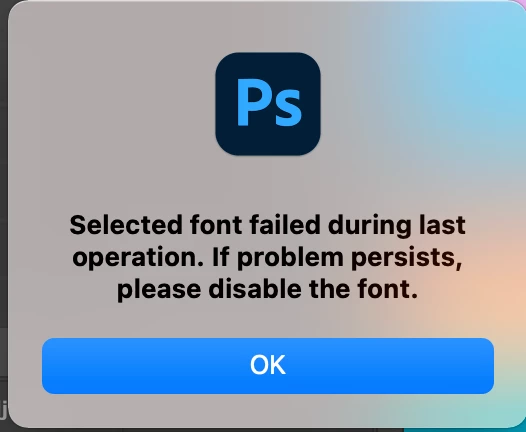


How do I fix it?


Sorry if this has been posted before. TIA.



This topic has been closed for replies.

1 reply

Akash Sharma
Legend
February 10, 2021

Hi there,


Sorry that you're getting an error message "Selected font failed during the last operation".


Which version of Photoshop are you using and what is your computer's OS? 


Please check if you have the East Asian type preference selected in Photoshop: 

  • Choose Edit > Preferences > Type (Windows) or Photoshop > Preferences > Type (Mac OS).
  • Select from the following options:
  • Show Font Names In English
  • Displays Asian font names in English.
  • East Asian
  • Displays Asian type options in the Character and Paragraph panels.


Also, please checkout the troubleshooting steps mentioned in this article https://helpx.adobe.com/photoshop/kb/troubleshoot-fonts-photoshop.html#systemfontcache and let us know if that helps?


Thanks,

Akash