

SeekerRoku
Participant
July 9, 2021
Answered

Font not showing up in Photoshop

  • July 9, 2021
  • 1 reply
  • 4552 views

Hi, for some reason when I activate fonts from creative cloud, they're not showing up on photoshop and all my previously activated fonts are also gone from photoshop. Their status is still activated when I go check in my account. I tried several things, I tried updating my apps, deactivating and then reactivating the fonts, disabling fonts and then enabling them again, also tried signing out and restarting my laptop---nothing works. When I try to load my activated fonts in the creative cloud app, it loads forever and never shows: 
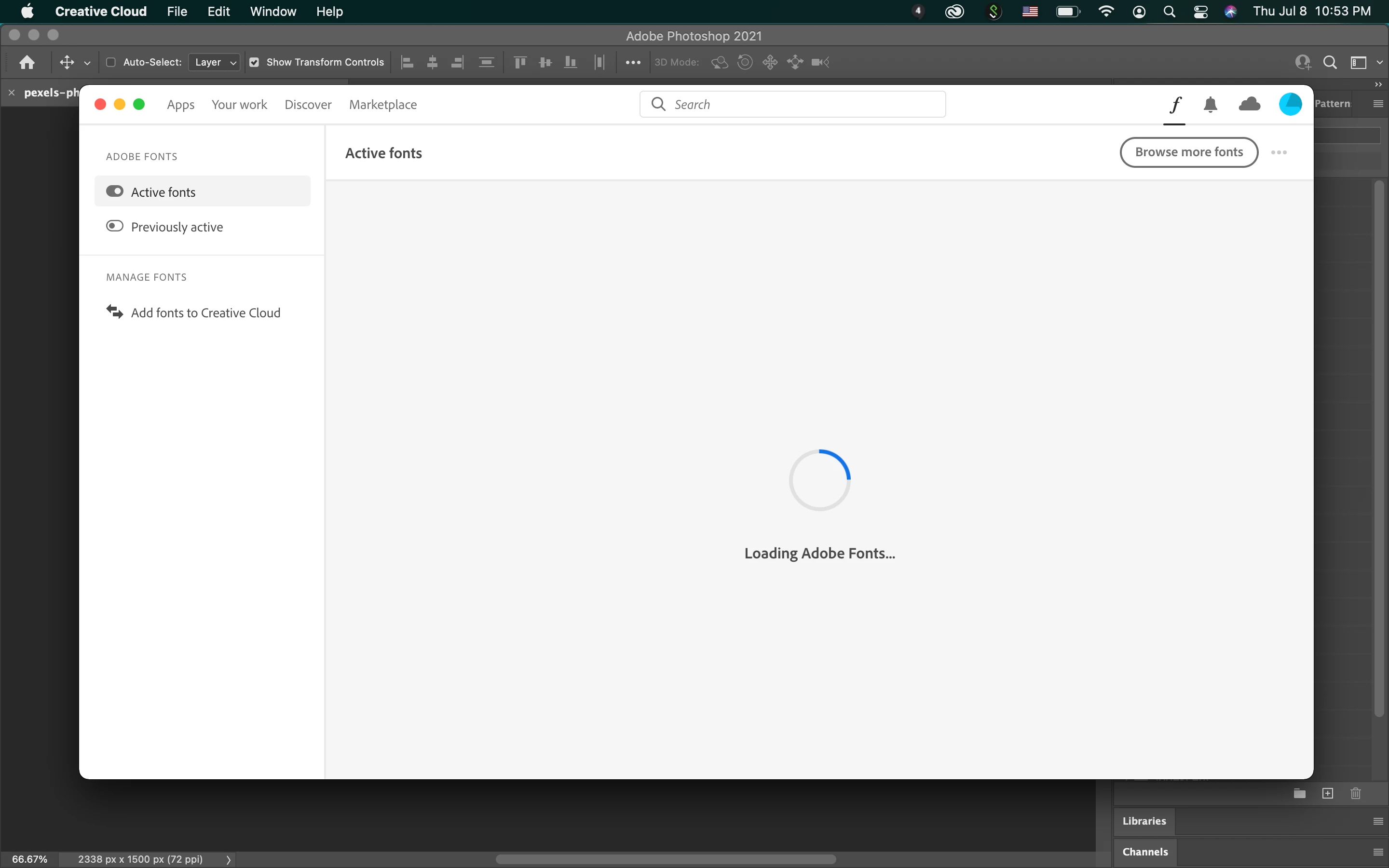
Any help would be greatly appreciated, thanks.

(For more context, I don't know if this could somehow play into the factor of things but I recently got a new macbook, I transferred everything from my old one to this new one.) 

Correct answer SeekerRoku

Hello to anyone who's reading this, issue has been resolved. If anyone has the same issue, I hope this helps you:

I had to uninstall my creative cloud and all adobe apps on BOTH my old laptop and my new one, then I reinstalled them all again on the new laptop and sure enough--the fonts are now linked to the new laptop's apps instead of the old one. Good luck.

1 reply

SeekerRoku
SeekerRokuAuthorCorrect answer
Participant
July 11, 2021

Hello to anyone who's reading this, issue has been resolved. If anyone has the same issue, I hope this helps you:

I had to uninstall my creative cloud and all adobe apps on BOTH my old laptop and my new one, then I reinstalled them all again on the new laptop and sure enough--the fonts are now linked to the new laptop's apps instead of the old one. Good luck.

jane-e
Community Expert
Community Expert
July 11, 2021

Thank you for sharing this, and I'm glad it's working now. I wonder though, did you try signing out of Creative Cloud and signing back in? Adobe Fonts are linked to your Adobe ID and not to your computer or to the app.

https://helpx.adobe.com/fonts/kb/troubleshoot-font-activation.html


~ Jane

SeekerRoku
Participant
July 12, 2021
Hi Jane,

You're right, they shouldn't be tied to the laptop but it was looking like
so for me, maybe it's some weird Apple thing...

and yes I did try that, on both my old and new laptops too, but apparently
that wasn't enough to do the trick, I even signed out and deleted
everything on my old one and then signed back in with my new laptop and it
didn't work. I really had to reinstall everything on my new one.

Cheers,

SeekerRoku