
font size conversion broken
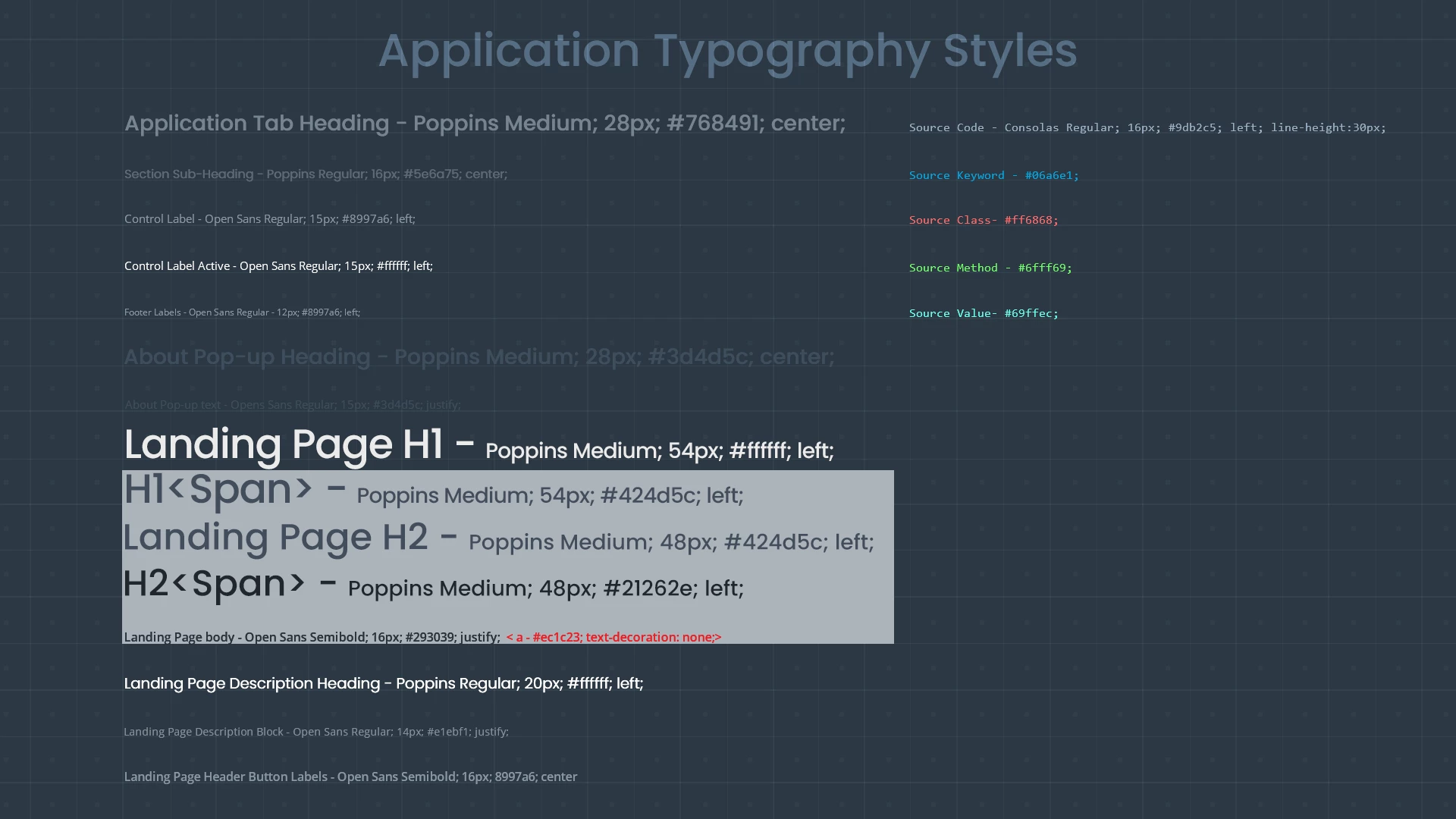
I created a design in Photoshop CC 2017 at a resolution of 72 dpi, with my units set to pixels. I also created a typography guide listing the font styles and sizes in pixels. I was asked to provide font sizes in points, but discovered that if I try changing the the units, Photoshop interprets the font sizes in points exactly the same as the size in pixels - so a font that was 15 pixels is shown as being 15 points, and a 54 pixel font is shown as being 54 points. The text blocks are lined up on a grid, and aren't being resized, so these measurements are just plain wrong. What's going on, and is there a way to fix this?
At present I have no faith at all in any of the font scaling information Photoshop is giving me. When I feed these values into conversion tables the output is completely different.
 AdChoices