Answered
Frame Animation and Video Editing Timeline issue
I cannot change the timeline settings in Photoshop CS6 from "Frame Animation" to "Video Editing Timeline".
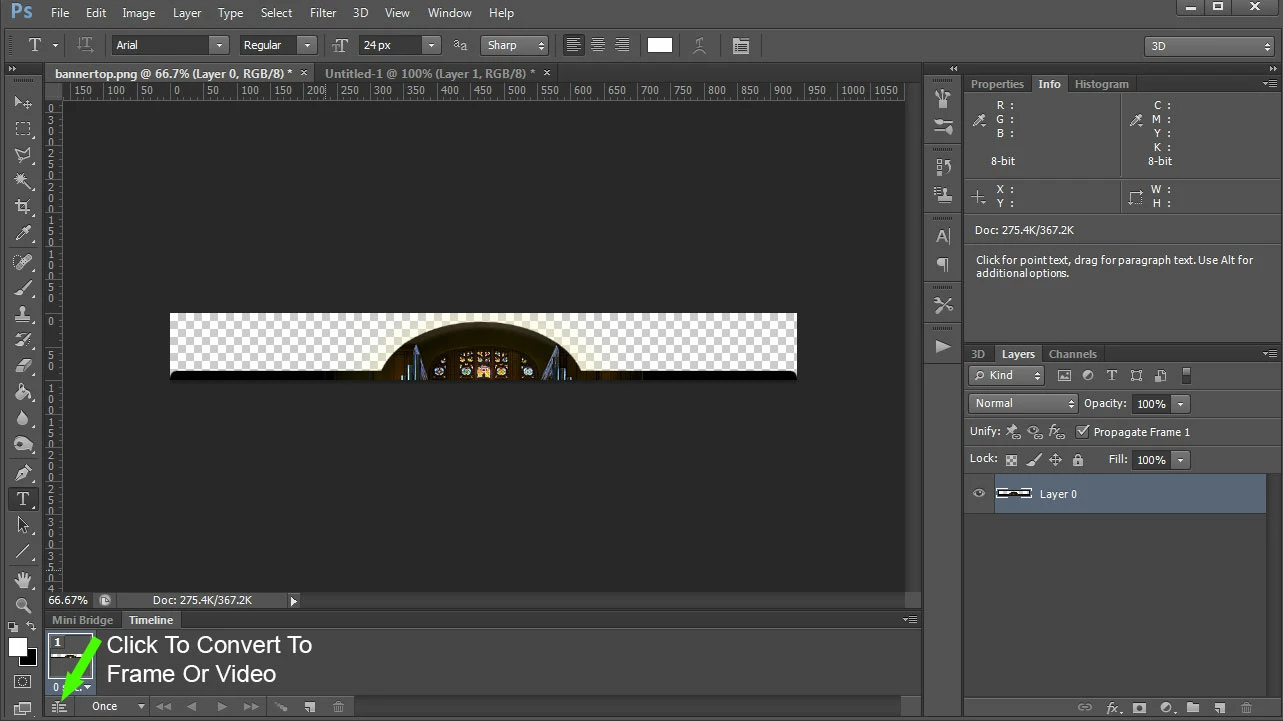
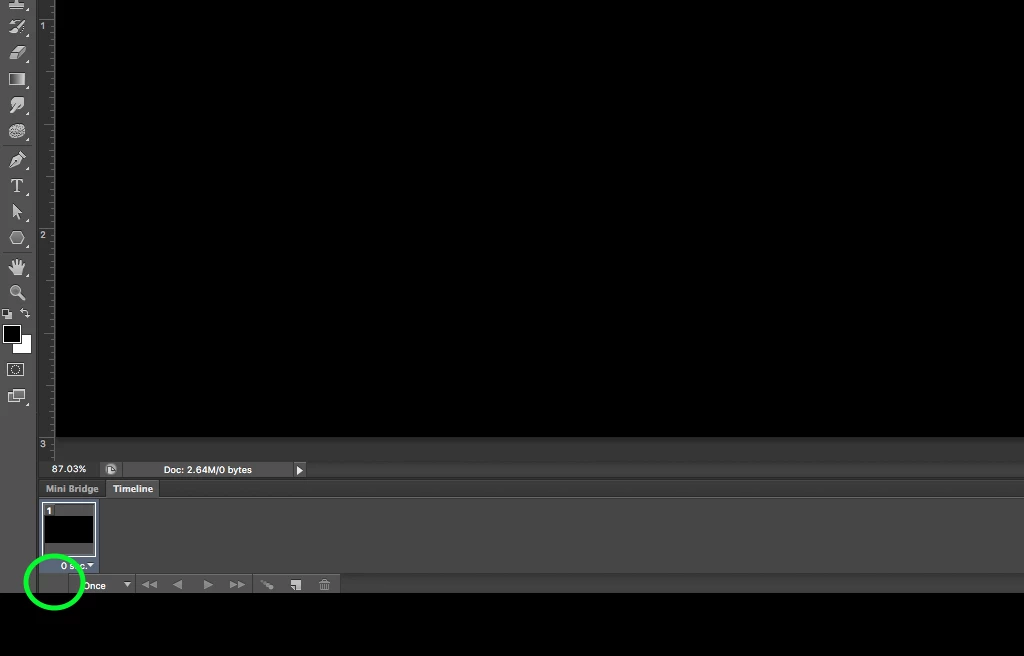

I cannot change the timeline settings in Photoshop CS6 from "Frame Animation" to "Video Editing Timeline".
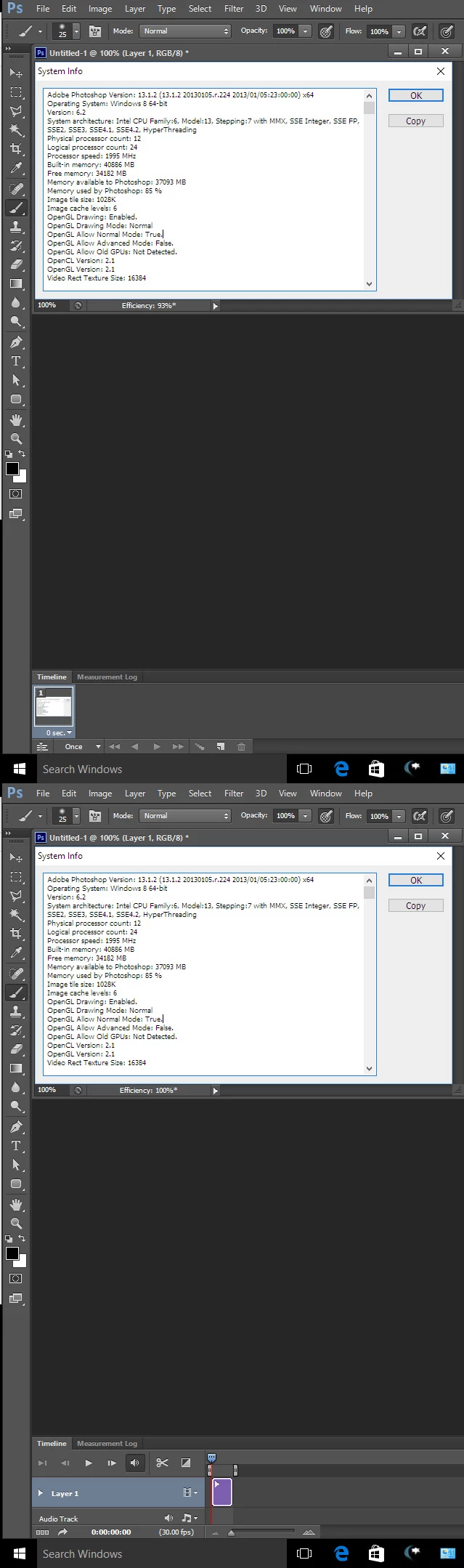
Try resetting Photoshop Tools and your Photoshop preference all I need do is click the icon the frame animation converts to a video animation in CS6 Extended subscription version 13.1.2. In the panel's fly-out menu there should also be an item Convert to Video Timeline...
Already have an account? Login
Enter your E-mail address. We'll send you an e-mail with instructions to reset your password.
 AdChoices