
Answered
Full Screen Mode with Menu Bar - Photoshop
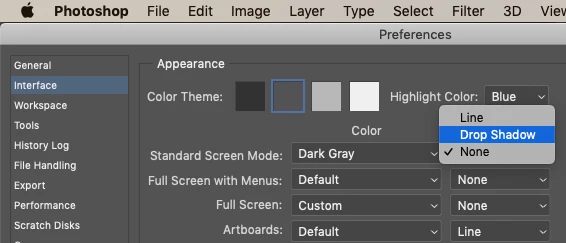
When I go to full screen mode with the menu bar and I right click on the background to change the color to pure white, my image shows a shadow background boarder, like it's poping off the screen or it's 3D. I attached a picture so you can see. How do I change this so my image is fully imbeded into the background color that I choose? Thank you!
{Thread renamed by moderator}

 AdChoices