
Gaussian blur only blurring outside selection made by lasso during frequency seperation
Okay, so. I just learned frequency seperation. I did a few photos last night no problem. I use the lasso to select and blur on the low frequency layer and use the healing brush on the high layer like all the videos say to do.
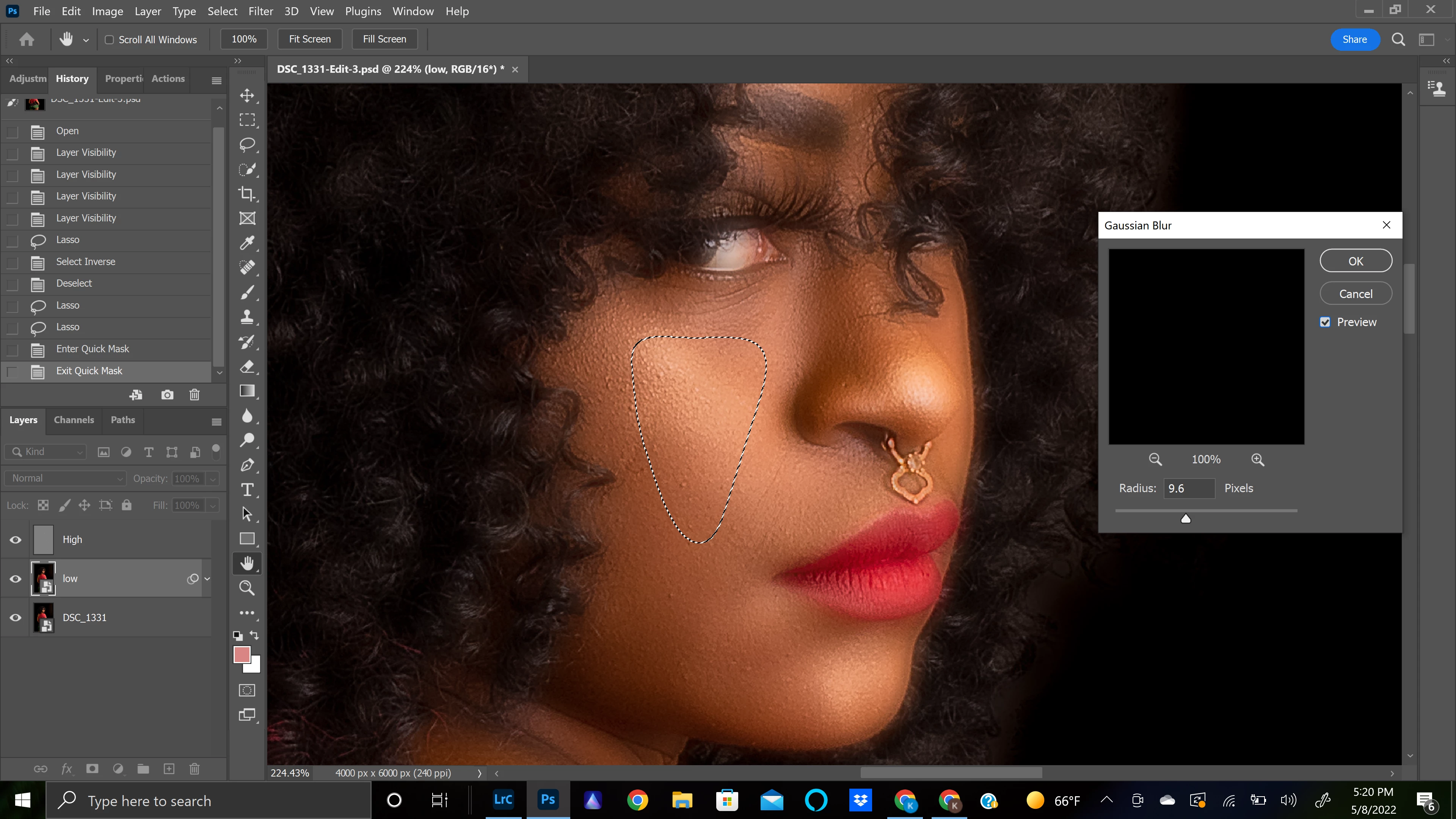
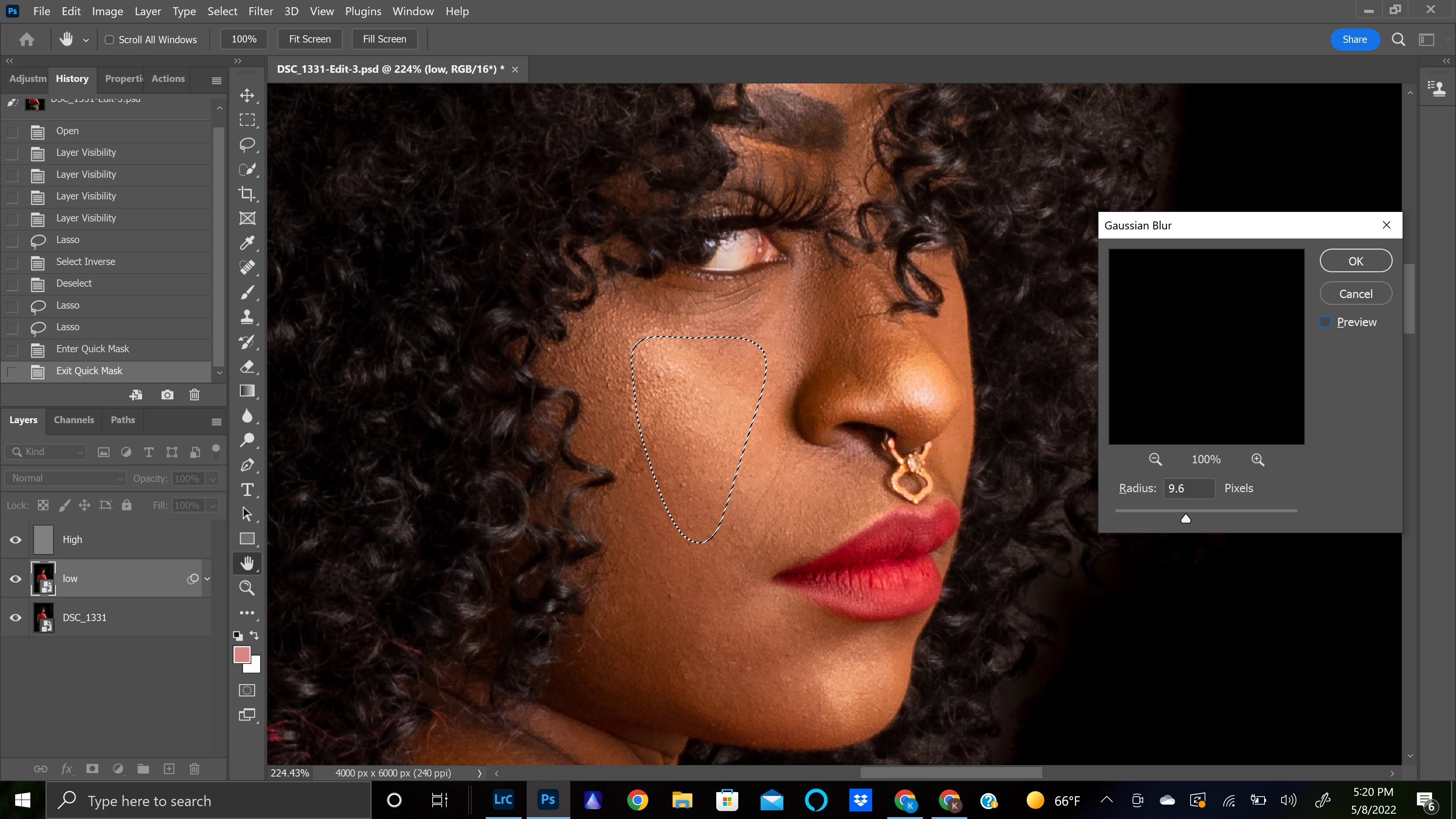
Today, I go to do another photo, and now when I make a selection using the lasso, and then go to gaussian blur, it blurs the whole photo OUTSIDE the selection, leaving the inside of the selection unchanged. I'm so confused! I haven't done anything diffferently than yesterday. I thought maybe I should just inverse the selection before I blur and it does the exact same thing. I tried resetting the workspace, restarting photoshop, and then restarting my computer. Nothing changed.
Has anyone had this issue before?? What could I possibly be doing wrong??? I can't find anyone anywhere talking about this issue.
Attaching photos so you can see whats happening, hopefully:
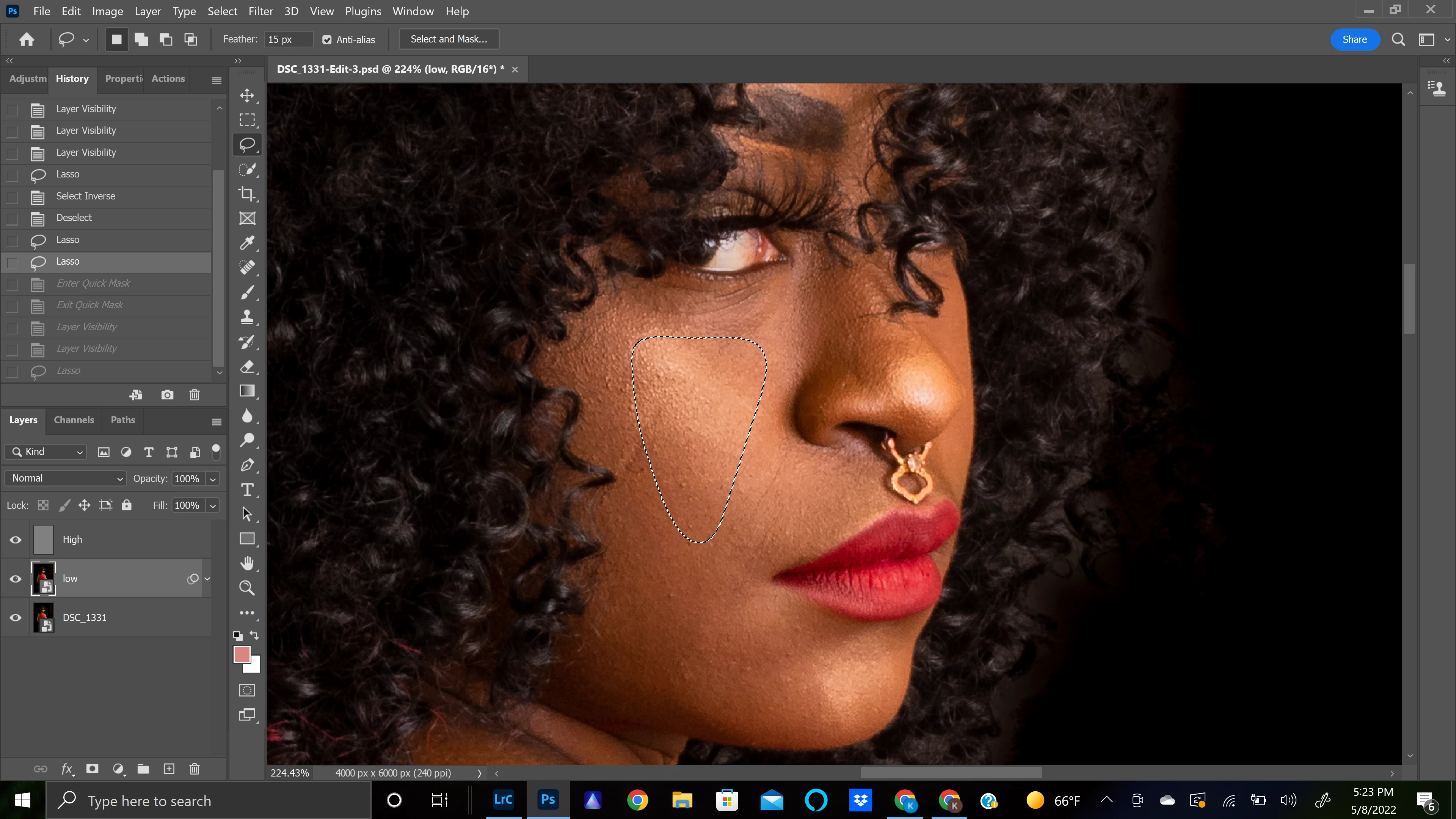
make selection using lasso:
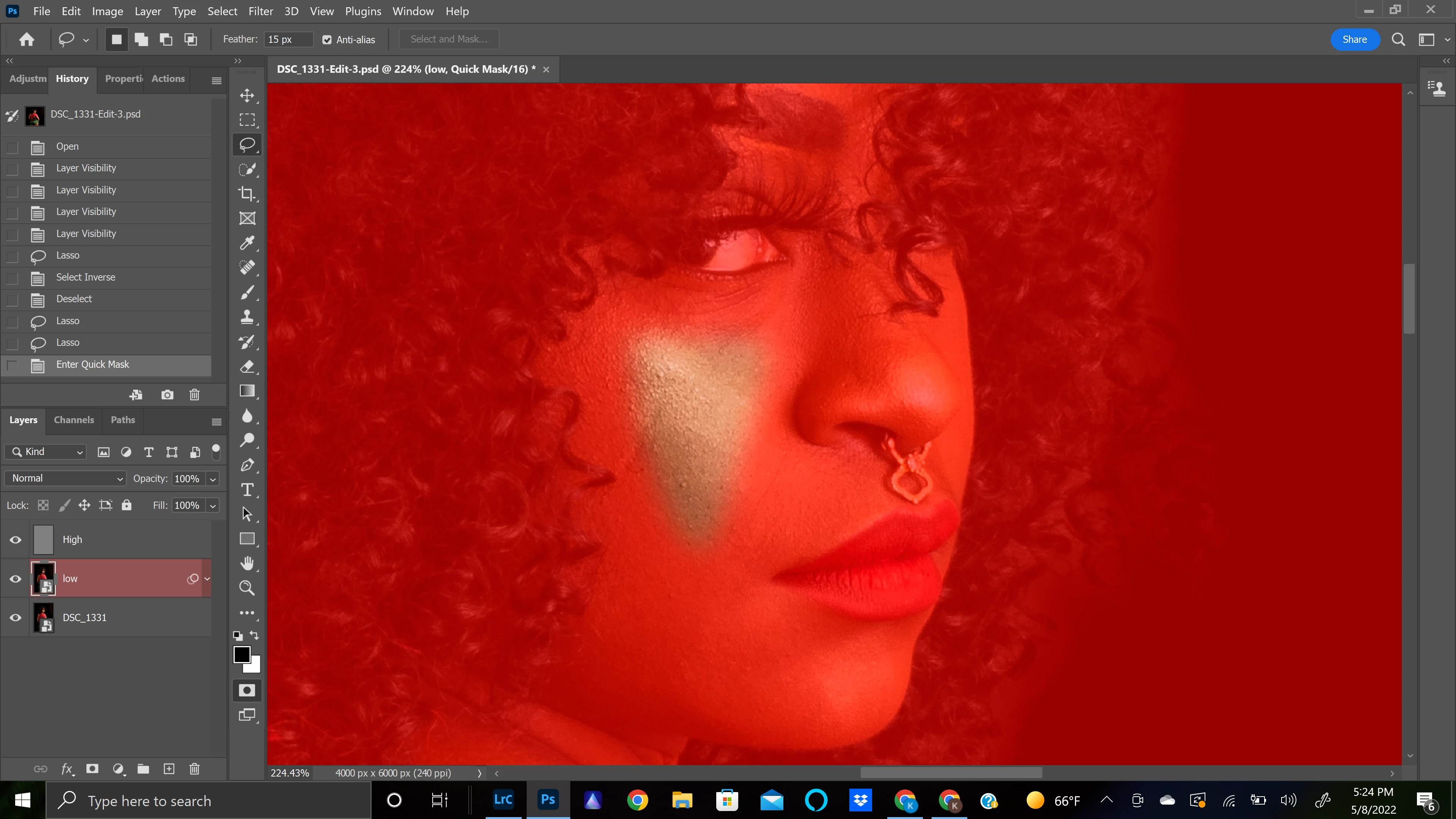
After pressing Q to enter quick mask (just so you can see my selection. I exit quick mask before going to blur)
Gaussian blur with preview and without:
thank you so much for any help!!
 AdChoices