

Aldunnie
Participant
October 13, 2023
Question

Generative fill borders are sharp and don't match the background

  • October 13, 2023
  • 3 replies
  • 599 views

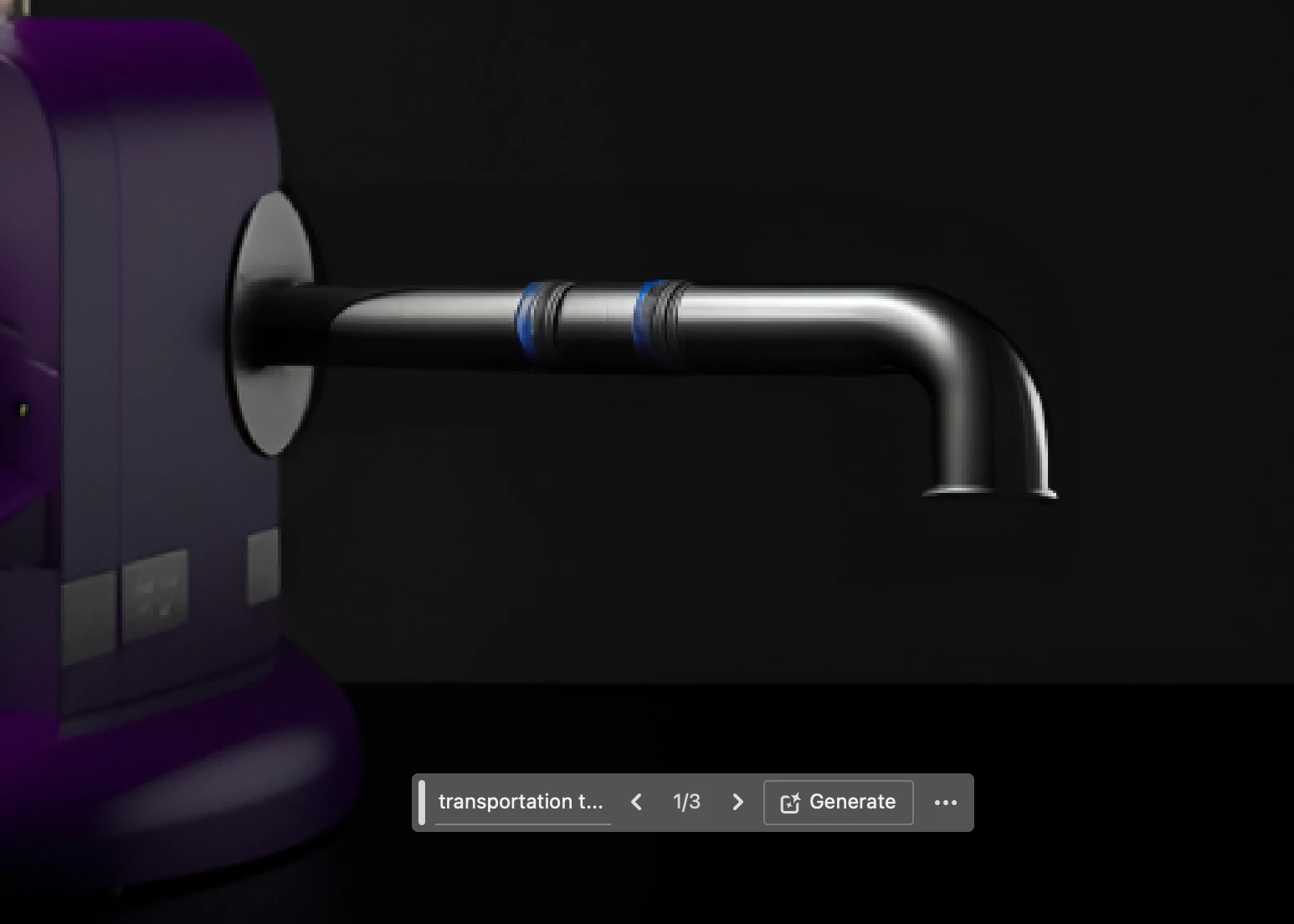
I've been having this issue since I updated to the latest version of Photoshop Beta (two days ago). I don't know if I'm doing something wrong nor if I changed some setting inside the tool. I also went back to an oldest version but it keeps happening the same thing! 

I know it's kind of hard to see, but you can see a color difference around the tube 
3 replies

Participant
November 17, 2023

Aldunnie, you're not the only one with this problem. Generative Fill does not match the background and tends to have a sharp line in the transition to the original background. It's enough to keep me from using it.

Participant
February 28, 2025

Hi, Is this still not resolved or is there a way to avoid it? I'm having this problem for a few weeks now it's making me go crazy!

AlanGilbertson
Community Expert
Community Expert
February 28, 2025

Try using a soft-edged selection. You can do one of the following:

  • Make your selection and feather it (Select > Modify > Feather, or Shift+F6)
  • Enter Quick Mask mode, fill with black, use a soft brush to paint your selection, exist Quick Mask.
  • Use the new Selection Brush with a soft edge.
Aldunnie
AldunnieAuthor
Participant
October 13, 2023

Hello Bojan! Thank you for your approach. Sadly that's not the problem! 😕😕 

Bojan Živković11378569
Community Expert
Community Expert
October 13, 2023

Let me attempt to identify the potential issue. Could it be that you have the "Gamut Warning" option enabled in the "View" menu? If you notice a checkmark next to "Gamut Warning", please click on it to disable this feature.