Exit
  • Global community
    • Language:
      • Deutsch
      • English
      • Español
      • Français
      • Português
  • 日本語コミュニティ
  • 한국 커뮤니티
0

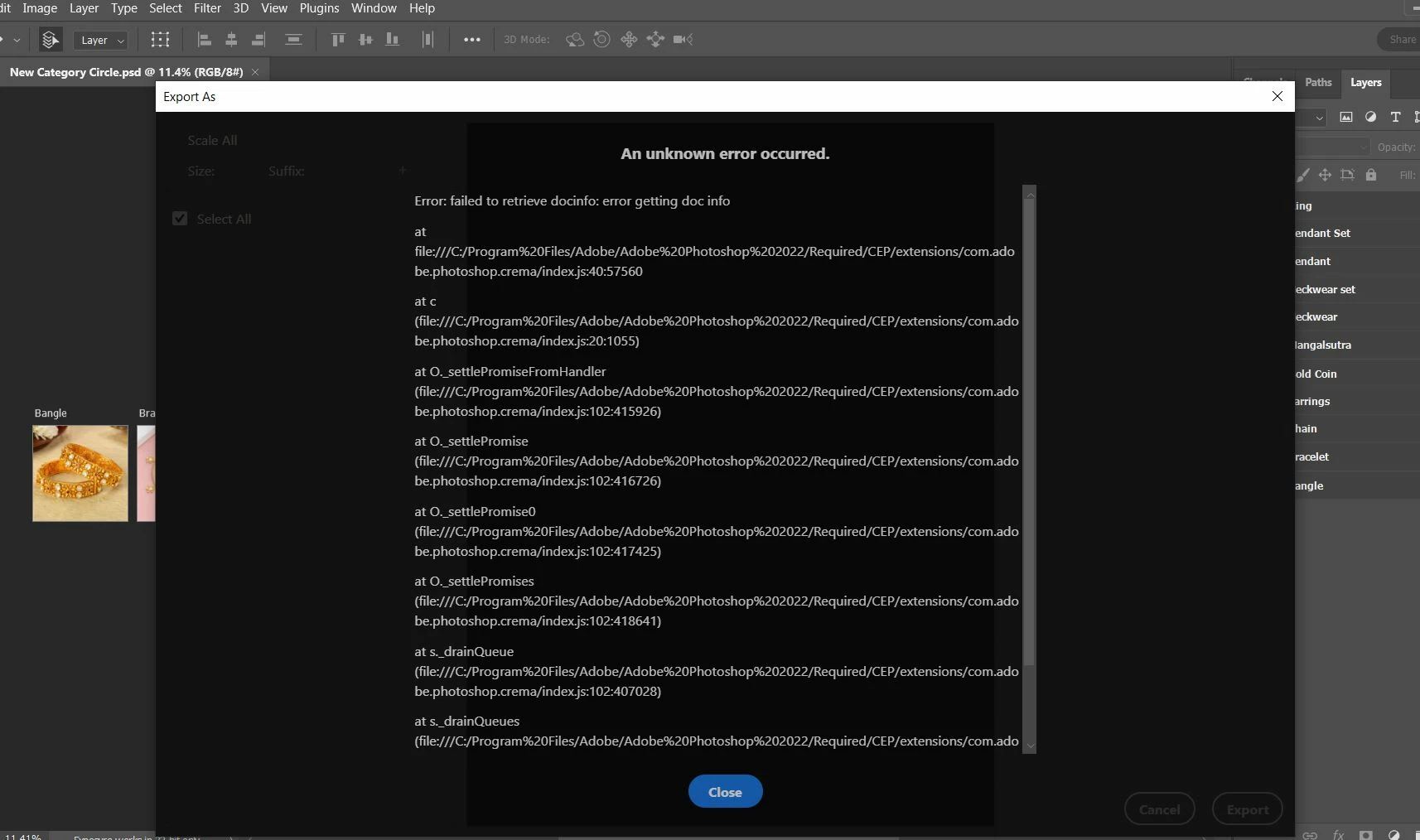
Getting error message (An unknown error occurred) while exporting for web in Photoshop 2022
New Here ,
Jul 05, 2022 Jul 05, 2022

Export Error.JPG


{Title edited and moved to correct board by Moderator}

 

118
Translate
Report
Community guidelines
Be kind and respectful, give credit to the original source of content, and search for duplicates before posting. Learn more
community guidelines
Adobe
Adobe Employee ,
Jul 06, 2022 Jul 06, 2022
LATEST

Hi there,


Sorry about the export issue in Photoshop. We're here to help. 

Could you please share the version of Photoshop (Help > About Photoshop) and the version of the operating system on your computer? Does this happen only when you try exporting for the web? Since when are you seeing this issue?

Does restarting the application help?


You can try to reset the preferences of Photoshop using the steps mentioned here: https://helpx.adobe.com/photoshop/using/preferences.html#reset_preferences.

Please backup your settings prior to resetting the preferences.

You can check https://helpx.adobe.com/photoshop/using/preferences.html#BackupPhotoshoppreferences.


Let us know how it goes.


Thanks,

Ranjisha

Translate
Report
Community guidelines
Be kind and respectful, give credit to the original source of content, and search for duplicates before posting. Learn more
community guidelines