
Ghosting effect when Masking in PS
Hi,
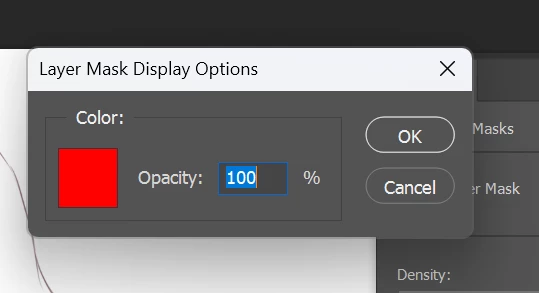
I have this really weird problem when masking in Photoshop. Yesterday I was working in PS and everything worked just fine, then today when I wanted to mask out several layers it all went crazy: when I mask layers out with pure back to hide parts of the layers it is not disappearing completely but leaves a ghost image behind and I cannot make it act normally. No opacity settings were touched, this is a simple mask and black colour. How this can be fixed? Super annoying and holds me back from doing my work.
I checked my video card driver, it is up to date, I checked for PS updates, PS is also up to date, I started the PC and PS several times, still not working. Using PS on Windows 11.
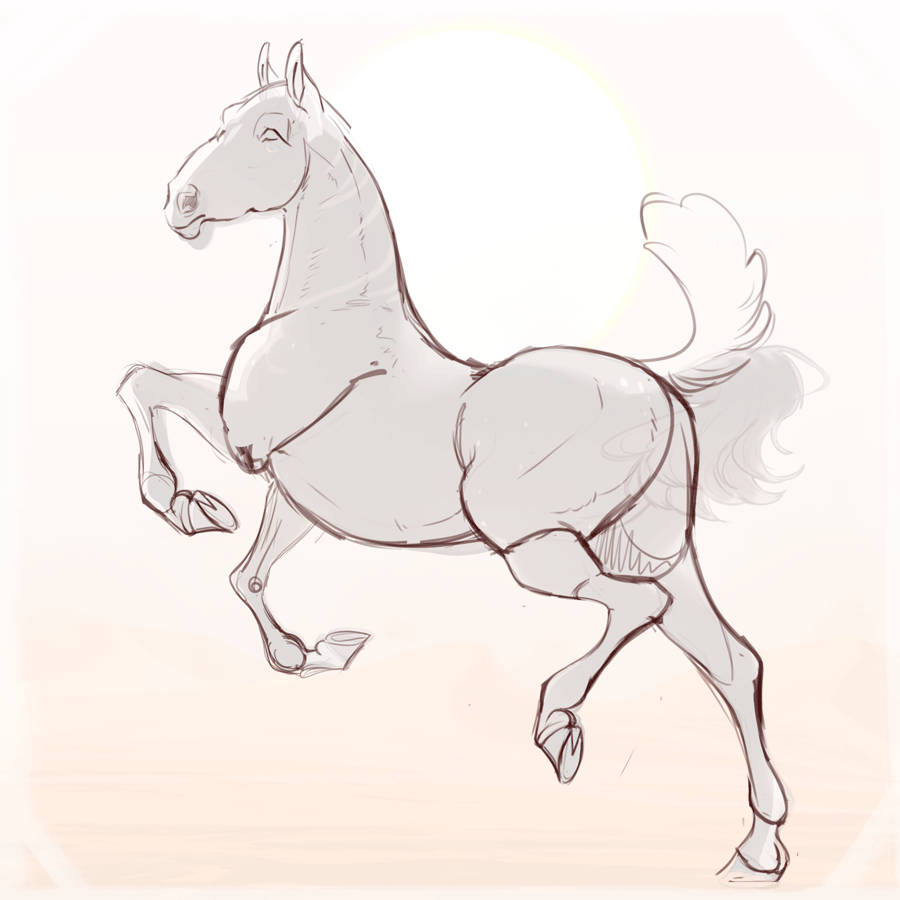
The bug looks like this: my fully masked finished drawing shows through the mask while I should be able to see only my sketch. Now I see both.
 AdChoices