First, JJMack is correct: lots of colours (around 32100) in this example do make it harder to convert without grain.
Second, the quality of the GIFs you produced in Save for Web (SfW) prior to the purchase of the new laptop were never any "better" - it merely means that the previous screen was unable to display the results at a decent enough quality to actually discern the differences between the original and the GIF version with reduced colours. Screen quality does matter.
Second, Photoshop's Save for Web colour reduction algorithms are quite old-fashioned, and (far) better methods are available. Not in Photoshop, however. For a good conversion you will have to look elsewhere.
Here is the original version @2x zoom (32101 colours):
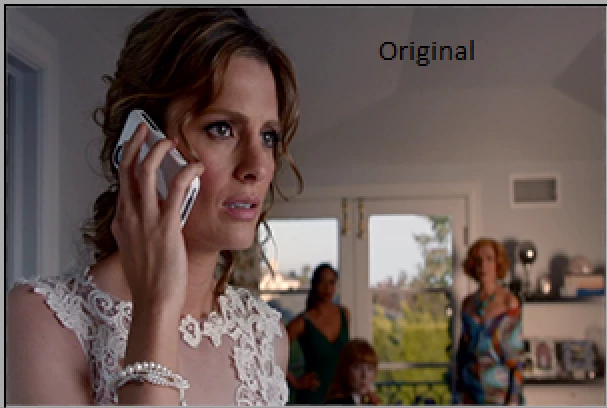
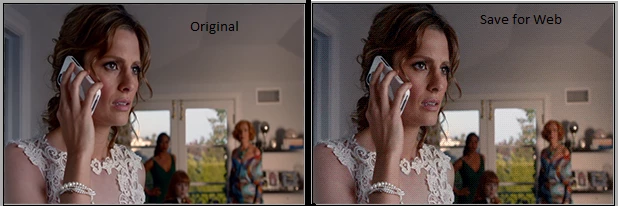
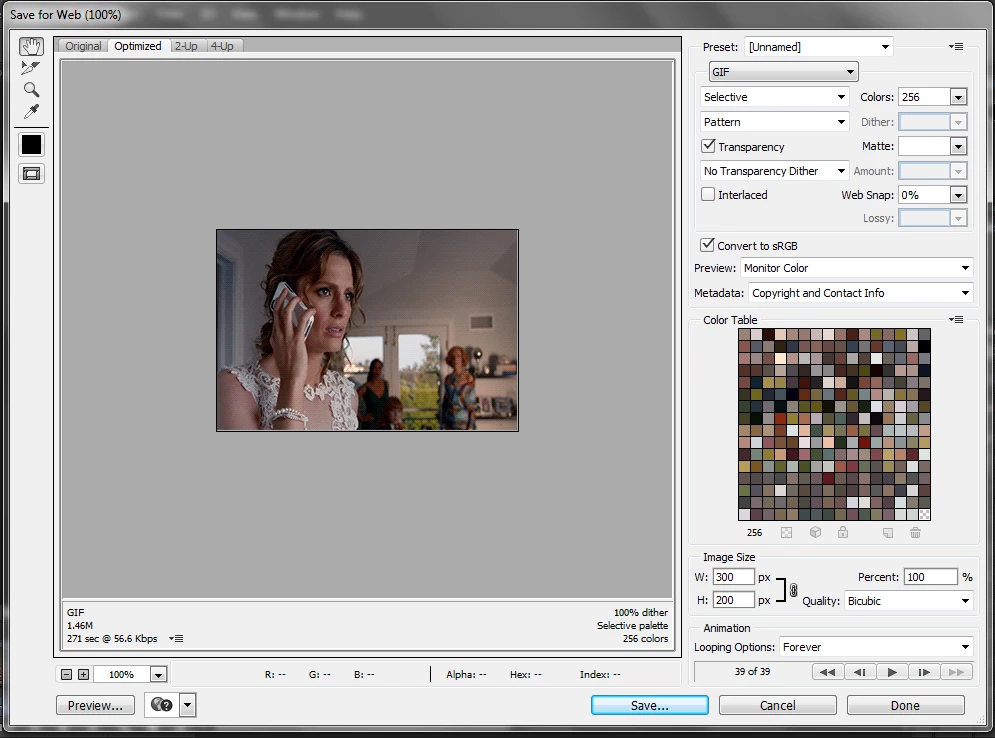
Photoshop's version. The best visual quality I could achieve in SfW (diffusion dither at 81%, perceptual). Obvious banding issues, and a very grainy result.
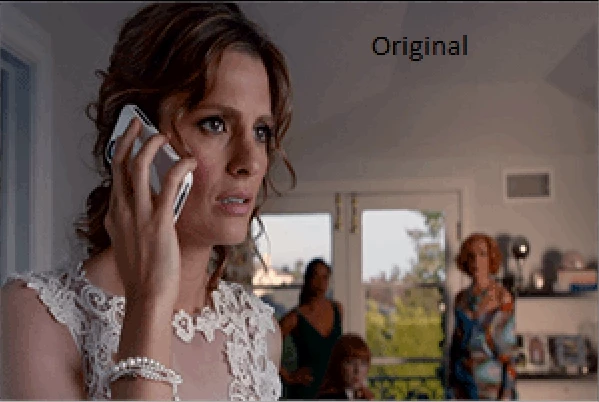
Next up: RIOT (Radical Image Optimization Tool). RIOT features a newer "NeuQuant neural-net" colour quantization algorithm. Notice how the gradients are quite nicely retained, although here and there some issues pop up (lips/makeup, building, arm highlight, and greenery are missing colour). Overall, though, the final result is much less grainy looking than Photoshop's effort. At the expense of smaller areas with unique colours.
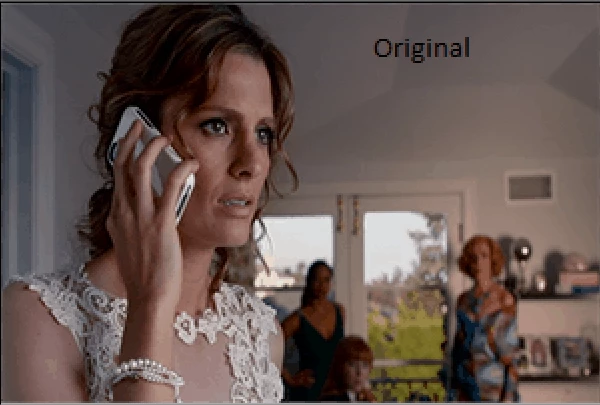
Next, let's try Color Quantizer with standard settings, a two factor gradient priority, and 256 colours. Dithering was set to Shiau-Fan @75%. Slight banding in the lighter areas of the background, and the building and lips are again missing colours from the original. Much less grainy than Photoshop's version.
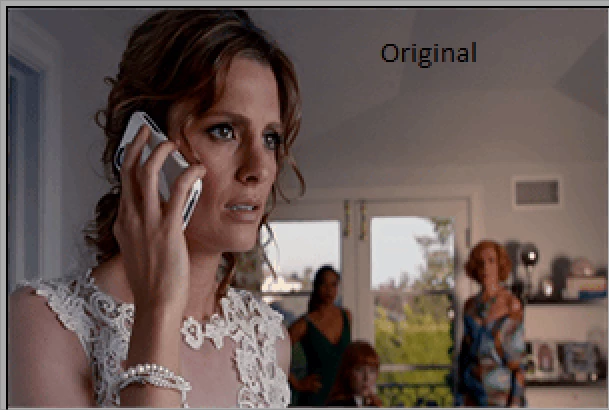
Colour Quantizer features a quality mask brush, which allows us to safeguard smaller areas with unique colours from colour degradation. I painted a mask for the lips, the building and greenery in the background, the skin of the woman on the right in the background, the lighter area around the vent, and the forehead to preserve those areas' quality as much as possible.
I feel this result speaks for itself. There is slight banding visible in the lighter area of the wall on the right, but still much less pronounced compared to SfW's version. The colours are all there, especially the important ones for the makeup and the smooth facial tones of Kate. The shoulder's highlight is also preserved nicely. Even the woman on the right in the background looks spot on (which was yet another sore point in SfW's version).
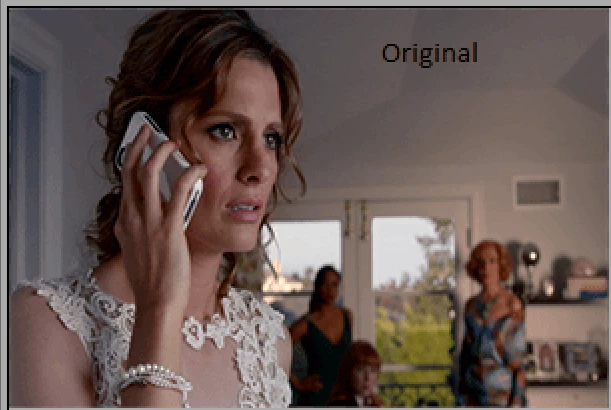
Arguably the best version. Far superior to Photoshop's failed effort.
Fourth, if you are still using GIF to optimize still images: STOP NOW. GIF is terrible in comparison to properly optimized and compressed PNG files. Only use GIF when small animated movies are your goal.
Here is a 512 colour version produced in Color Quantizer (Photoshop's SfW function lets us down once more, unfortunately: there is no option to reduce an image to 512 colours for PNG):
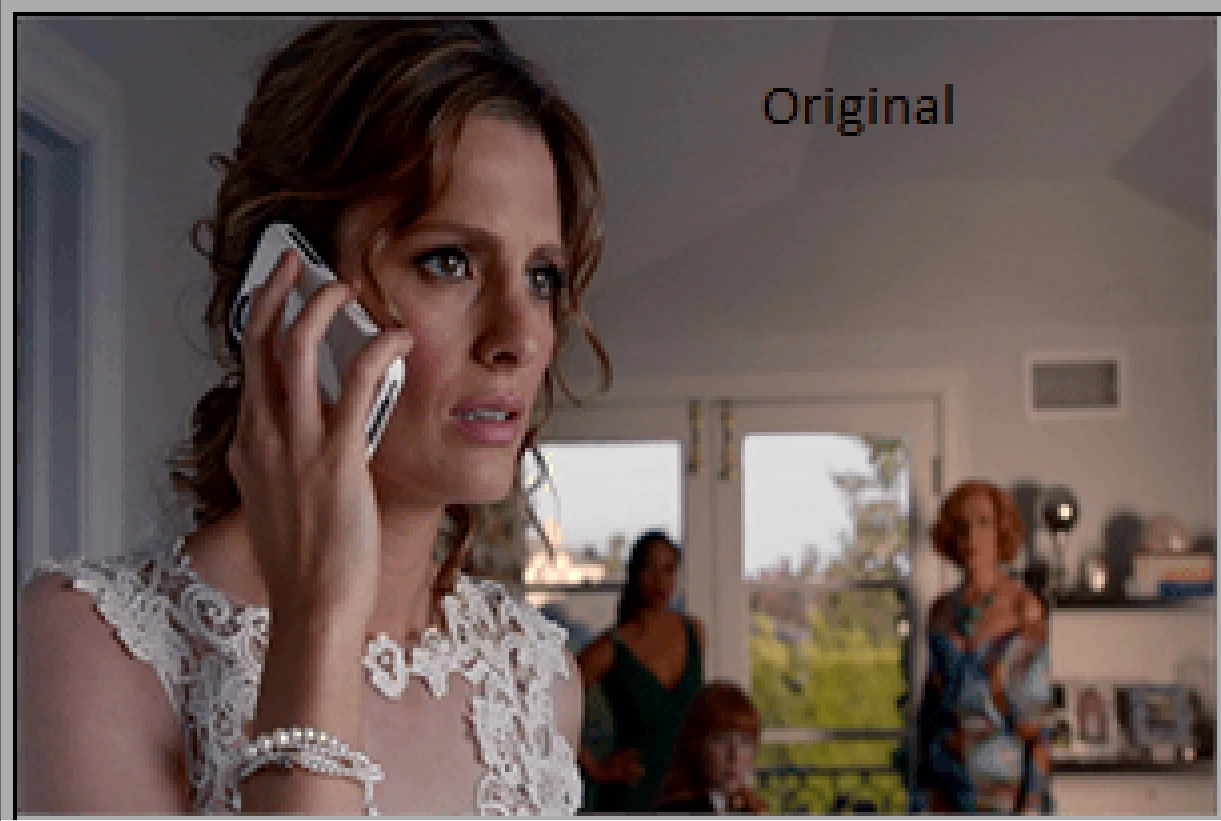
This last version is visually (mostly) indistinguishable from the original, and clocks in at only 52kb.
Of course, if you are saving this as a still image, jpg should have been your choice in the first place, since it is a photo.
Conclusions:
- avoid Photoshop's "Save for Web" function if your intention is a quality colour reduction;
- avoid GIF for still images. Either use PNG or JPG. JPG works best for photos;
- avoid Photoshop and SfW if your intention is to optimize PNGs well. Sfw cannot save PNG files with reduced colours beyond 256 colours;
- fall back to external and/or online utilities to optimize PNG and GIF files. Color Quantizer and RIOT deliver better results than SfW. Or use online optimization tools to optimize animated GIFs (Optimize animated GIF). You can also optimize each frame in a tool such as CQ, and then import the individual frames into a animated GIF utility. Remember, each frame can save its own custom 256 colour palette;
- for optimum quality a quality mask tool, such as the one in CQ, is a very effective and efficient method to guarantee the best possible conversion;
- file sizes of png files created in external utilities almost always beat the ones generated in Photoshop and SfW;
- a better choice to export PNG files is Photoshop CC Generator. At least that one allows for 8bit PNG files with full transparency (another missing essential feature that SfW fails to provide).
Other resources (these refer to png, but are also effective for GIF optimization in Photoshop):
http://www.smashingmagazine.com/2009/07/15/clever-png-optimization-techniques/
PNG Optimization Guide: More Clever Techniques - Smashing Magazine
Color Quantizer: Color quantizer
RIOT standalone version (no installation required): http://download.criosweb.ro/download.php?sid=R

 AdChoices