Participant
October 10, 2019
Question

Gif saving

  • October 10, 2019
  • 1 reply
  • 549 views

Hi, 


Many thnx for the great help! 


I am using PS CC2019 and have 2 problem when I want to save frames into a gif when using 'save for web':

1. It doesnt always show no dither 128. Unly no dither 34 or no dither 64

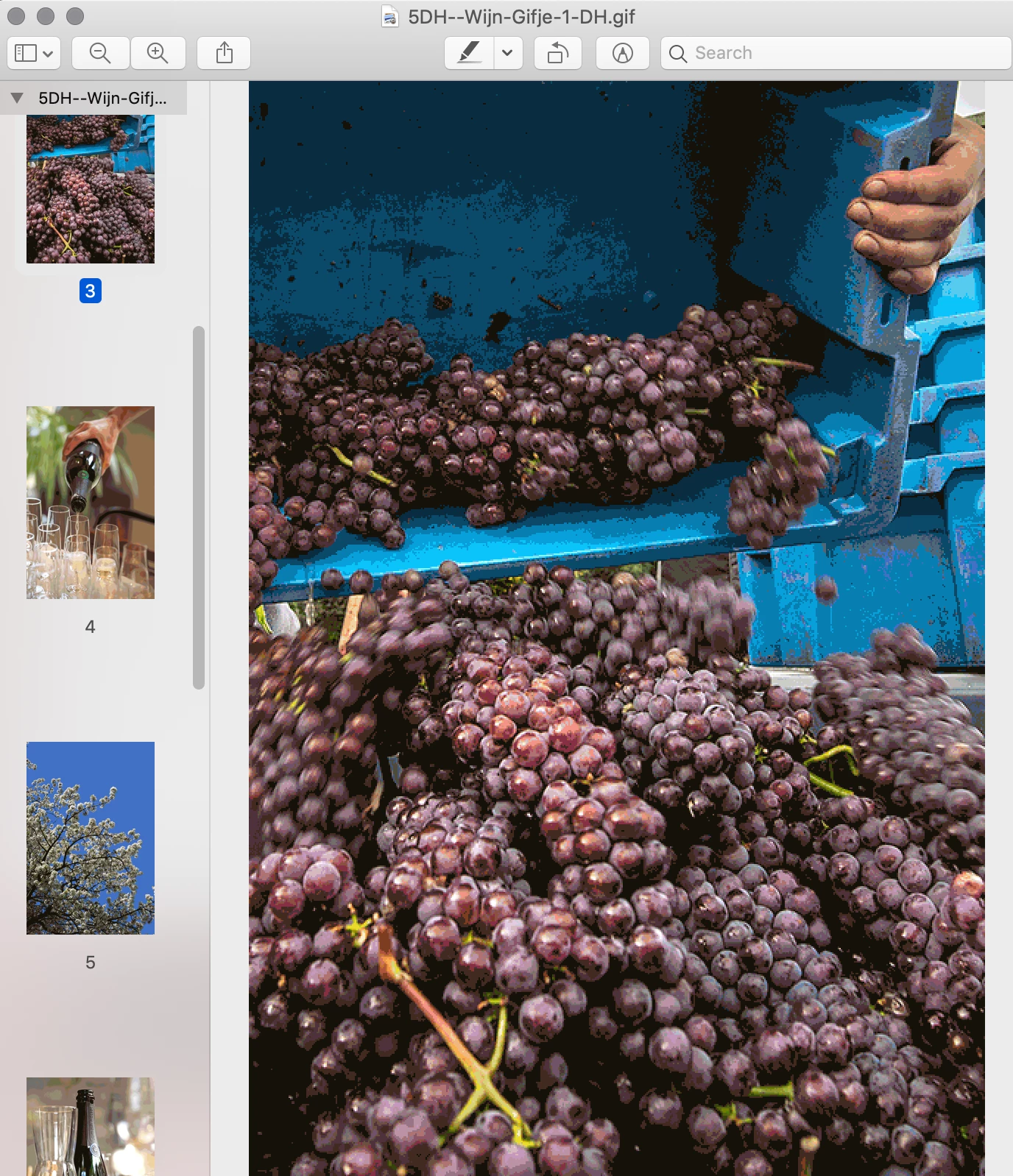
2. When I save it I only see images seperatly in low quality. It doesnt play like a gif.

I have tried several things (reset settings in 'save for web' window/ change output to 'only layers') and keep on getting a bad result.

See example:


This topic has been closed for replies.

1 reply

Kevin Stohlmeyer
Community Expert
Community Expert
October 10, 2019

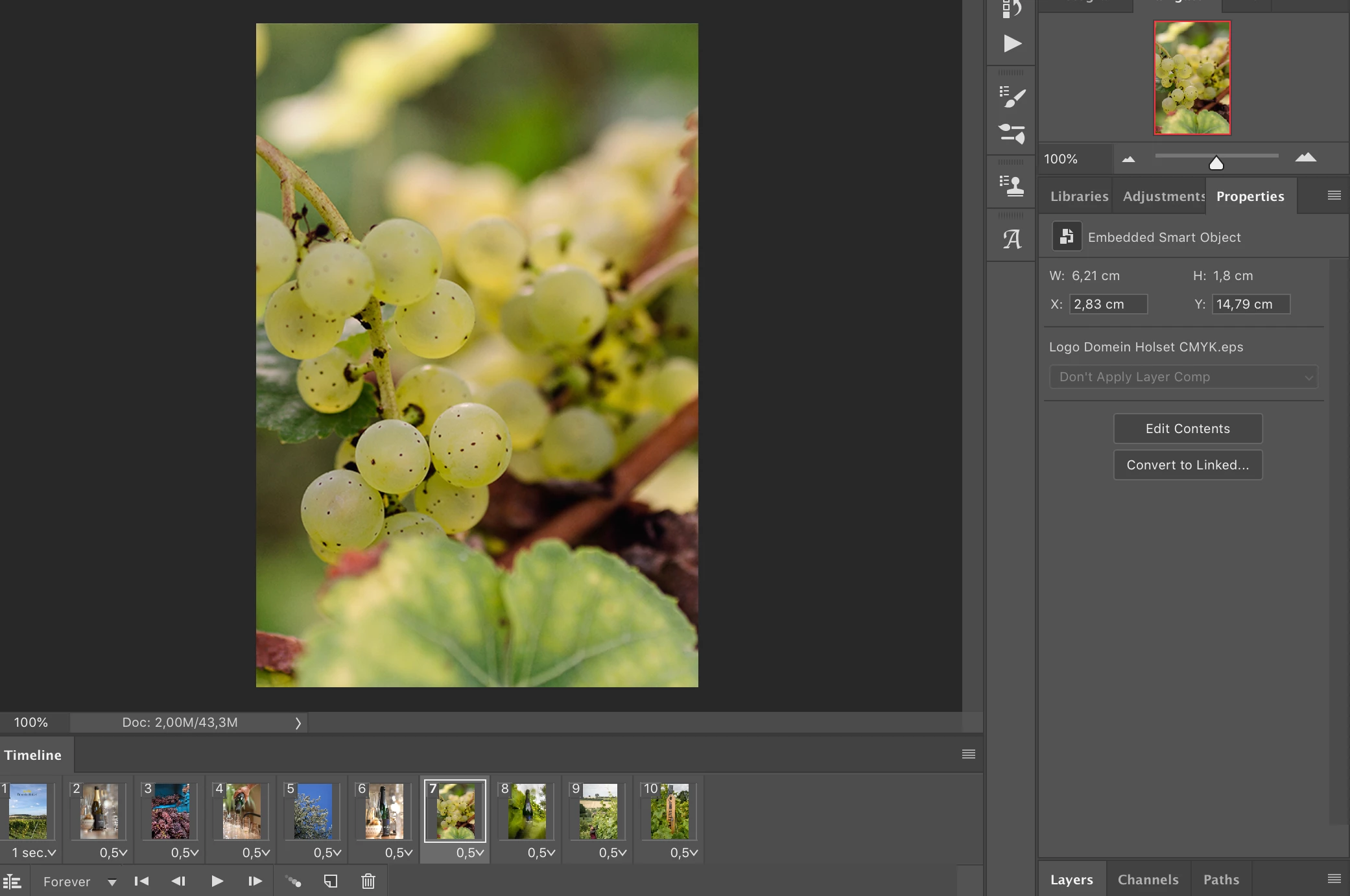
Im a little confused - the two screen shots you are showing have nothing to do with Save for Web. The first one is the Mac Preview app, and the second is just your document in Photoshop.


Have you tried opening this in a browser window? If its still not playing correctly, send a screenshot of the Save for Web (Legacy) window and your file specs - color space, bit depth, pixel dimensions.

Cath.Author
Participant
October 11, 2019

Here is a screenshot of the 'safe for web'.


The document doesnt play as a gif. Also I can't send this document through email to someone, it doesnt play as a gif. 


Kevin Stohlmeyer
Community Expert
Community Expert
October 11, 2019
Your timing is way out of whack - it says that this is 630 seconds total (+10 minutes).