
New Participant
May 25, 2023
Question

Glass reflection an framed picture

  • May 25, 2023
  • 2 replies
  • 4674 views

Hello everyone,

I found this frame mockup online and tried (for days) to create the same but without succes. I am not that good with photoshop but learning here and there.
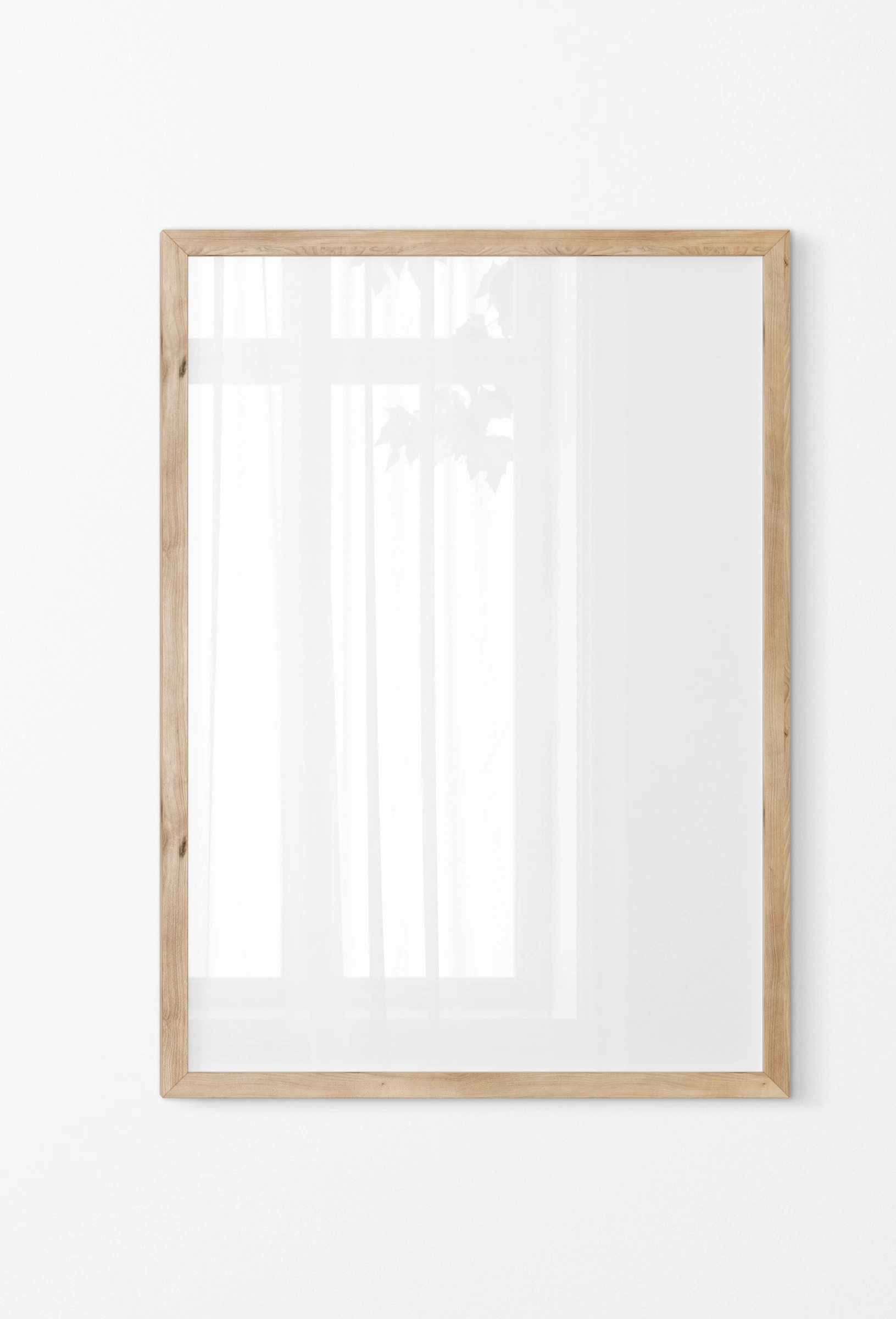
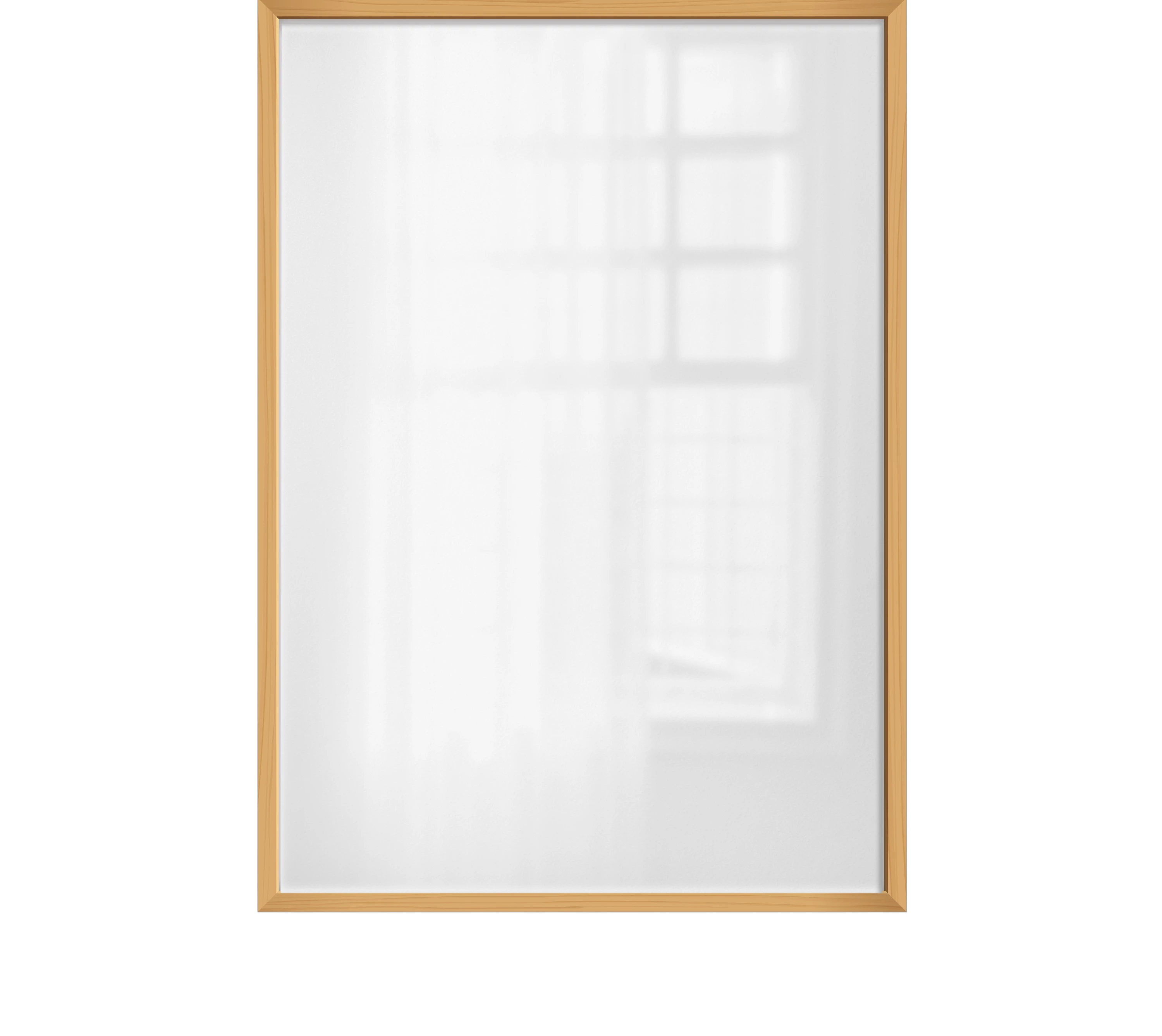
This is what I came up with so far. 

Not impresive:( I am missing that glossy overlay to look like glass. I tried few things but this is the best I came up with by following a YouTube tutorial on how to create a glass effect over an image of a person.

Thanks for your support.

Aurora 

2 replies

Zesty_wanderlust15A7
Known Participant
June 2, 2023

It's confusing if you want a person in there(?), but you're not showing that. Put in a person from a free stock photo or something 🙂

I thought I had a tip, but can't find it. Just another related tut:

PTC | Realistic Glass Window Reflection Effect (2019)

http://youtu.be/_DObhzrfxL4


BTW, often you also have to play with opacity and/or know that several blend modes have special behavior in the Fill opacity.

New Participant
June 2, 2023

Thanks to both,

I watched tutorials on glass effect when people are in photo and I tried applying it here.

I am new in photoshop and am new in frame mockups. Just started with this and found mockups with glass reflection which I would like to make myself but do not know how. I am attaching my file (with renamed layers:), reduced by 50% in size due to upload limit) and another example of what I am trying to make.

Thanks again. Best, Aurora

c.pfaffenbichler
Community Expert
Community Expert
June 2, 2023

I am araid there might be an apple/oranges-situation here. 


The reflection in »Example mockup.jpg« might be an actually photographed reflection or a photograph of the actual windows from another perpective. 

The one you created in »Frame50%.psd« looks more like the light that falls through a window onto a flat wall – and in my opinion it does not seem imlpausible considering the reflection on the left vase (which seems to indicate that there are windows on the right but not directly opposed to the frame) and it does not look bad. (Aside from some inexplicable »breaks«, see screenshot.)


• But 1) The direction of the lightfall seems to conflict with the lighting of the situation. 

• But 2) A Reflection is not so much something that darkens … so you may need to employ a more complex set-up or different Blend Mode/s. 

c.pfaffenbichler
Community Expert
Community Expert
May 30, 2023

Could you please post screenshots with the pertinent Panels (Toolbar, Layers, Options Bar, …) visible? 


I guess your reflection might be blurred a bit more than necessary. 

New Participant
June 2, 2023

Hi, thanks for replying.

I tryed again and this is what I came up with.

I copyed the image with the frame, added shadow layer, used 10% Gussian Blur on it, reduced its opacity and changed levels a bit but it all looks the same:(

I tried using Screen but the shadow becoms invisible then so I left it on Multiply.

Thanks for your help.

Best, Aurora

c.pfaffenbichler
Community Expert
Community Expert
June 2, 2023

Why add a Blur if you don’t like it?